
How to define commands in CUI?
Enter CUI, press Enter key to open the Customize User Interface dialog box, right-click on a random command from Command List, and select New command
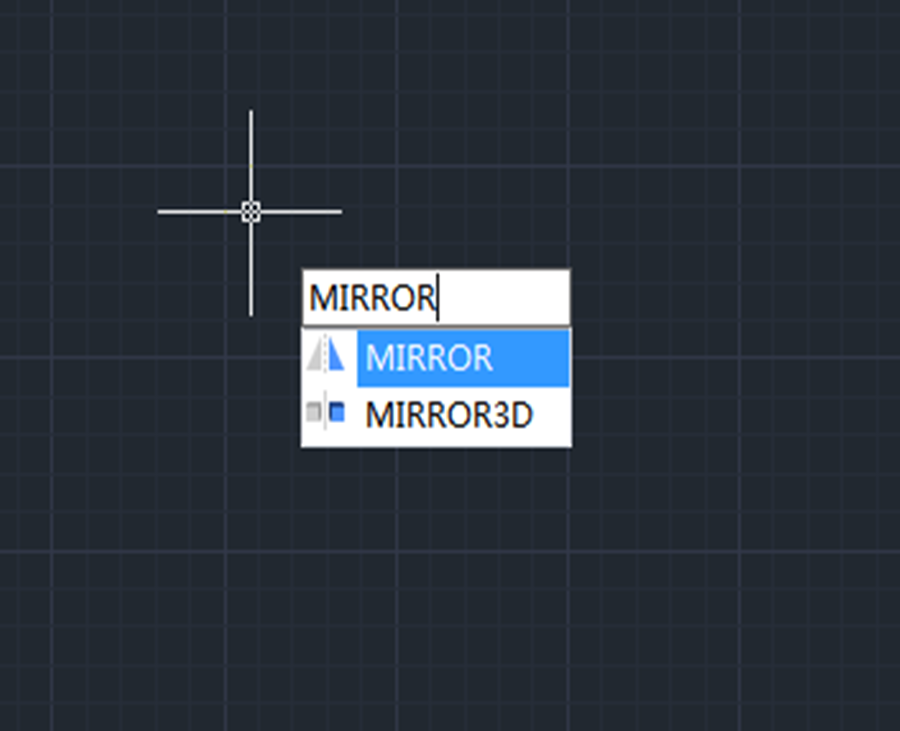
Beginner tutorial: How to create symmetric graphics using Mirror command
Want to create symmetric graphics? Try Mirror command. A good command of Mirror command will help speed up the process of drawing.

Will same-name blocks in other drawings update once the block is modified
Will same-name blocks in other drawings update once the block is modified

How to use the Scale command in CAD?
Scale command is used to zoom in or out the selected objects, keeping the proportions the same after scaling.

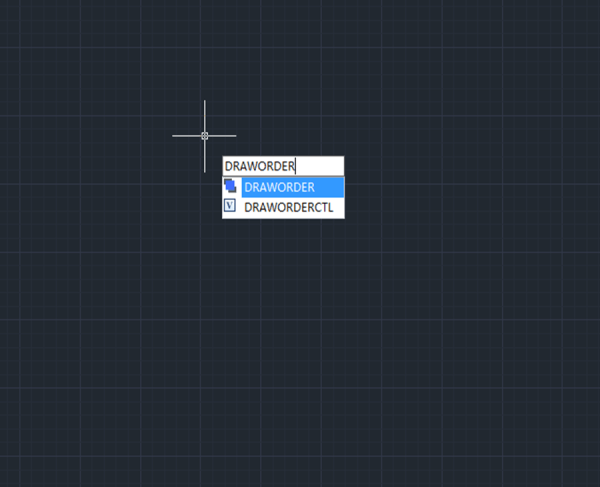
Commonly used command: DRAWORDER
The DRAWORDER command is used to change the drawing order of images or other objects.

Commonly used CAD command: COPYBASE
The COPYBASE command is used to copy object together with specified base point to clipboard.

New 3D command in GstarCAD 2021: Polysolid
GstarCAD 2021 has added Polysolid command, which is used to create 3D solid in a shape of a wall directly or by selecting existing polylines.


Trim Command for beginner
The Trim Command is one of the frequently used operations to modify the drawings and can be used to trim objects in order to make it join with other objects.







