
How to run your CAD in full screen?
The Clean Screen feature in CAD software is designed to enhance the user experience by providing a clutter-free workspace.
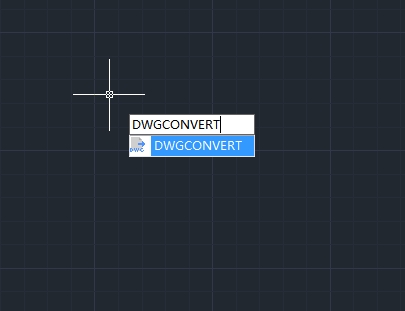
How to convert drawing files to another DWG version?
In the world of CAD (Computer-Aided Design), compatibility between different software versions is crucial for seamless collaboration and workflow efficiency.

Top 10 Best Pool Design Software of 2025
Pool design software is specialized digital tools used to create, visualize, and plan swimming pool projects.
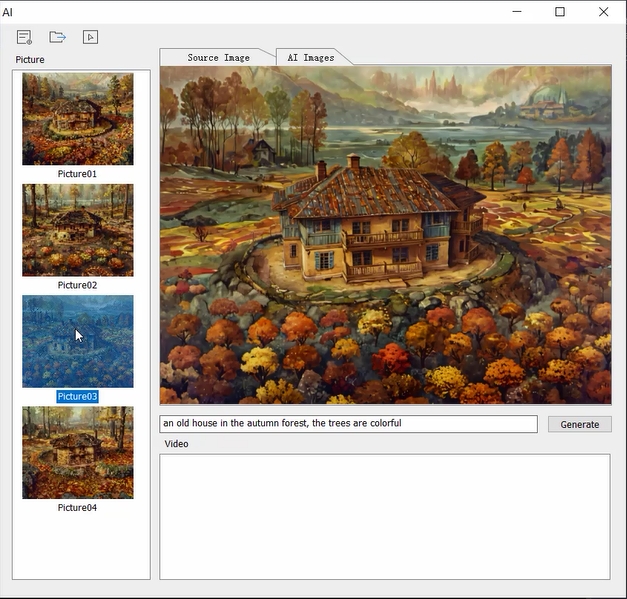
What’s new in Houseplan2.0: AI Effect
In recent years, artificial intelligence (AI) has profoundly influenced various sectors, including architecture, city planning and interior design. Houseplan 2.0 is a prime example of how AI can enhance the design process, streamline workflows, and improve client satisfaction.

How to optimize CAD file performance: Reducing lag and improving speed
CAD software has revolutionized the way engineers, architects, and designers create and modify designs. However, as projects grow in complexity, users often experience lag and slow performance.

How to efficiently manage layers in CAD: Practical tips to boost design productivity
In CAD design, layer management is crucial for ensuring clarity and organization in projects. However, many users often face issues such as layer clutter, inconsistent naming, and improper attribute settings, which can significantly reduce design efficiency.
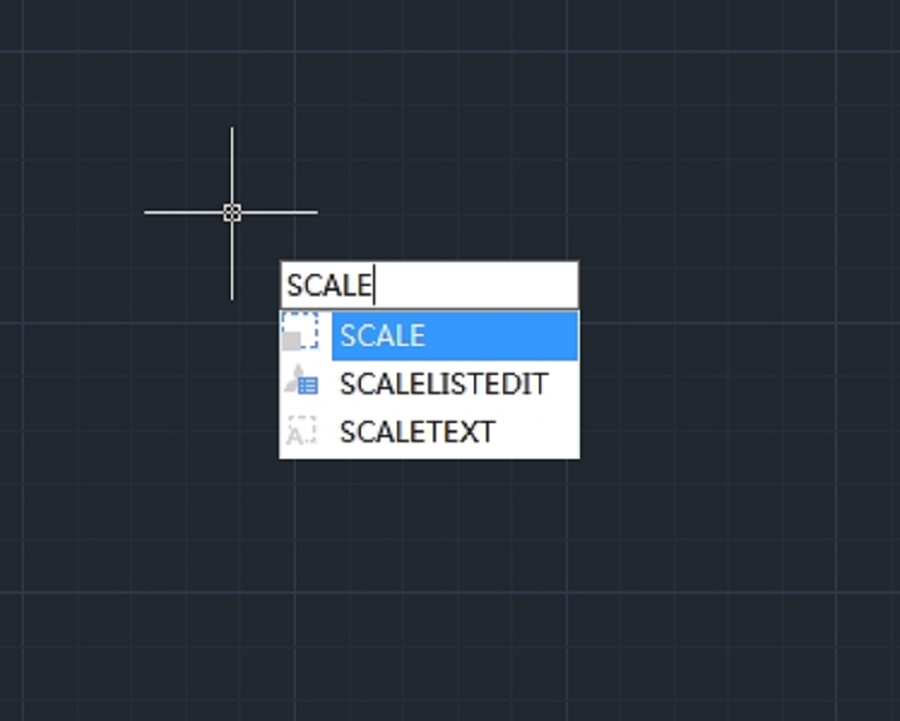
How to resize or rescale a CAD drawing?
Resizing or rescaling a drawing is a fundamental yet essential feature in CAD design.
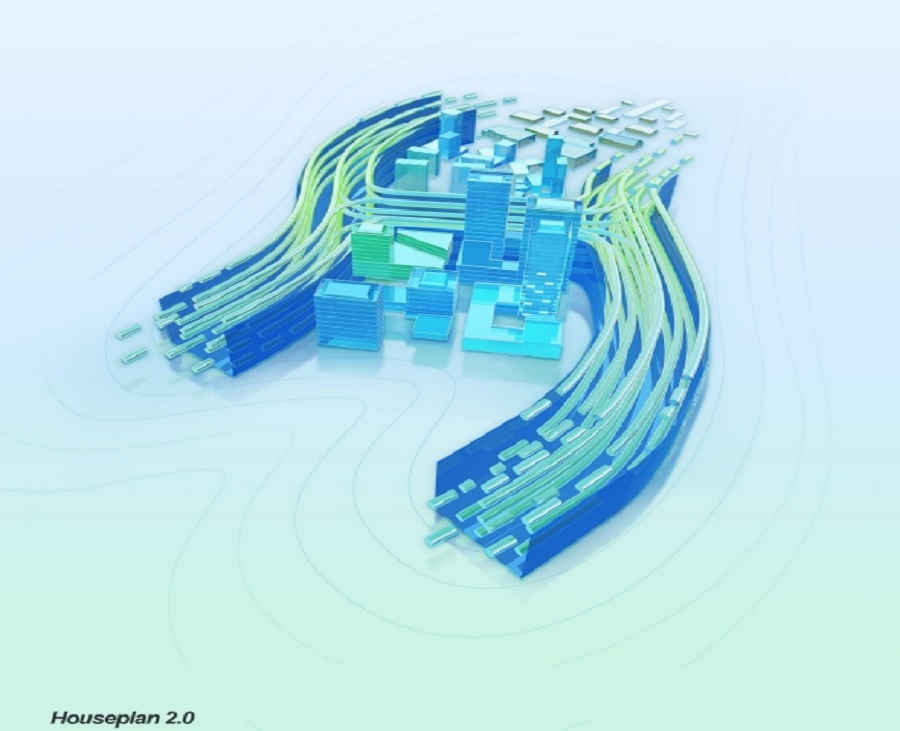
Houseplan 2.0: The Ultimate 3D Design and Visualization Tool
Gstarsoft is excited to announce the launch of Houseplan 2.0, an innovative software designed to revolutionize the world of 3D design and real-time rendering.
Houseplan 2.0 has been released
We are thrilled to announce that Houseplan 2.0 has been released with new features and enhancements.
Top Questions about GstarCAD Point Cloud
GstarCAD combines the powerful Undet Point Cloud plug-in tools with the simplicity of GstarCAD to offer an intuitive workflow to quickly and easily create 2D drawings based on precise as-built point clouds.







