GstarCAD Point Cloud 2025 is available now
We’re thrilled to announce that GstarCAD Point Cloud 2025 is available!
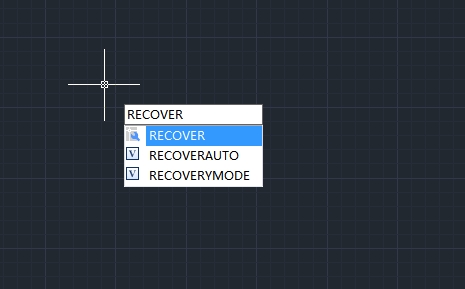
How to recover a damaged file
User can recover some or all of data by reverting to backup file or using commands to find and correct errors if a drawing file is damaged.
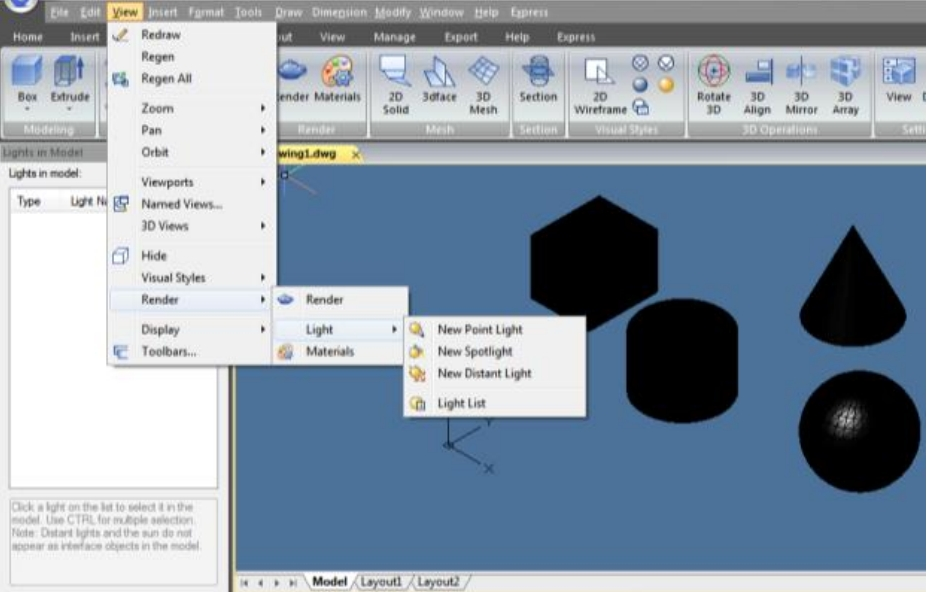
How to do simple rendering in CAD
This article covers simple rendering techniques in GstarCAD. You’ll learn how to enhance your designs visually, whether you’re a beginner or an experienced user.
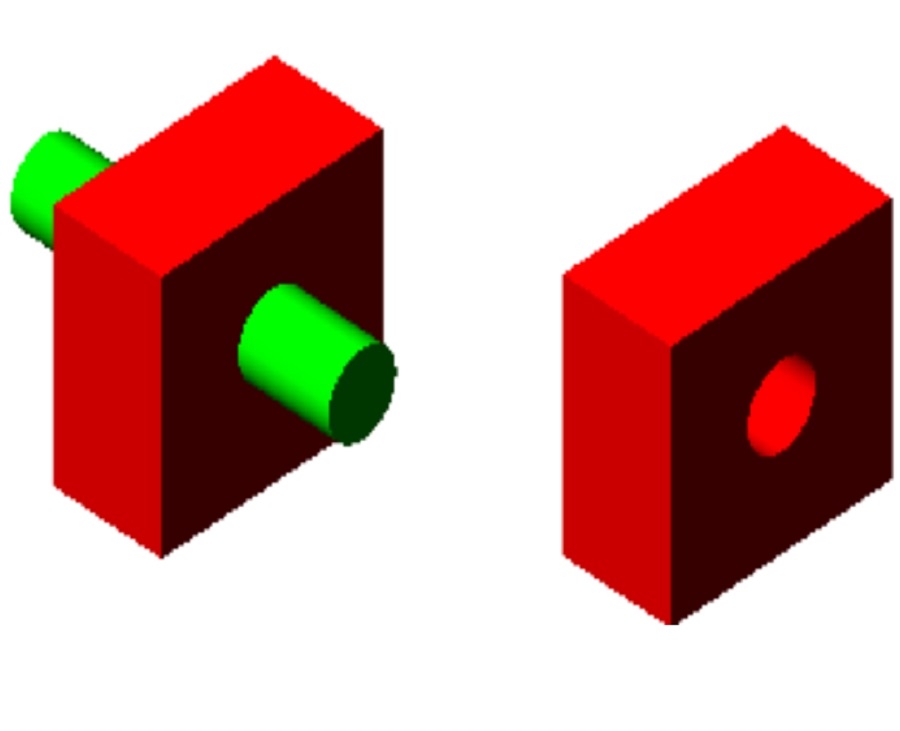
How to create composite solids in CAD
Creating composite solids in CAD is essential for building complex models. By merging simple shapes, designers can craft more functional 3D objects in GstarCAD.

CADtoWIN now supports GstarCAD: GSTARtoWIN is here
Exciting news for GstarCAD users! CADtoWIN has officially released GSTARtoWIN, which connects GstarCAD with Microsoft SharePoint and streamlines CAD workflows.
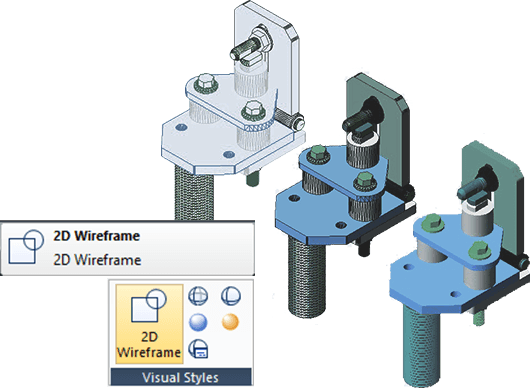
How to deal with 3D objects in GstarCAD
Handling 3D objects is essential in modern design. GstarCAD provides various tools to manage 3D models. This article will outline key methods for working with 3D objects in GstarCAD, helping users leverage its capabilities for more complex designs.

How to set up your CAD drawing environments
Learn how to customize your CAD drawing environments to fit your needs or project requirements for maximum working efficiency.

How to convert a mesh to a solid or surface in GstarCAD
How to convert a mesh to a solid or surface in GstarCAD

How to enable or disable hardware acceleration in CAD
GstarCAD 2025 now includes Hardware Acceleration, which uses the powerful graphics processing capabilities of the GPU to help the CPU handle tasks more efficiently. This update greatly improves the quality of graphic display and speeds up your work, enhancing the overall performance of the software.
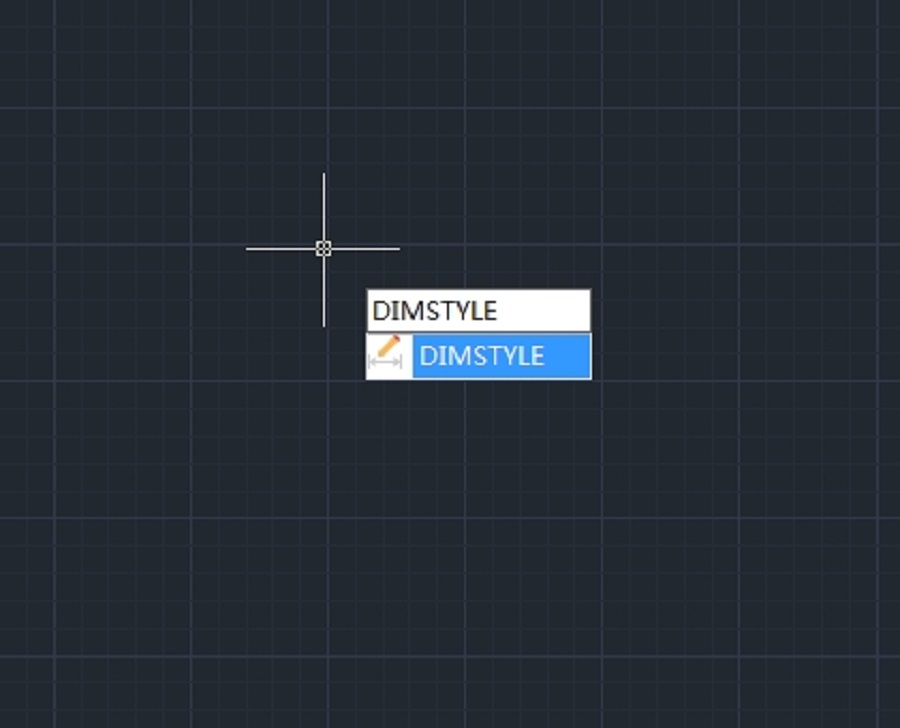
How to change the text height of a dimension in CAD
How to change the text height of a dimension in CAD







