
System requirements for GstarCAD for Linux
The Linux version of GstarCAD is built on the same core as the Windows version, ensuring a seamless experience with comprehensive features and user interface.

How to create a dynamic block definition in a few simple steps
In order to get a Dynamic Block Definition, improve block editing efficiency and avoid repeating modifications, we can create Dynamic Block by the following steps.

How to Optimize Your Design Process Using Distance Multipliers
Take the step shaft as an example, if we stretch the left part of the step shaft and the keyway still is at the center point of the smaller diameter shaft after stretching. Then, we use the “Distance Multiplier” property of action to achieve the aim.
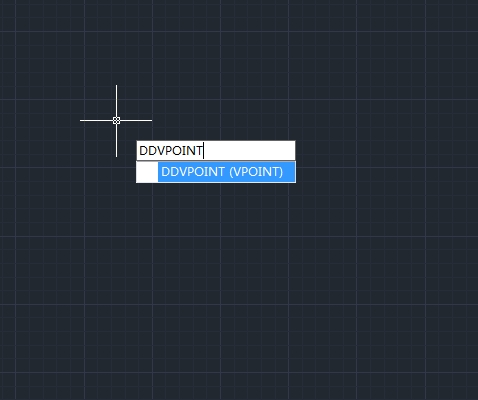
How to set the viewing direction
You view three dimensional drawings by setting the viewing direction. The viewing direction establishes the viewing position, when you view a drawing from the default viewpoint (0,0,1), you see a plan view of the drawing.

How to migrate from a previous release
GstarCAD 2025 adds a “Migrate from a previous release” feature in the WINDOWS Start menu program items, which allows users to migrate selected settings of old versions directly to the new version after installation without copying and setup manually under same language.

How to work with linetypes
A linetype is a repeating pattern of dashes, dots, and blank spaces displayed in a line or a curve.
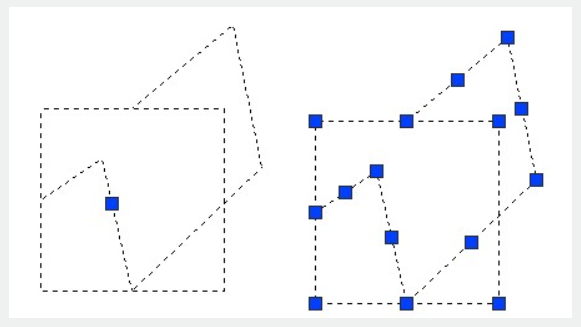
How to disassociate compound objects
You can convert a complex entity, such as a block or polyline, from a single entity into its component parts.

Best 12 Cheapest CAD Software in 2025 (Most people choose)
CAD (Computer-Aided Design) software is a digital tool that enables users to create, modify, analyze, and optimize designs in various fields, including engineering, architecture, and manufacturing.
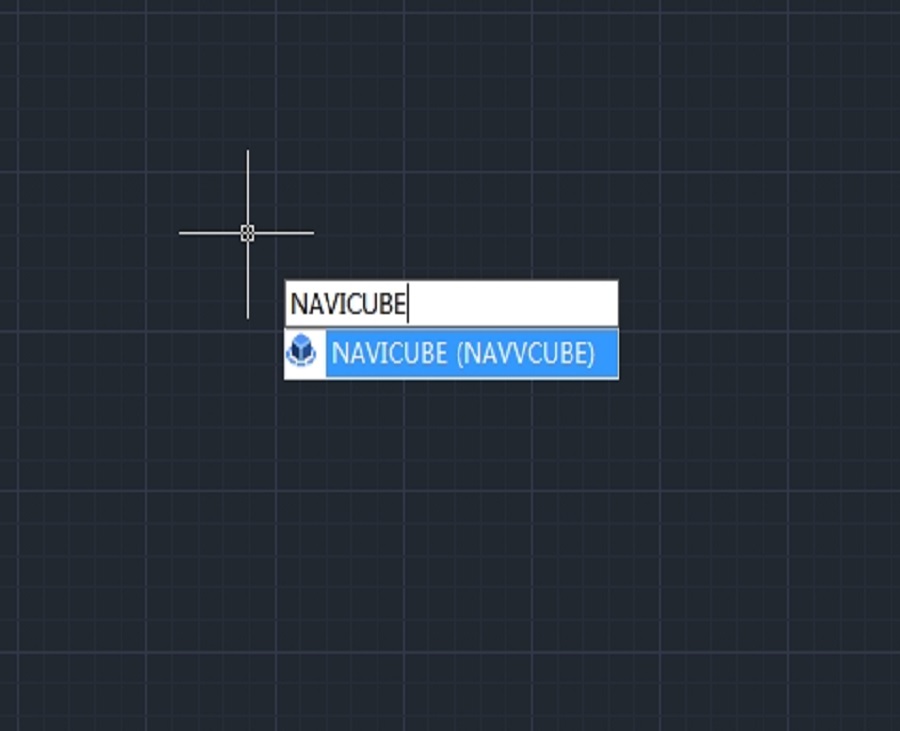
How to use NAVICUBE in GstarCAD
The Navicube in GstarCAD is a navigation tool that enhances the user experience by providing an intuitive way to navigate through 3D models and drawings.

How to redefine blocks in CAD
In CAD (Computer-Aided Design) software, a block is a collection of objects that are combined into a single object. Blocks are used to represent repetitive elements in a drawing.







)

