You view three dimensional drawings by setting the viewing direction. The viewing direction establishes the viewing position, when you view a drawing from the default viewpoint (0,0,1), you see a plan view of the drawing.
You can change the viewing direction to look at the drawing from a different vantage point or to work on a three dimensional model from a different orientation.
To set a new viewing direction: View >3D Views> Viewpoint Presets Command
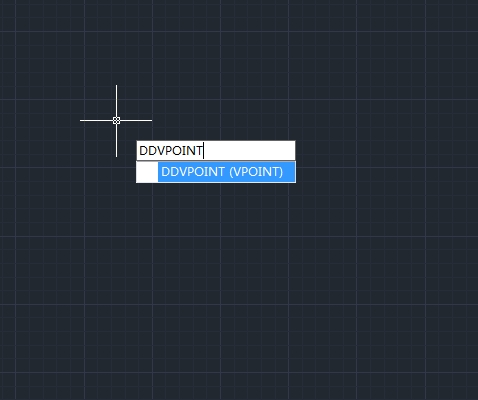
line> DDVPOINT
-Choose View > 3D Views > Viewpoint Presets
-Set viewing angles at absolute to WCS and relative to UCS by moving the position of the needle according to your preference. Then click OK button.
To display a plan view of the current drawing: View > 3D Views> Plan View
Command line> PLAN
-Choose View > 3D Views > Plan View from the main menu.
-It concludes three plan views: Current UCS, World UCS and Named UCS. Choose one what you want.


Discover more from Gstarsoft's Blog
Subscribe to get the latest posts sent to your email.