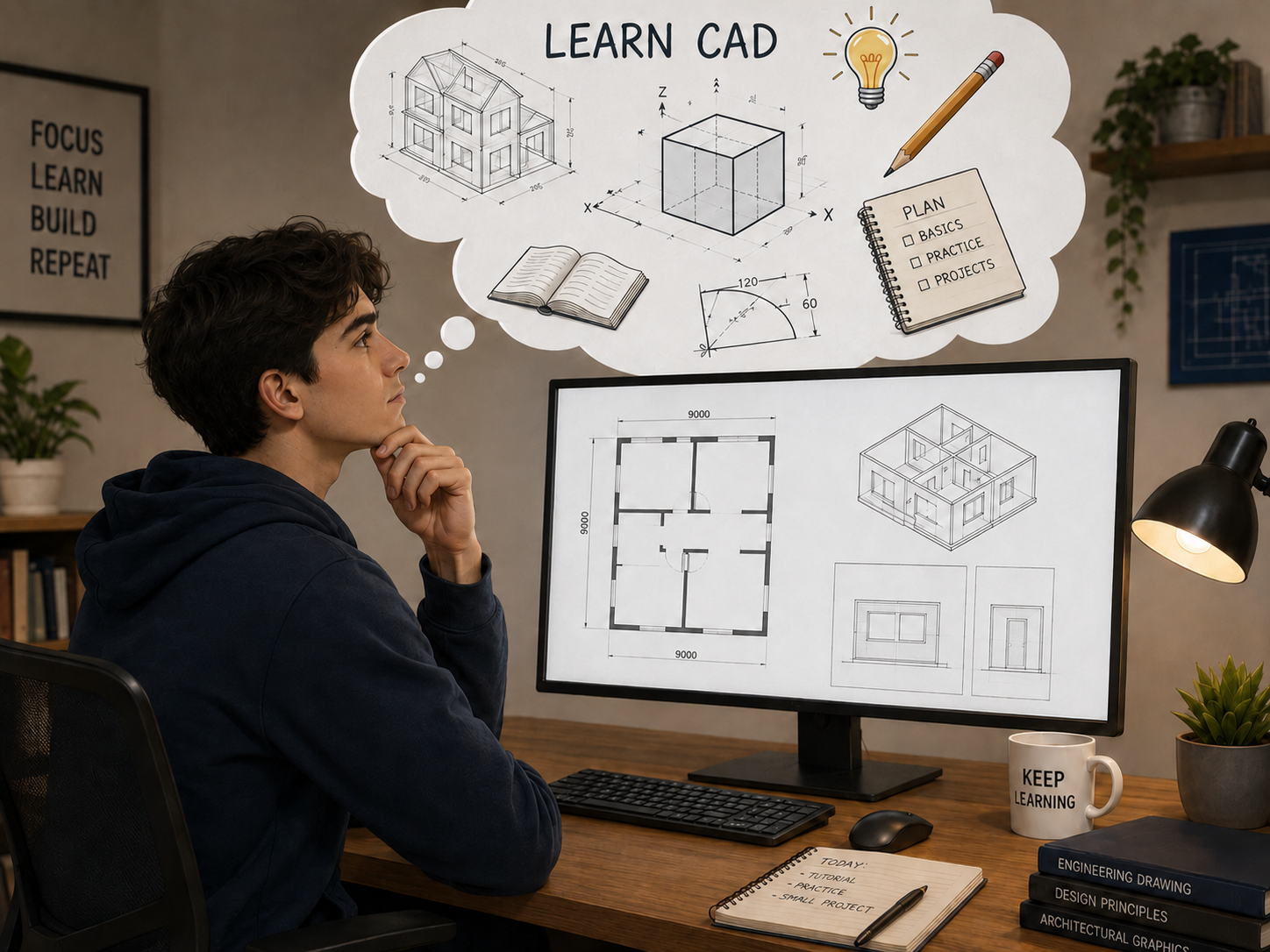
If you are new to engineering, architecture, manufacturing, or design, one of the first questions you may ask is: What is CAD?
CAD stands for Computer-Aided Design. It refers to the use of computer software to create, edit, and document technical drawings and designs.
Today, CAD is widely used across architecture, mechanical engineering, civil engineering, manufacturing, construction, and many other industries.
What Is CAD Used For?
CAD helps engineers and designers create accurate drawings and modify designs efficiently.
- Creating lines, circles, arcs, and other geometry
- Moving, copying, trimming, and modifying objects
- Organizing drawings with layers
- Adding dimensions and annotations
- Creating and reusing blocks
- Preparing layouts and plotting drawings
- Working with common formats such as DWG and DXF
For beginners, mastering these fundamental tools is much more important than trying to learn every CAD feature at once.
How Should Beginners Learn CAD?
The best way to learn CAD is to build your skills step by step.
Start with basic drawing commands such as LINE, CIRCLE, RECTANGLE, and POLYLINE. Then move on to commonly used editing tools such as MOVE, COPY, TRIM, OFFSET, ROTATE, and MIRROR.
After that, learn how to work with layers, dimensions, blocks, layouts, and plotting.
Most importantly, practice with actual drawings. You could start with a simple floor plan, a mechanical component, or another basic technical drawing.
CAD becomes much easier to understand when you use different commands together to complete a real task instead of simply memorizing them.
What CAD Software Should Beginners Choose?
For beginners, the best CAD software is not necessarily the one with the longest feature list.
A good platform should offer:
- Reliable drawing and editing tools
- Familiar CAD commands and workflows
- Layers, blocks, and dimensions
- Layout and plotting capabilities
- Good DWG and DXF compatibility
- Accessible learning resources
If you plan to use CAD professionally, learning in an environment that reflects real engineering and design workflows can also help you build more practical skills.
Learn CAD with GstarCAD
GstarCAD is a professional CAD solution designed to help users build practical drafting skills in a professional working environment.
GstarCAD offers an interface and command structure similar to the widely used AutoCAD®, making it easier for beginners to become familiar with common CAD workflows while practicing drawing, editing, layers, blocks, dimensions, annotations, layouts, plotting, and DWG/DXF operations.
And you do not need to purchase the software before you start learning.
GstarCAD provides a 30-day free trial, giving beginners enough time to explore the interface, follow tutorials, practice common commands, and complete their first CAD drawings.
This makes it easier to learn CAD through hands-on practice rather than simply reading about how the software works.
Learn Step by Step with GstarCAD Tutorials
Not sure where to begin after installing CAD software?
GstarCAD also provides beginner tutorials and step-by-step video resources on its official YouTube channel.
You can follow the tutorials while using the 30-day free trial to practice commands directly in GstarCAD. From basic operations to more advanced features, these resources can help you gradually become familiar with professional CAD workflows.
A simple learning path could be:
Learn a command → Watch how it is used → Practice it in GstarCAD → Apply it to a real drawing.
For beginners, combining tutorials with hands-on practice is one of the most effective ways to build CAD skills.
Start Learning CAD Today
So, what is CAD?
CAD is a digital design and drafting environment that helps engineers and designers create accurate drawings, modify designs, and communicate technical information.
If you are just getting started, keep it simple:
Learn the basic commands, practice real drawings, and gradually build your skills.
With a 30-day free trial of GstarCAD and beginner-friendly tutorials available through the GstarCAD YouTube channel, you can start practicing CAD without needing to master everything on day one.
Ready to get started? Try GstarCAD for free and begin building your CAD skills today.
*AutoCAD is a registered trademark of Autodesk, Inc. GstarCAD is not affiliated with Autodesk.
Discover more from Gstarsoft's Blog
Subscribe to get the latest posts sent to your email.








