
What Is CAD? A Beginner’s Guide to Learning CAD
If you are new to engineering, architecture, manufacturing, or design, one of the first questions you may ask is: What is CAD? CAD stands for Computer-Aided Design. It refers to…

For beginners: Offset command
The Offset command is used to create concentric circles, parallel lines and parallel curves.

Extend Command for beginner
The Extend Command is one of the frequently used options to modify the drawing and can be used to extend object and make it connect with other objects in order to join with them.
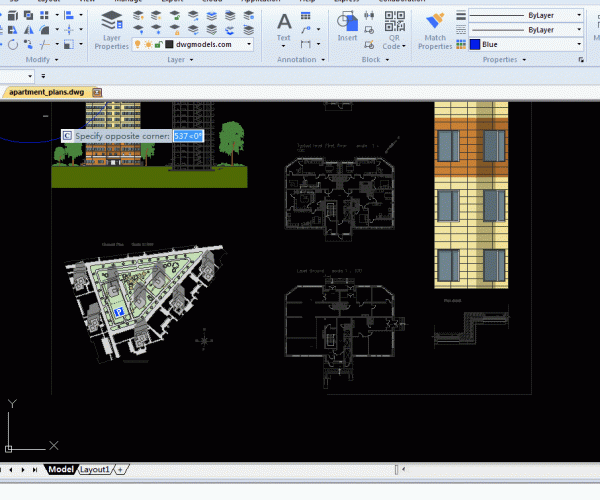
GstarCAD tutorial for beginners: ways to select objects
Imagine that we have selected some objects and are ready to edit them but cancel the selection by mistake. Can we get the selection back? Just execute the CHANGE command, and when we are prompted to select object, type P and then press Enter, we will get the canceled selection back.
What is system variables in CAD?
What does system variable mean in CAD system? CAD uses a system variable to display the current status and controls certain functions and how commands work.

How to select objects?
Selecting objects is one of the most basic operations in CAD. Being able to quickly select objects help improve efficiency.
Exploring the CAD Interface
For CAD beginners, the first step towards an advanced level is to learn the CAD software interface. Only when we get familiar with the interface, can we use the software…

How to draw Polyline in CAD
We are quite familiar with line and circle, which are common concepts in our daily life, CAD has introduced polyline, which means a line consisting of multiple lines and (or)…






