
How to enable or disable hardware acceleration in CAD
GstarCAD 2025 now includes Hardware Acceleration, which uses the powerful graphics processing capabilities of the GPU to help the CPU handle tasks more efficiently. This update greatly improves the quality of graphic display and speeds up your work, enhancing the overall performance of the software.

What’s new in GstarCAD 2023?
GstarCAD 2023 is greatly optimized in performance with multi-core and parallel processing, which improves the user experience and compatibility.

How to clip Xrefs and images in GstarCAD 2023
Clipit command in GstarCAD 2023 is used to clip xrefs and images with lines and curves.

Enhanced ObjectARX API in GstarCAD 2023
GstarCAD 2023 GRX is perfectly compatible with AutoCAD ObjectARX 2020 APIs, programs can be successfully compiled, loaded and used without editing the code.
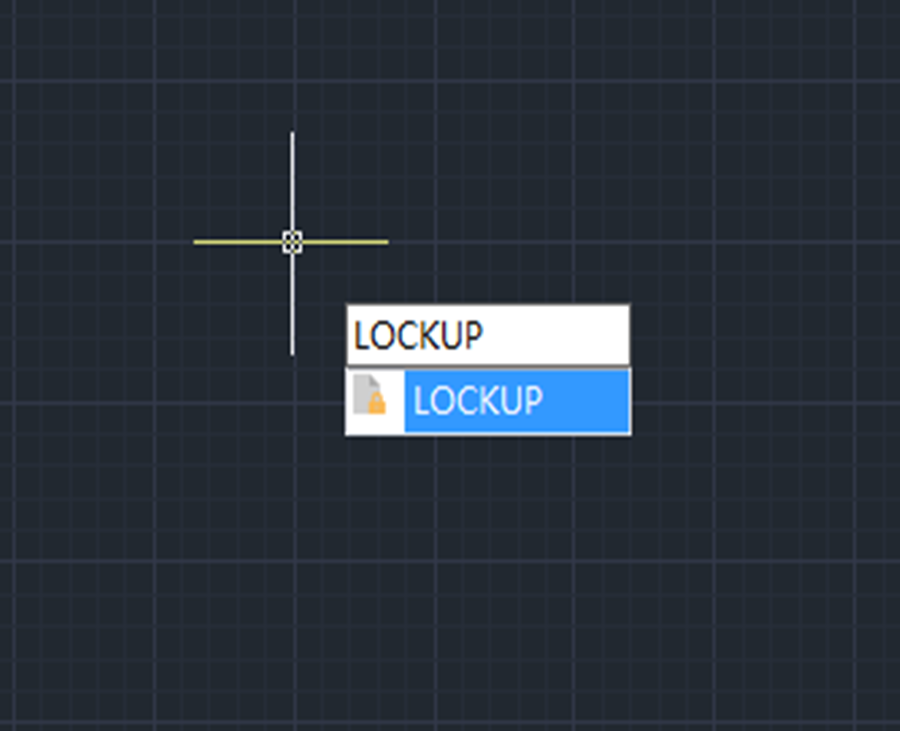
How to password protect your drawings with GstarCAD 2023
LOCKUP command is introduced to lock selected objects in a drawing with a password, preventing accidental modification or deletion. That’s to say, users won’t be able to modify objects that have been locked.


Unlock all layers in one click with GstarCAD 2022
GstarCAD 2022 offers a new command LAYULKALL that is used to unlock all the locked layers with just one click.

How to easily reorder your layers with GstarCAD 2022
The LAYDRAWORDER command is used to arrange layers in a drawing in your preferred order.

Single-document mode supported in GstarCAD 2022
Single-document mode, in which only one drawing is allowed to open at a time, is now supported in GstarCAD 2022.

FASTSEL —- New Feature in GstarCAD 2022
The FASTSEL command can be used to create a selection set of an existing object and all the objects it touch.







