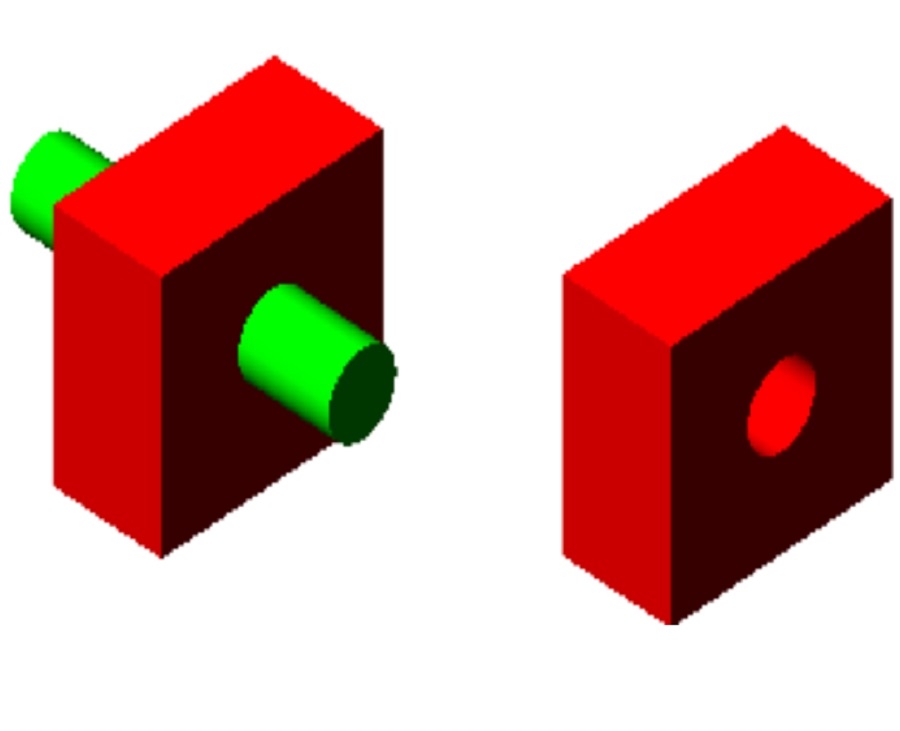
Creating composite solids in CAD is essential for building complex models. By merging simple shapes, designers can craft more functional 3D objects in GstarCAD.
You can create composite three-dimensional solids by combining, subtracting, and finding the intersection of two or more solids. With UNION command, you can combine the total volume of two or more solids or two or more regions into a composite object.
1. To combine solids, find Modify > Solid Editing > Union from the main menu, or enter UNION from the command line.

Then select the objects to combine.
2. To subtract solids, find Modify> Solid Editing > Subtract from the main menu, or enter SUBTRACT from the command line.

Then select the objects to intersect.
3. To intersect solids, find Modify>Solid Editing> Intersect from the main menu, or enter INTERSECT from command line.

Then select the objects to intersect.
Discover more from Gstarsoft's Blog
Subscribe to get the latest posts sent to your email.








