
Introducing GstarCAD 2026 Beta: Faster, Smarter, Better!
GstarCAD is excited to introduce the GstarCAD 2026 Beta version, featuring a completely redesigned interface, significant performance enhancements, and powerful new tools designed to elevate the CAD experience.

Elevate Your Urban Planning Today with Houseplan 2.0!
Architects, urban designers, and planners often face the unique challenge of designing urban environments that are both functional and enriching for communities. In an era where urbanization is rapidly increasing, finding innovative tools is crucial.

How to work with raster images in CAD?
A raster image in CAD (Computer-Aided Design) refers to a type of digital image that is composed of a grid of individual pixels, each with its own color value.

Discover BIM Support in GstarCAD 2025
Building Information Modeling (BIM) is transforming architecture and engineering by enhancing efficiency and collaboration. GstarCAD 2025 offers robust BIM support features that empower designers and engineers.
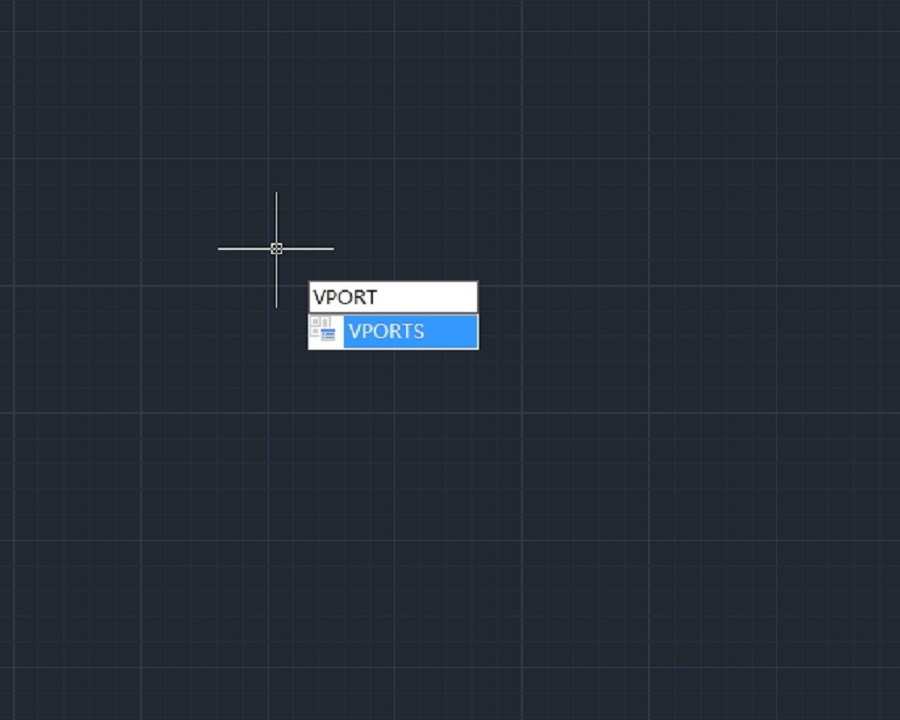
How to work with multiple views of a single drawing?
GstarCAD supports opening and working with several views of the same drawing simultaneously.
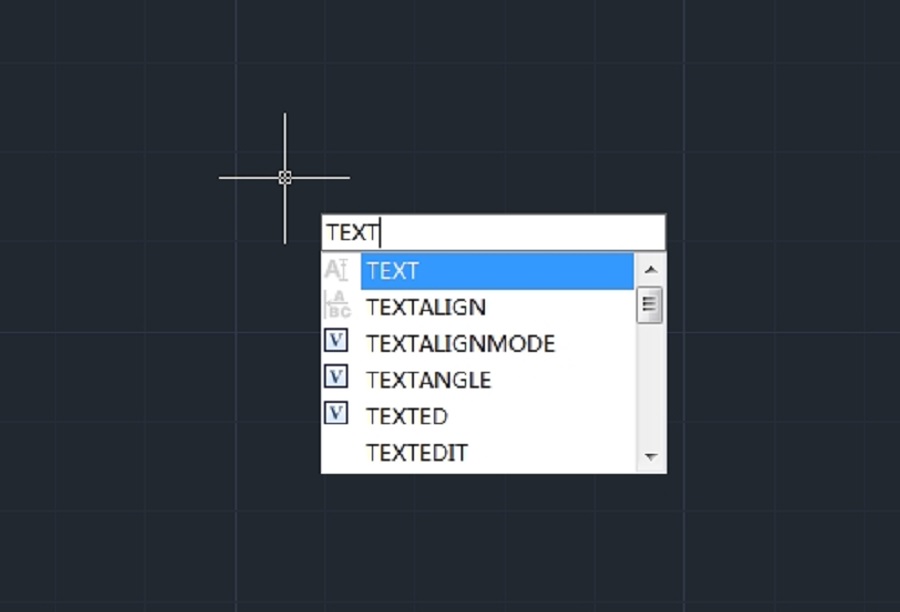
How to create text in CAD?
In CAD (Computer-Aided Design) software, text is a crucial element that you add to CAD drawings to label, annotate and communicate important design information.

“2025 GstarCAD Partner Kickoff” Successfully Held in South Korea – Showcasing GstarCAD 365 and Dream Plus Plugin
Modoo Solution and GstarCAD — a global leader in CAD solutions — have joined hands to bring new momentum to the Korean market through AI-powered and cloud-integrated CAD technologies.

What is Lisp – Unlocking the power of Lisp in GstarCAD
Discover how Lisp, a powerful scripting language, unlocks automation and customization in GstarCAD for enhanced productivity and flexibility.
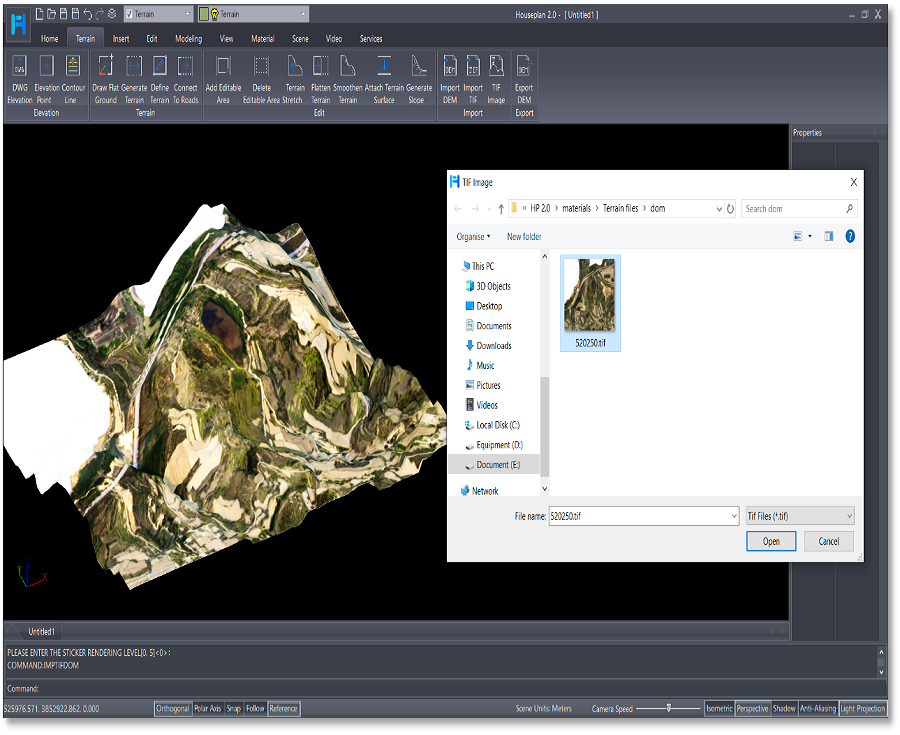
Elevate Your Designs: The Exciting New Terrain Features in Houseplan 2.0
Houseplan 2.0 has taken a significant leap forward with the introduction of its rich Terrain features, making it an even more powerful tool for architects, designers, and builders.

How to run your CAD in full screen?
The Clean Screen feature in CAD software is designed to enhance the user experience by providing a clutter-free workspace.






