
How to close line with CLOSELINE command in GstarCAD 2023
CLOSELINE is a new feature that is used to immediately mark unclosed endpoints among selected lines, polylines or arcs, and close them conveniently.

Enhanced Palettes in GstarCAD 2023
GstarCAD 2023 has enhanced palettes that greatly improves drawing efficiency and user experience.
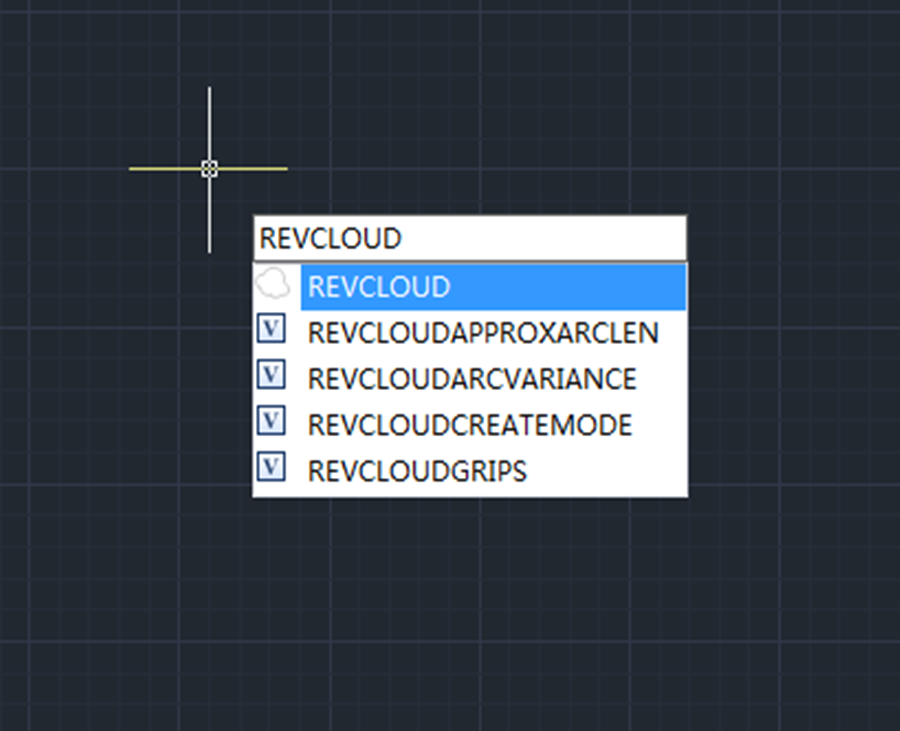
Enhanced Revcloud in GstarCAD 2023
Revision Cloud consists of a series of arcs to quickly and easily highlight parts of a drawing that has been modified or revised, the revision cloud gets its name because of its cloud shape form.
How to Synchronize Viewports in GstarCAD 2023
VPSYNC command is used to align the views in one or more adjacent layout viewports with a master layout viewport.

How to reset settings to default in GstarCAD 2023
One of the new features in GstarCAD 2023 is to reset GstarCAD settings to default with just one click.
How to add digital signature to your drawings with GstarCAD 2023
Digital signature is a useful tool attached to drawings that provides reliable information of the origin, identity and status on a drawing file.
How to debug lisp programs in GstarCAD 2023
After executing the Visual LISP editor, the CAD system will launch the Visual Studio Code as the Lisp Debugger in GstarCAD 2023, and users are able to edit and debug Lisp programs very conveniently.
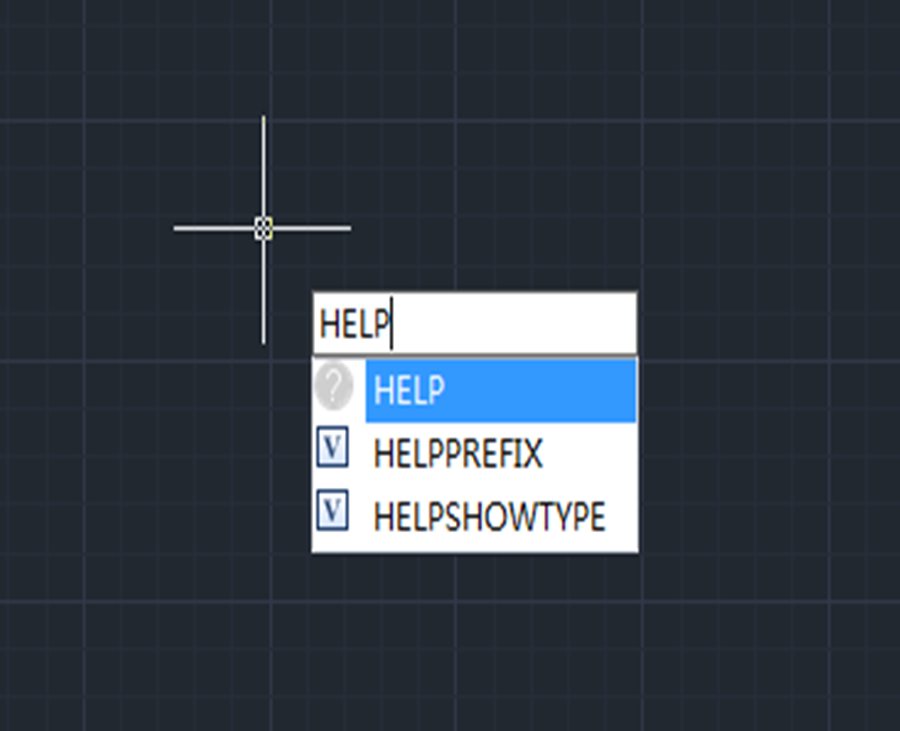
Enhanced User Experience with Online Help in GstarCAD 2023
Online Help is available in GstarCAD 2023 and provides regularly updated information.
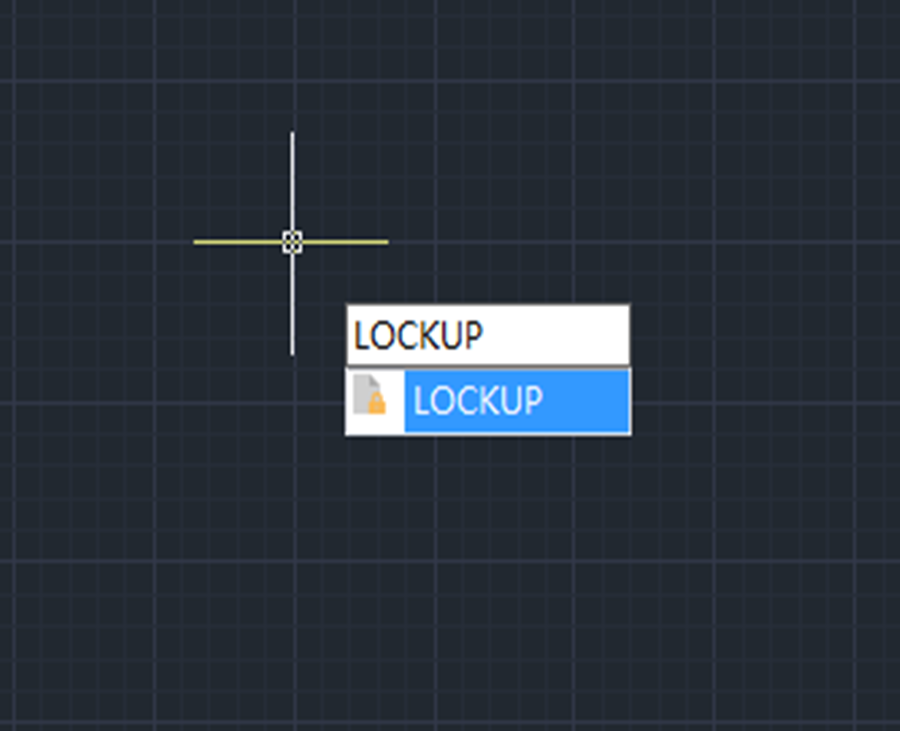
How to password protect your drawings with GstarCAD 2023
LOCKUP command is introduced to lock selected objects in a drawing with a password, preventing accidental modification or deletion. That’s to say, users won’t be able to modify objects that have been locked.
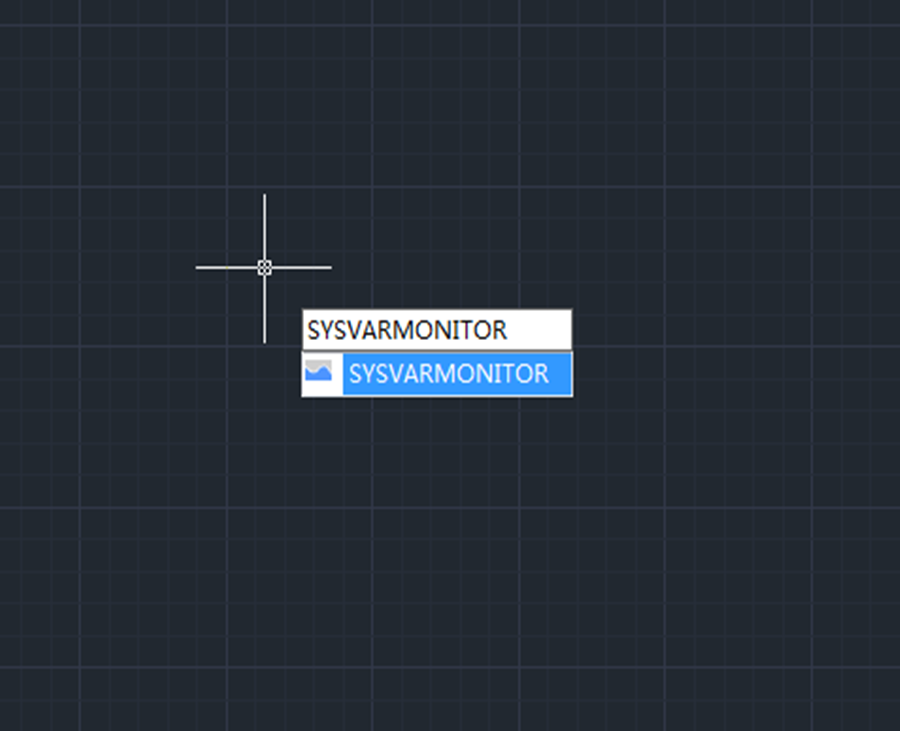
Monitor your system variables with GstarCAD 2023
System variables play a very important role in CAD drafting for they control how certain commands work or the appearance of the user interface. Therefore we can change the value of a system variable to change the behavior of commands.







