
How to import DWF in GstarCAD 2023
Now GstarCAD 2023 supports DWF import, After being exploded with Explode or Burst command, the imported DWF becomes editable.

Enhanced CUI (Customize User Interface) Editor in GstarCAD 2023
“Ribbon control elements” and “Toolbar control elements” items are added to the category drop-down of the command list pane of the CUI editor, which you can select to filter and add elements quickly.

How to merge several layouts into one with GstarCAD 2023
The Layoutmerge command in GstarCAD 2023 merges specific layouts into a single layout.

How to use ATTIPEDIT command in GstarCAD 2023
The ATTIPEDIT command provides a quick and easy way to edit the textual content of an attribute of a block you feel like editing the attribute values without accessing the attribute editor.

How to see all the layout tabs at once with GstarCAD 2023
If you have problem with too many layouts in your drawing and have to inconveniently switch between them? Now, there is a better way to see all the layout tabs at once in GstarCAD 2023.

AI_EDITCUSTFILE in GstarCAD 2023
The AI_EDITCUSTFILE command in GstarCAD 2023 improves its compatibility with ACAD, and the Program Parameters (PGP) text file will be opened where you can add and edit your command aliases.

Enhanced ObjectARX API in GstarCAD 2023
GstarCAD 2023 GRX is perfectly compatible with AutoCAD ObjectARX 2020 APIs, programs can be successfully compiled, loaded and used without editing the code.

Enhanced Block Editor in GstarCAD 2023
The BAUTHORPALETTE and BTABLE features are enhanced in GstarCAD 2023. The block editor functionality and user experience are greatly improved to increase design efficiency.
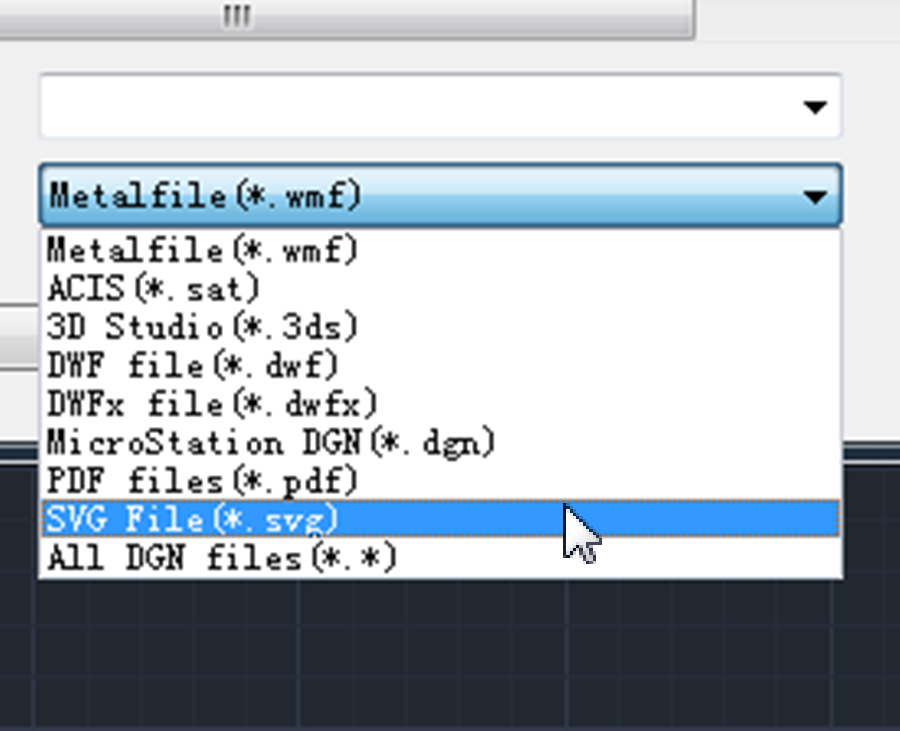
Now you can import & export SVG file in GstarCAD 2023
In GstarCAD 2023, SVG (Scalable Vector Graphics) files are available to be imported and exported.
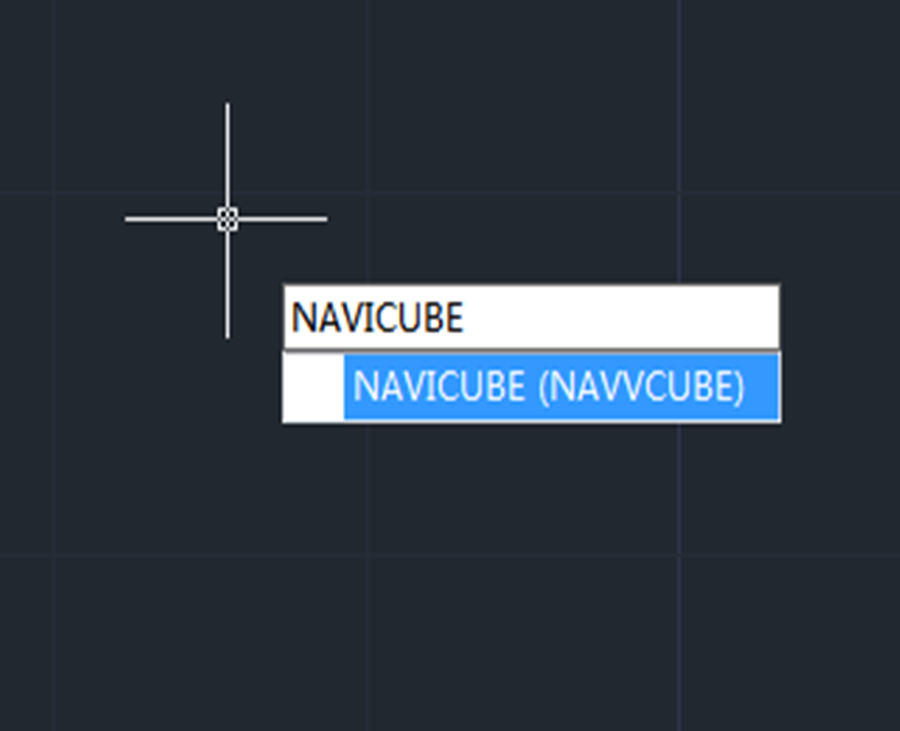
How to use the Navigation tool in GstarCAD 2023
Navigation Tool is a new tool that is clickable and draggable in 2D model space or 3D. Users can easily switch between standard and isometric views and switch to one of preset views by clicking or dragging the NaviCube, roll the current view, or change to the Home view of the model, it can be used to increase design efficiency.







%20Editor%20in%20GstarCAD%202023)


