How to Synchronize Viewports in GstarCAD 2023

VPSYNC command is used to align the views in one or more adjacent layout viewports with a master layout viewport.

How to access VPSYNC command

* Find Express > Layout Tools > Synchronize Viewports when using GstarCAD Classic workspace,

* Find Express tab > Layout > Synchronize Viewports

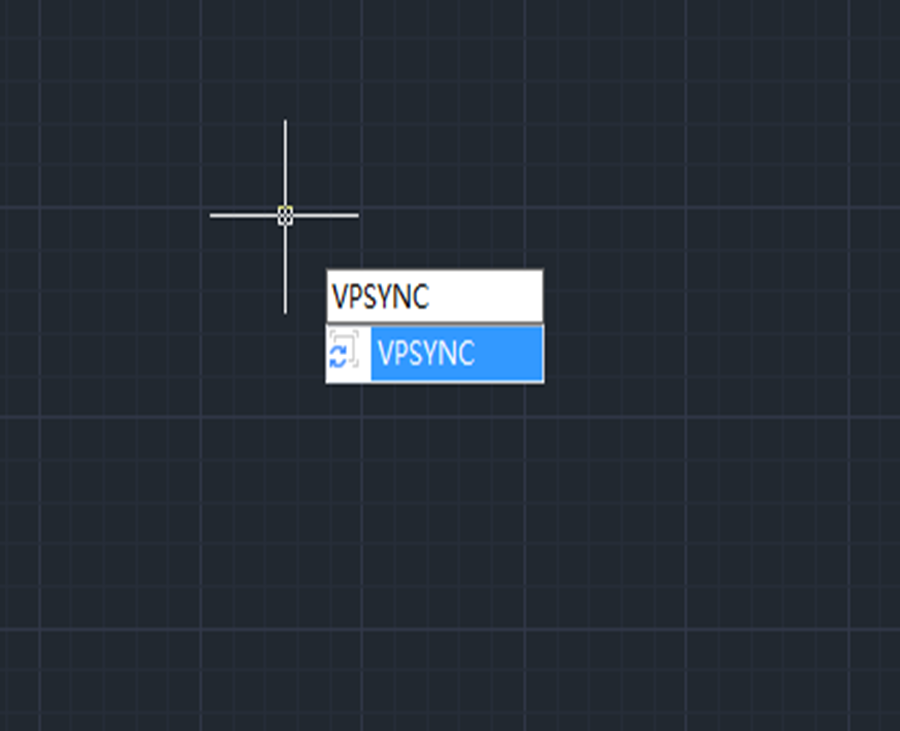
* Or just enter VPSYNC,

a step-by-step tutorial to synchronize your viewports

After executing the command, we’re prompted to choose the master viewport

After selecting the master viewport, select viewports to be aligned to the master viewport.

The synchronized viewports look like one, shown as below,

All synchronized viewports use the zoom factor of the master viewport.

GstarCAD Blog

www.gstarcad.net

Related Posts

Boost CAD Productivity with GstarCAD 2026’s XTP Import Feature

For design teams, standardized CAD configurations and efficient resource reuse directly impact both workflow productivity and drawing quality. In daily design scenarios, many teams face common challenges: fragmented tool palettes…

How to Calculate CAD Area Quickly?

As a CAD designer, are you frustrated by the cumbersome and error-prone manual CAD area calculation? GstarCAD offers multiple efficient CAD area calculation methods!

One thought on “How to Synchronize Viewports in GstarCAD 2023

Leave a Reply

Don't Miss out

Gstarsoft Showcases Integrated CAD + BIM Solutions at BIM World Paris 2026

  • April 3, 2026
Gstarsoft Showcases Integrated CAD + BIM Solutions at BIM World Paris 2026

Boost CAD Productivity with GstarCAD 2026’s XTP Import Feature

  • March 24, 2026
Boost CAD Productivity with GstarCAD 2026’s XTP Import Feature

Case study: How TopenTech Optimized Equipment Diagnostics and Field Productivity with GstarCAD

  • March 9, 2026
Case study: How TopenTech Optimized Equipment Diagnostics and Field Productivity with GstarCAD

The Ultimate Guide to GstarCAD Mechanical 2026: The Future of Manufacturing Design

  • January 30, 2026
The Ultimate Guide to GstarCAD Mechanical 2026: The Future of Manufacturing Design

GstarCAD 2026 DWG Comparison: Boost Design Efficiency

  • January 16, 2026
GstarCAD 2026 DWG Comparison: Boost Design Efficiency

How to Calculate CAD Area Quickly?

  • December 25, 2025
How to Calculate CAD Area Quickly?

Discover more from Gstarsoft's Blog

Subscribe now to keep reading and get access to the full archive.

Continue reading


