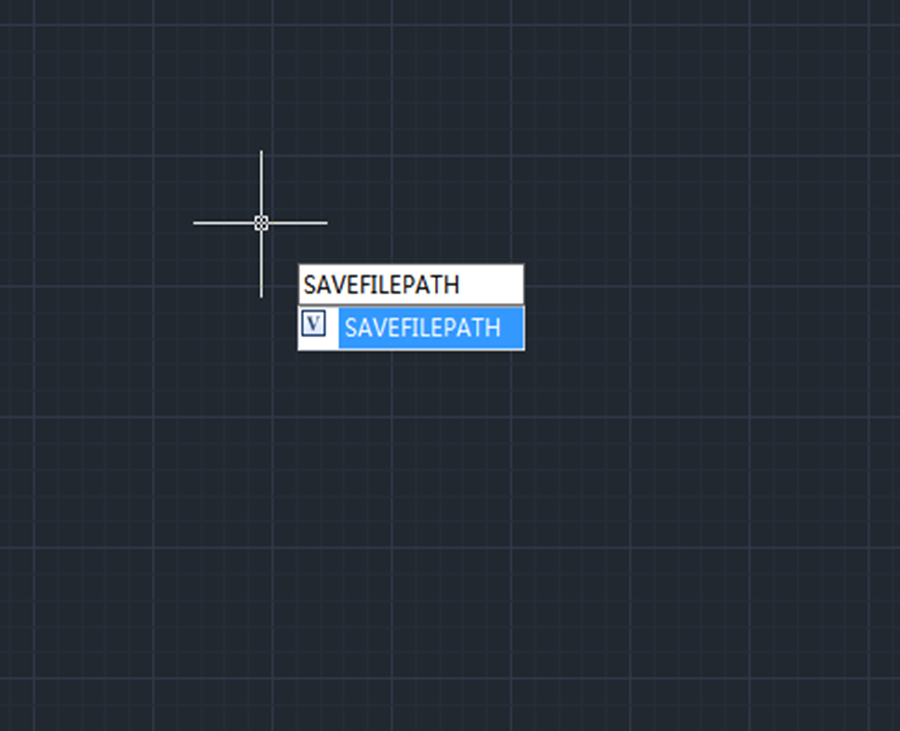
How to recover unsaved CAD files from AutoSave
Users can recover unsaved CAD files using the AutoSave feature. In order to use the AutoSave feature, we need to enable it in the settings.

Cannot select objects before command?
Normally, CAD users can either click on a command icon and then select an object or select an object first and then click on the command icon, both will do. But what to do when you can’t select objects before running the command?
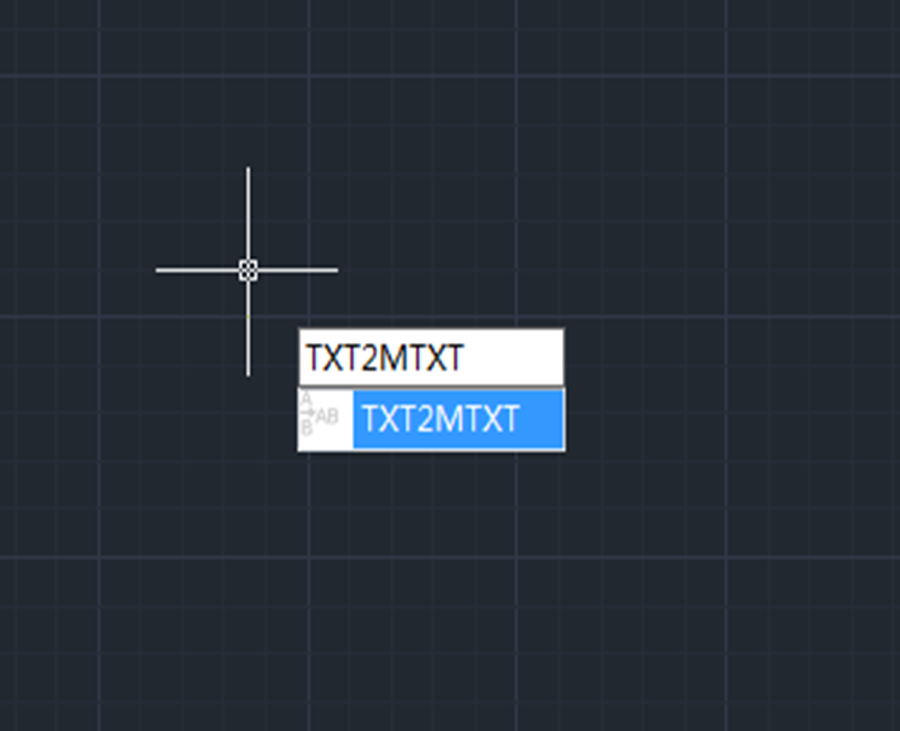
How to work on text with TXT2MTXT command
The TXT2MTXT is used to convert or combine single-line or multiline text objects into one or more multiline text objects.

How to make selection easy with Filter command
Filter command is used to create a list of requirements that an object must meet to be included in a selection set.

How to change Scroll zoom speed in CAD?
Do you want to change the rate at which you zoom in or out? Maybe it’s too slow or too fast now?

Units: one of the most commonly used commands
Units command is used to control the precision and display formats for coordinates, distances, and angles. The shortcut key is UN.

How much do you know about Copy command?
Copy command is one of the most commonly used and basic CAD commands. The Copy command is similar to the Move command except that a new object will be created in the Move command.

Small tips about Status bar
How to restore the missing status bar at the bottom of the screen

Beginner level: How to use Boundary command in CAD
Boundary (BO ) command in CAD is used to create regions or a polylines from enclosed areas.

What to do with duplicate or overlapping objects in a drawing? Try Overkill command
Sometimes there would be completely duplicate or overlapping objects such as lines, arcs, polylines, etc.
This not only increases the data the CAD system has to deal with, but also negatively impact the creating and editing of an object, so you’d better get rid of the duplicate or overlapping objects with Overkill command. Overkill command also combines those that are partially overlapping or contiguous.







