
How to change the font size when pasting EXCEL table
Choose a random table from Excel with CTRL + C, then switch to CAD and press CTRL + V, the OLE Text Size dialog box would pop up

How to get Tool Bar back
We can use the TOOLBAR command to display, hide or customize our toolbar.
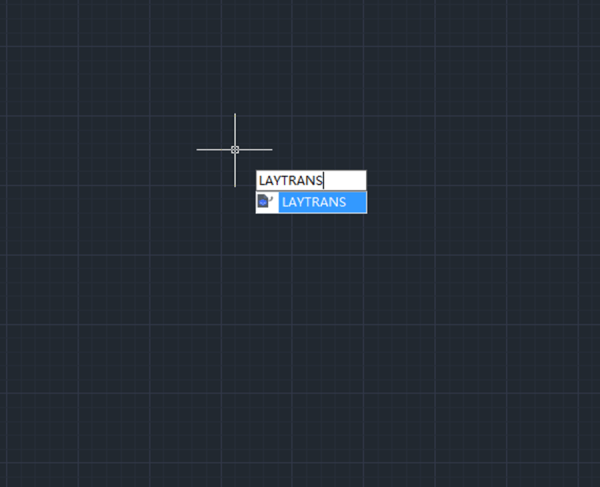
Laytrans Command
Laytrans command is used to change the current layer to specified layer standard.


How to create construction lines with XLINE command?
The XLINE command is used to create infinitely long straight lines.

About Pickbox in GstarCAD
When CAD system is not executing any command, we can see the pickbox in the middle of the cursor,


How to customize the Quick Access Toolbar in GstarCAD
We can also add commands and controls that we frequently use to the Quick Access Toolbar or remove some of the them

For beginners: Offset command
The Offset command is used to create concentric circles, parallel lines and parallel curves.

How to modify and save settings?
The default background color is black, let’s try to add a white background color to the settings.







