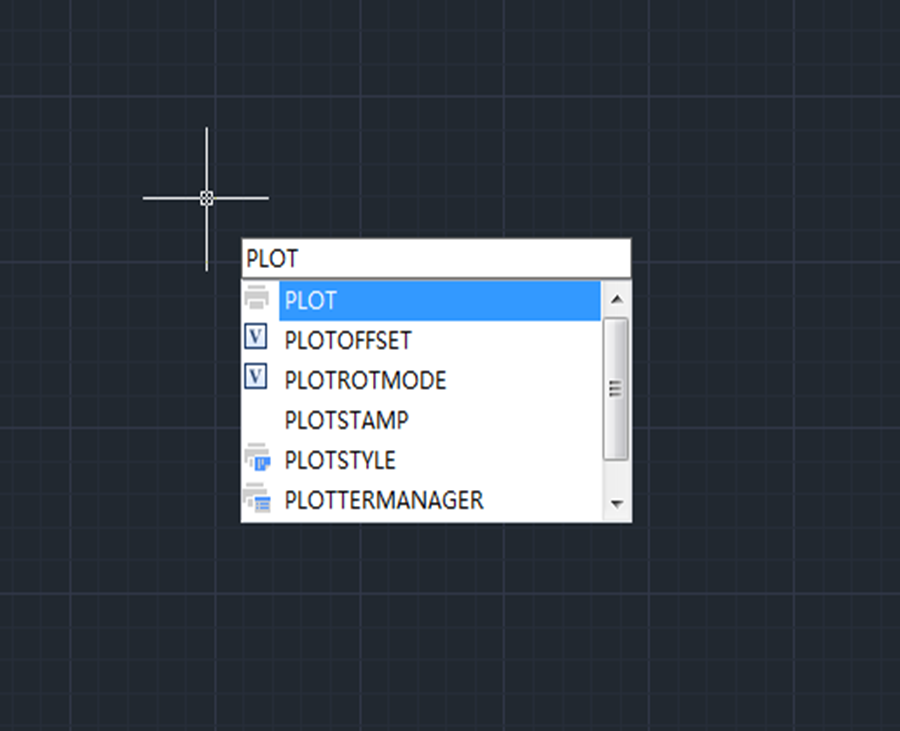
ABCs for beginners: everything you need to know about Plot in CAD
ABCs for beginners: everything you need to know about Plot in CAD

One way to rotate horizontal graphics to make them parallel to angled line
Suppose there is an angled line and an object that needs to be rotated to be parallel to that line, what are we gonna do?

How to copy elements from external reference files and block with NCopy
NCopy command is used to copy objects that are contained in an external reference, block, or DGN underlay. Users can copy selected objects into the current drawing without exploding or binding an external reference, block or DGN underlay.

Cannot select objects before command?
Normally, CAD users can either click on a command icon and then select an object or select an object first and then click on the command icon, both will do. But what to do when you can’t select objects before running the command?
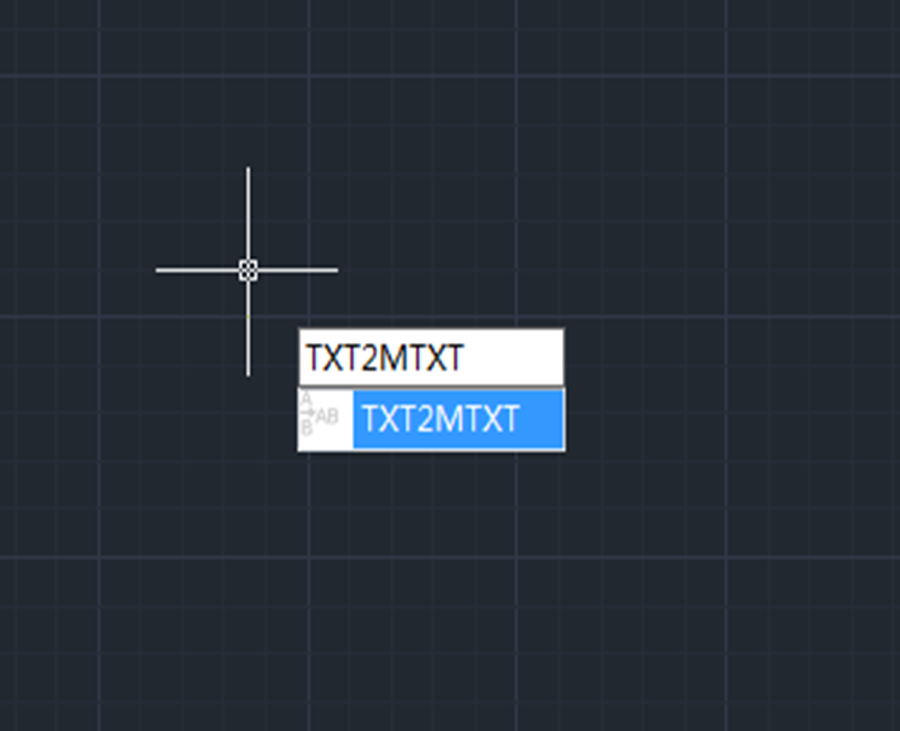
How to work on text with TXT2MTXT command
The TXT2MTXT is used to convert or combine single-line or multiline text objects into one or more multiline text objects.

How to make selection easy with Filter command
Filter command is used to create a list of requirements that an object must meet to be included in a selection set.

How to change Scroll zoom speed in CAD?
Do you want to change the rate at which you zoom in or out? Maybe it’s too slow or too fast now?

Units: one of the most commonly used commands
Units command is used to control the precision and display formats for coordinates, distances, and angles. The shortcut key is UN.

How much do you know about Copy command?
Copy command is one of the most commonly used and basic CAD commands. The Copy command is similar to the Move command except that a new object will be created in the Move command.

Small tips about Status bar
How to restore the missing status bar at the bottom of the screen







