
Beginner Tutorial: How to draw a helix with Helix command?
Beginner Tutorial: How to draw a helix with Helix command?

What does DWGPROPS command do?
DWGPROPS command is used to set and display the file properties of the current drawing. The popped up Drawing Properties dialog box helps users design more conveniently and save time.

Troubleshooting: Why I can’t get 90 degrees rotation?
Have you ever come across the issue: When you’re doing the Rotate command and have specified the base point and 90 degrees, but it is not actually 90 degrees to the point you’ve chosen?


How to compare two different dimension styles?
From the Dimension Style Manager, we can not only compare the difference between selected dimension style and the current text style, but also two different dimension styles.
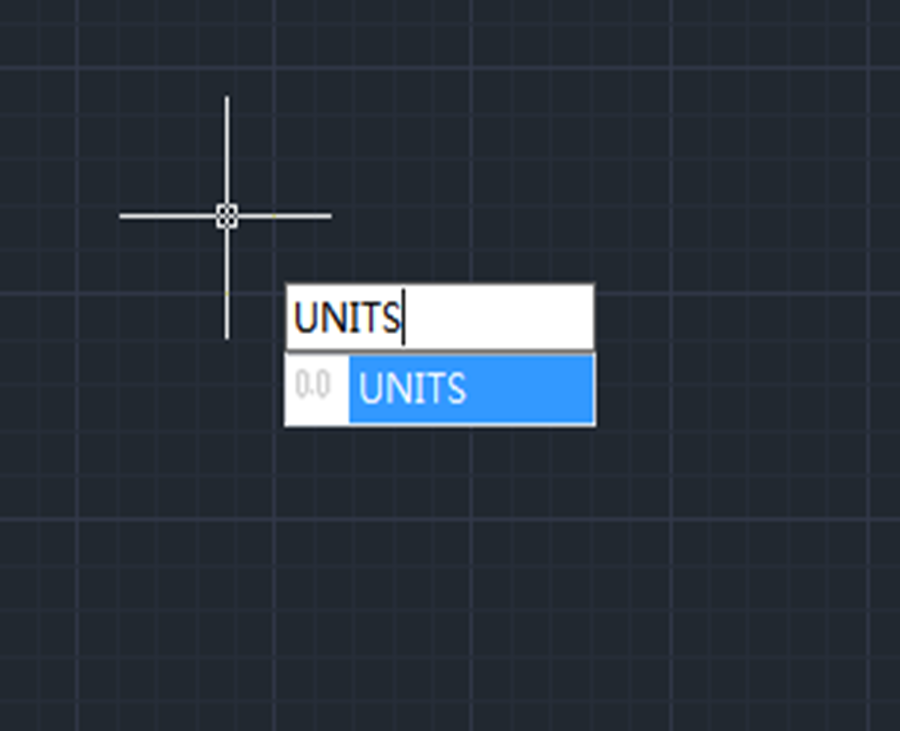
How to add units to dimension in CAD?
To add units to dimension in CAD, we need to do settings in the “Dimension Style Manager ”
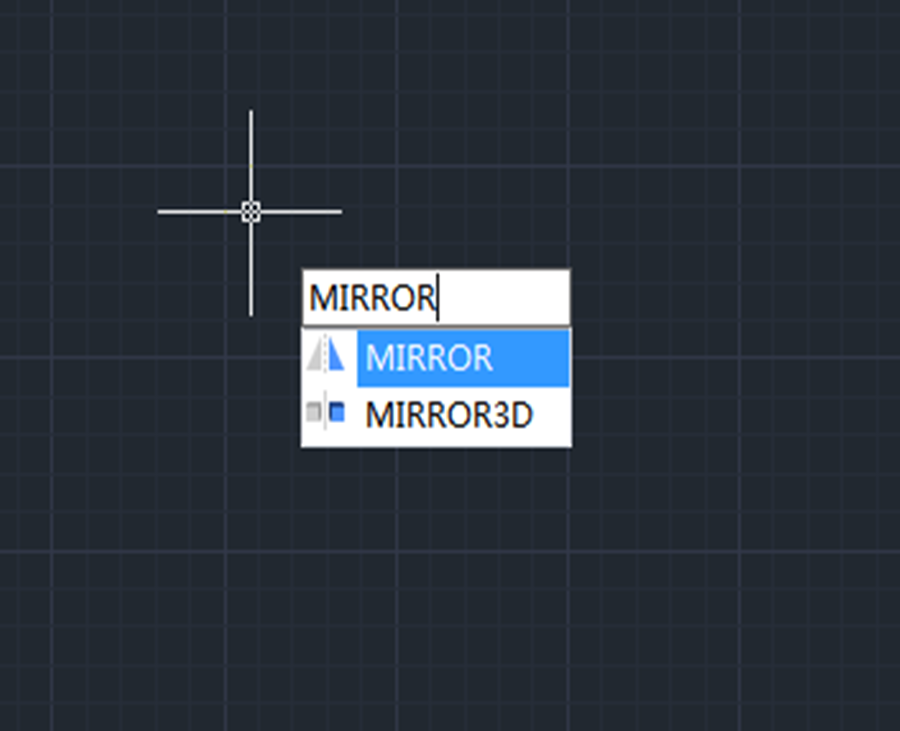
Beginner tutorial: How to create symmetric graphics using Mirror command
Want to create symmetric graphics? Try Mirror command. A good command of Mirror command will help speed up the process of drawing.

Will same-name blocks in other drawings update once the block is modified
Will same-name blocks in other drawings update once the block is modified


How to display two or multiple drawings in CAD
How to open multiple drawings using one window?







