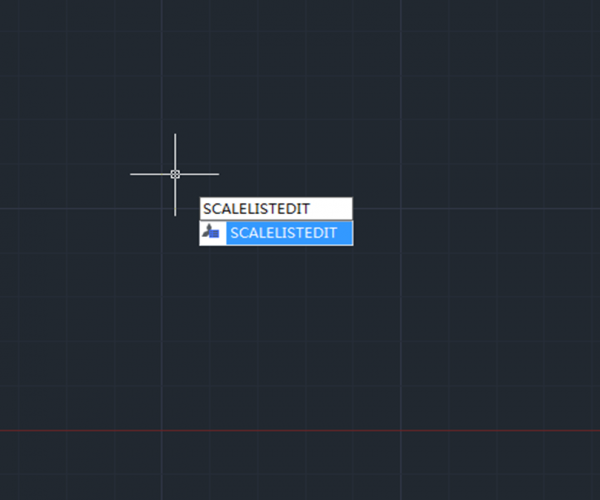
How to edit scale list
When we insert blocks or objects in an existing drawing, the main issue is that most of the time, the inserted blocks or objects may be too small or too big to fit the drawing. What SCALE can do now is to help us scale the object independently of others so it can fit the whole drawing.

Trim Command for beginner
The Trim Command is one of the frequently used operations to modify the drawings and can be used to trim objects in order to make it join with other objects.

How to use Align command in 3 dimension
The Align command is also a 3D command that can be performed in 3D modeling. The basics are the same to that in the 2D drawing, just need to adjust the view to a proper angle in order to see the source point and the destination point

How to use the calculator in GstarCAD?
GstarCAD provides two calculators, one is quick calculator, a calculating dialog box similar to the one in Windows system. To open it, press CTRL + 8
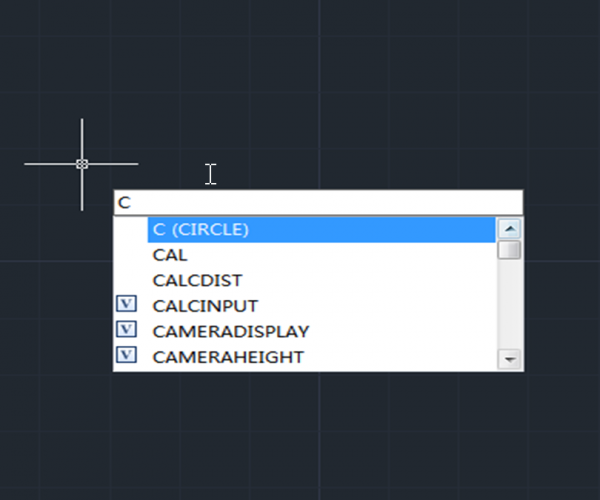
Ways to execute a command
There are some basic ways to execute a command in CAD system, just like in many other applications in Windows: drop-down menu, toolbar button, Ribbon and shortcut keys such as CTRL + S for Save, CTRL + C for Copy, etc.
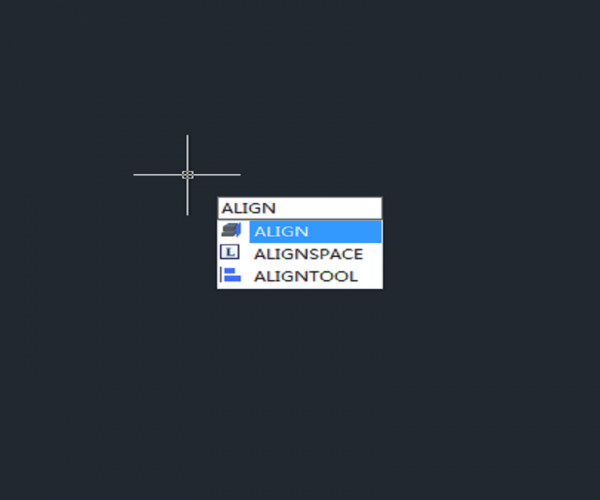
How to align objects in a different direction?
Executing Align command and specifying the first two source points and destination points, then it’s time for third point and the rectangular will be located to a different place

Extend Command for beginner
The Extend Command is one of the frequently used options to modify the drawing and can be used to extend object and make it connect with other objects in order to join with them.
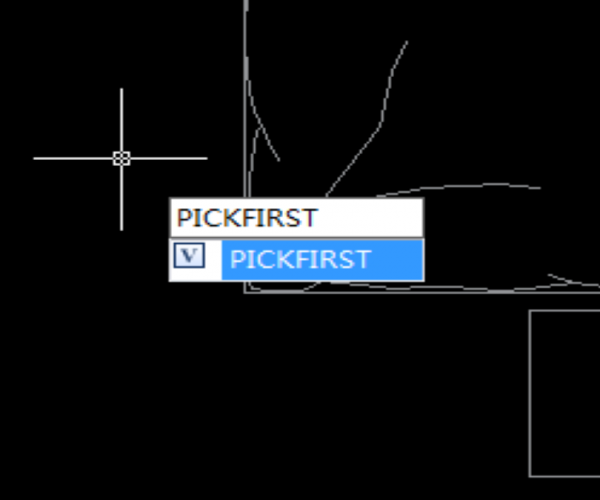
PICKFIRST (System Variable)
PICKFIRST is a system variable that’s used to control whether we can select objects before we start a command.

The Overkill Command
The OVERKILL command, which is used to delete duplicate objects, removes duplicate or overlapping lines, arcs, polylines, etc.
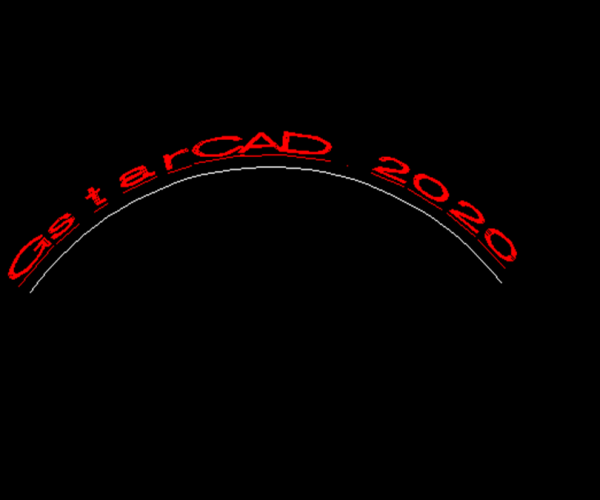
Can we create Arc-Aligned text with GstarCAD?
With GstarCAD, we can not only create single line and multiline text object, but also arc-aligned text with ARCTEXT Command.







)

