A closer look at the REGION command
We can’t directly draw a region, we can only get a region by selecting an object and make it an region, which is similar to Hatch.
How to remove the redundant part of an image ?
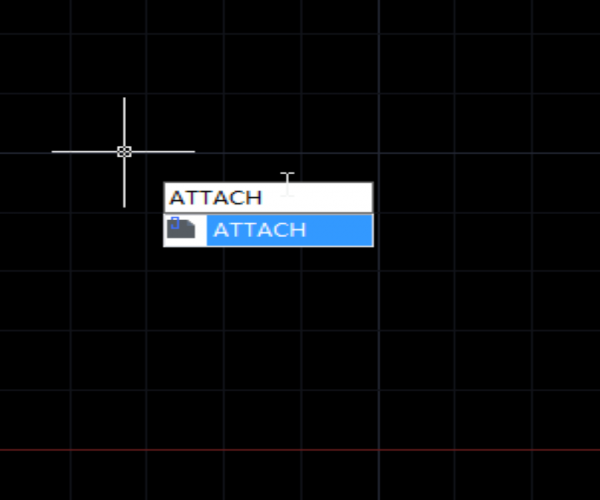
CAD has provided CLIP command which can be used to clip company logo, which is relatively regular in shape. But when it comes to a plant, a person or building, it would be much more inconvenient to use the CLIP command.
How to clip block, Xref, image or viewport?
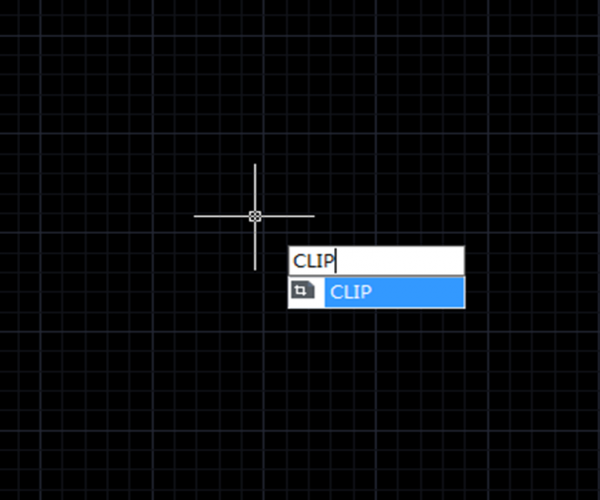
CAD system has different clip commands for different objects: to clip image, the command is IMAGECLIP; to clip viewport, the command is VPCLIP; to clip block and Xref, the command is XCLIP.
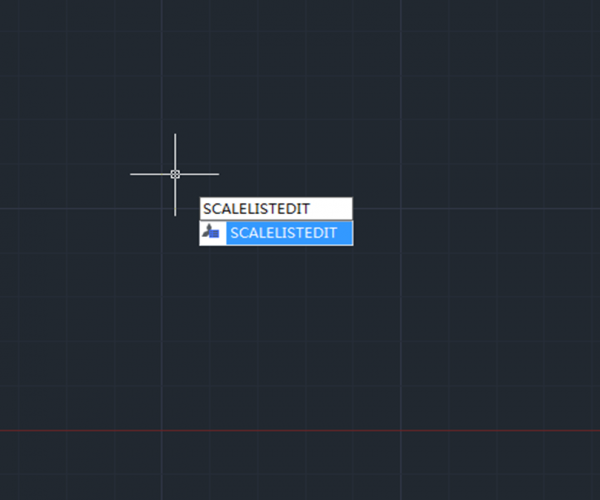
How to edit scale list
When we insert blocks or objects in an existing drawing, the main issue is that most of the time, the inserted blocks or objects may be too small or too big to fit the drawing. What SCALE can do now is to help us scale the object independently of others so it can fit the whole drawing.

Trim Command for beginner
The Trim Command is one of the frequently used operations to modify the drawings and can be used to trim objects in order to make it join with other objects.

How to use Align command in 3 dimension
The Align command is also a 3D command that can be performed in 3D modeling. The basics are the same to that in the 2D drawing, just need to adjust the view to a proper angle in order to see the source point and the destination point

How to use the calculator in GstarCAD?
GstarCAD provides two calculators, one is quick calculator, a calculating dialog box similar to the one in Windows system. To open it, press CTRL + 8
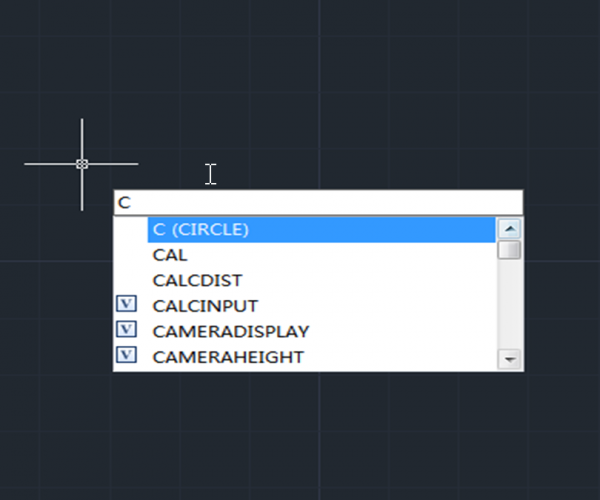
Ways to execute a command
There are some basic ways to execute a command in CAD system, just like in many other applications in Windows: drop-down menu, toolbar button, Ribbon and shortcut keys such as CTRL + S for Save, CTRL + C for Copy, etc.
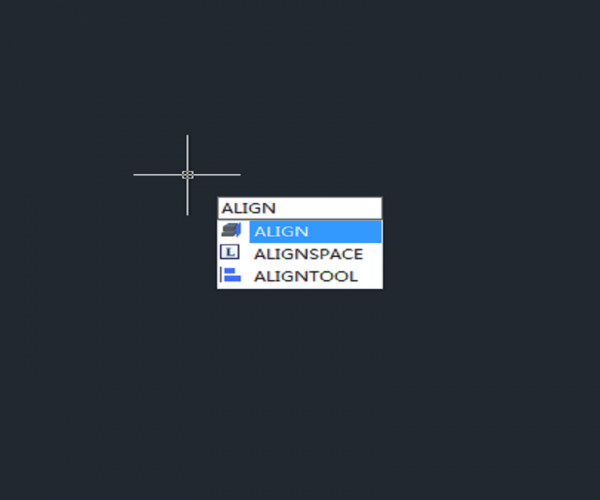
How to align objects in a different direction?
Executing Align command and specifying the first two source points and destination points, then it’s time for third point and the rectangular will be located to a different place