
How to Optimize Your Design Process Using Distance Multipliers
Take the step shaft as an example, if we stretch the left part of the step shaft and the keyway still is at the center point of the smaller diameter shaft after stretching. Then, we use the “Distance Multiplier” property of action to achieve the aim.
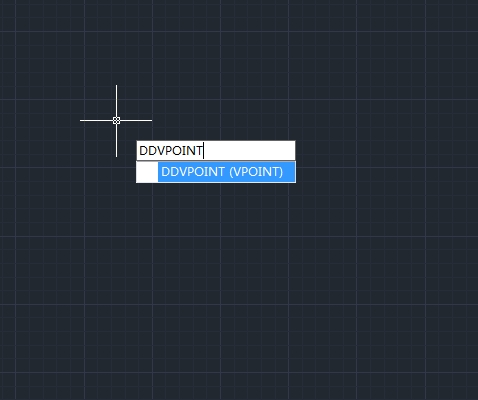
How to set the viewing direction
You view three dimensional drawings by setting the viewing direction. The viewing direction establishes the viewing position, when you view a drawing from the default viewpoint (0,0,1), you see a plan view of the drawing.

How to work with linetypes
A linetype is a repeating pattern of dashes, dots, and blank spaces displayed in a line or a curve.
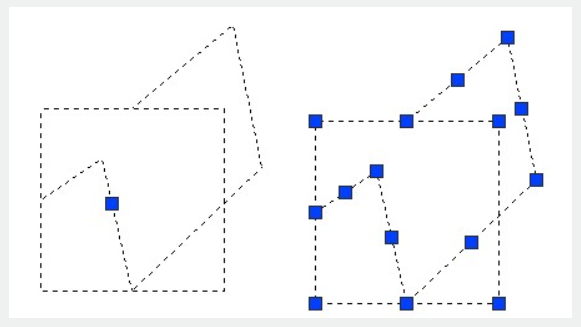
How to disassociate compound objects
You can convert a complex entity, such as a block or polyline, from a single entity into its component parts.
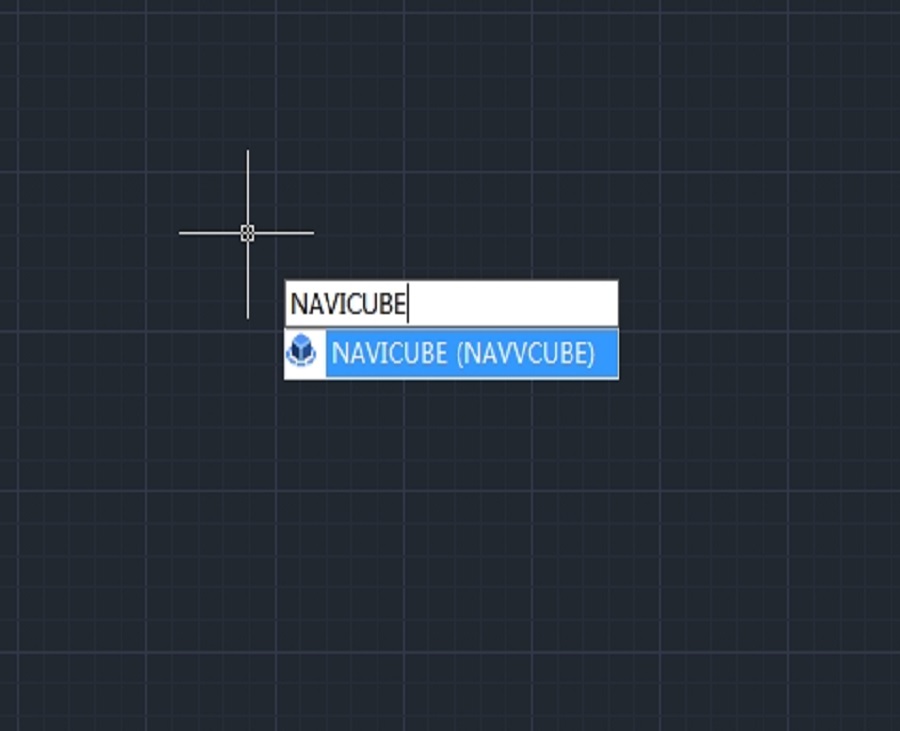
How to use NAVICUBE in GstarCAD
The Navicube in GstarCAD is a navigation tool that enhances the user experience by providing an intuitive way to navigate through 3D models and drawings.

How to redefine blocks in CAD
In CAD (Computer-Aided Design) software, a block is a collection of objects that are combined into a single object. Blocks are used to represent repetitive elements in a drawing.
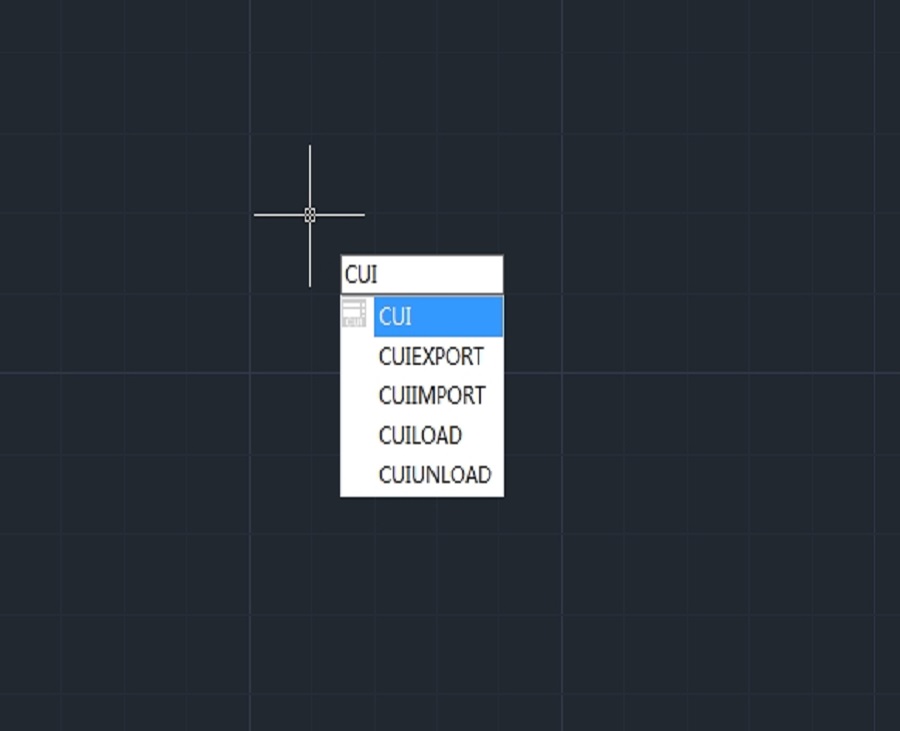
How to customize command shortcuts in CAD software?
Step-by-Step Guide to Customize Command Shortcuts in CAD software
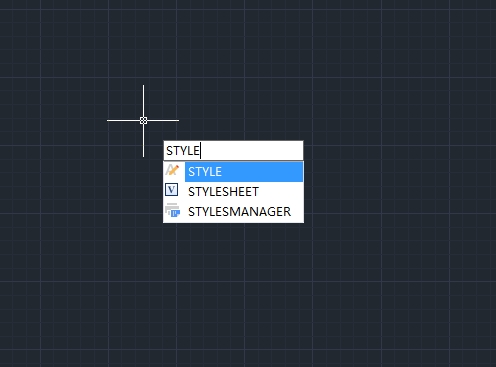
How to Change Font Styles in CAD Software
How to Change Font Styles in CAD Software
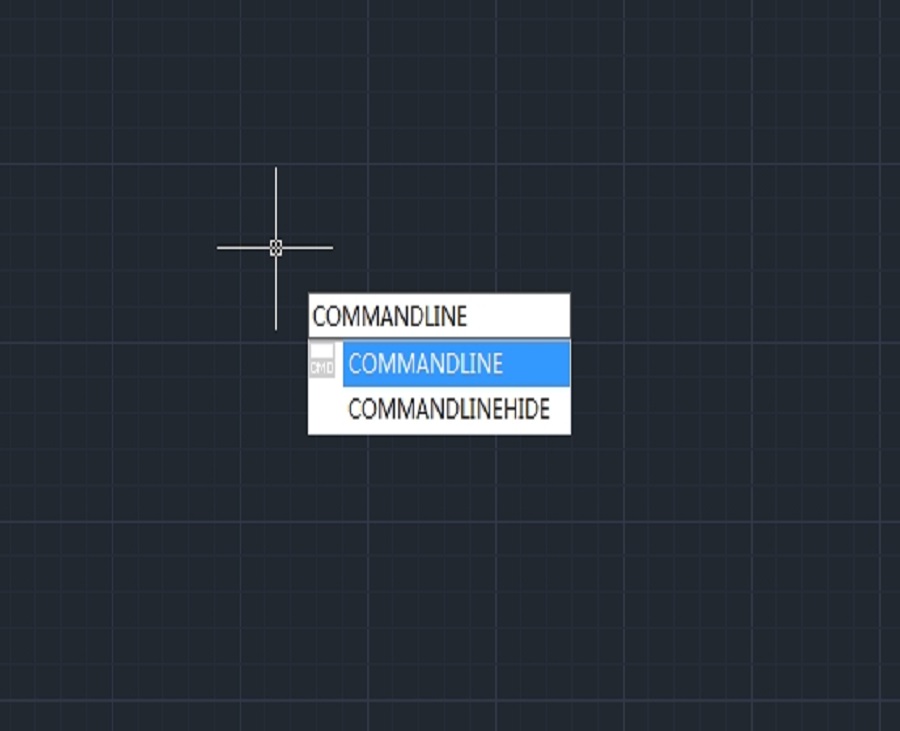
Command line missing in CAD? How to get it back?
The command line in your CAD software serves as an important way for controlling and manage your CAD. Sometimes it is possible for the command line to disappear, but don’t worry, we can get it back.
How to view and print DWG files without CAD
How to view and print DWG files without CAD







