How to view and print DWG files without CAD

There are factors that make it practical for individuals and businesses to utilize alternatives for viewing and printing DWG files.

Do you need to view and print DWG files without CAD?

People who are looking for the following are the ones that need to view and print DWG files without CAD.

Cost

CAD software can be expensive, and not everyone requires the full functionality it offers. Free viewers allow access to DWG files without incurring costs.

Simplicity

For users who only need to view or print files occasionally, using a lightweight viewer is more convenient than learning complex CAD software.

Collaboration

In collaborative environments, stakeholders who do not have CAD software can still access important design documents, ensuring everyone can participate in discussions.

Quick Access

Sometimes, users need to quickly check or print a file without going through the process of opening a full CAD program.

Compatibility

Some viewers can handle multiple file formats, making it easier to work with different types of design files.

Try DWG FastView Plus

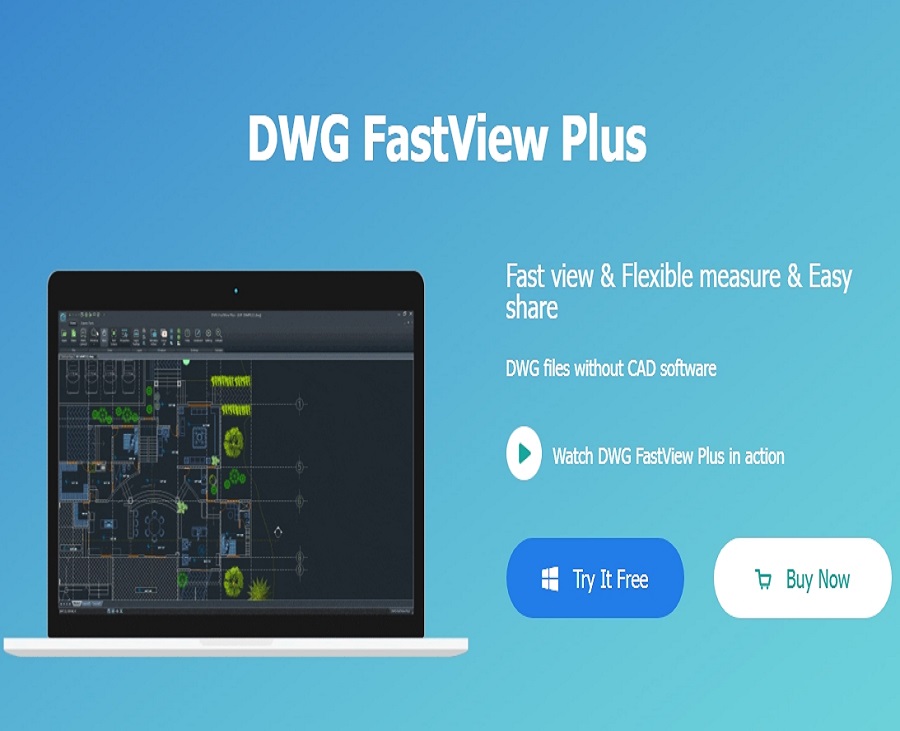
Gstarsoft provides a viewer program called DWG FastView Plus that is available for PC users. DWG FastView Plus can not only help users open DWG files but also plot drawings, create PDF files and share drawings to others.

More than a Viewer

With advanced measurement and dimensioning tools to enhance team communication and data exchange, DWG FastView Plus is more than just a viewer software.

Download DWG FastView Plus


Discover more from Gstarsoft's Blog

Subscribe to get the latest posts sent to your email.

GstarCAD Blog

www.gstarcad.net

Related Posts

GstarCAD 2026: Is It Time to Look Beyond the AutoCAD Legacy?

1. Introduction: The Current State of Design Software For decades, the architectural and engineering landscape has been dominated by a single legacy standard. While AutoCAD established the bedrock of digital…

GstarCAD 2026 DWG Comparison: Boost Design Efficiency

GstarCAD 2026 has introduced a new DWG Compare tool designed to eliminate the manual effort of identifying revisions between drawing versions. By using the COMPARE command, the software automatically highlights additions in red, deletions in green, and identical elements in gray using revision clouds. This feature streamlines the proofreading process for architects and engineers, allowing for instant visual verification of changes across any DWG file.

Leave a Reply

Don't Miss out

Building the Future of Steel: How Tarkon Optimizes Structural Design with GstarCAD

  • May 7, 2026
Building the Future of Steel: How Tarkon Optimizes Structural Design with GstarCAD

GstarCAD 2026: Is It Time to Look Beyond the AutoCAD Legacy?

  • April 21, 2026
GstarCAD 2026: Is It Time to Look Beyond the AutoCAD Legacy?

Gstarsoft Showcases Integrated CAD + BIM Solutions at BIM World Paris 2026

  • April 3, 2026
Gstarsoft Showcases Integrated CAD + BIM Solutions at BIM World Paris 2026

Boost CAD Productivity with GstarCAD 2026’s XTP Import Feature

  • March 24, 2026
Boost CAD Productivity with GstarCAD 2026’s XTP Import Feature

Case study: How TopenTech Optimized Equipment Diagnostics and Field Productivity with GstarCAD

  • March 9, 2026
Case study: How TopenTech Optimized Equipment Diagnostics and Field Productivity with GstarCAD

The Ultimate Guide to GstarCAD Mechanical 2026: The Future of Manufacturing Design

  • January 30, 2026
The Ultimate Guide to GstarCAD Mechanical 2026: The Future of Manufacturing Design

Discover more from Gstarsoft's Blog

Subscribe now to keep reading and get access to the full archive.

Continue reading

Discover more from Gstarsoft's Blog

Subscribe now to keep reading and get access to the full archive.

Continue reading

