
Troubleshooting: How to turn off NaviCube in GstarCAD
NaviCube is a very useful navigation tool that allows users to easily switch between standard and isometric views and switch to one of preset views by clicking or dragging the NaviCube, roll the current view, or change to the Home view of the model.
How do I get the Array dialog box back in CAD?
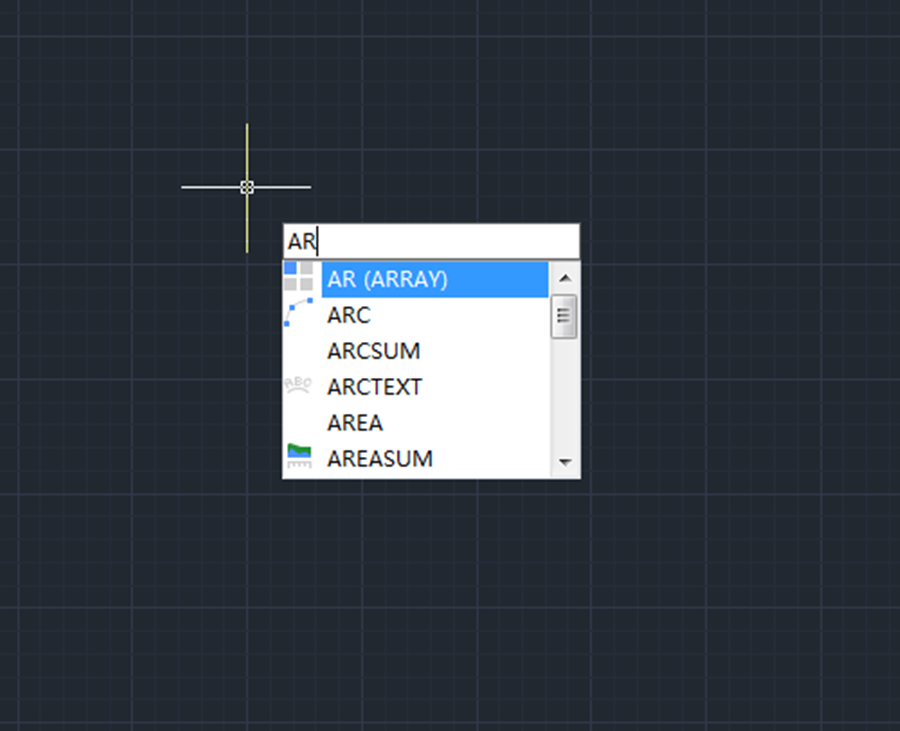
This post is for those who want the good old Array dialog box back. To display the Array dialog box, just input Arrayclassic, and press Enter key

One way to rotate horizontal graphics to make them parallel to angled line
Suppose there is an angled line and an object that needs to be rotated to be parallel to that line, what are we gonna do?
How to recover unsaved CAD files from AutoSave
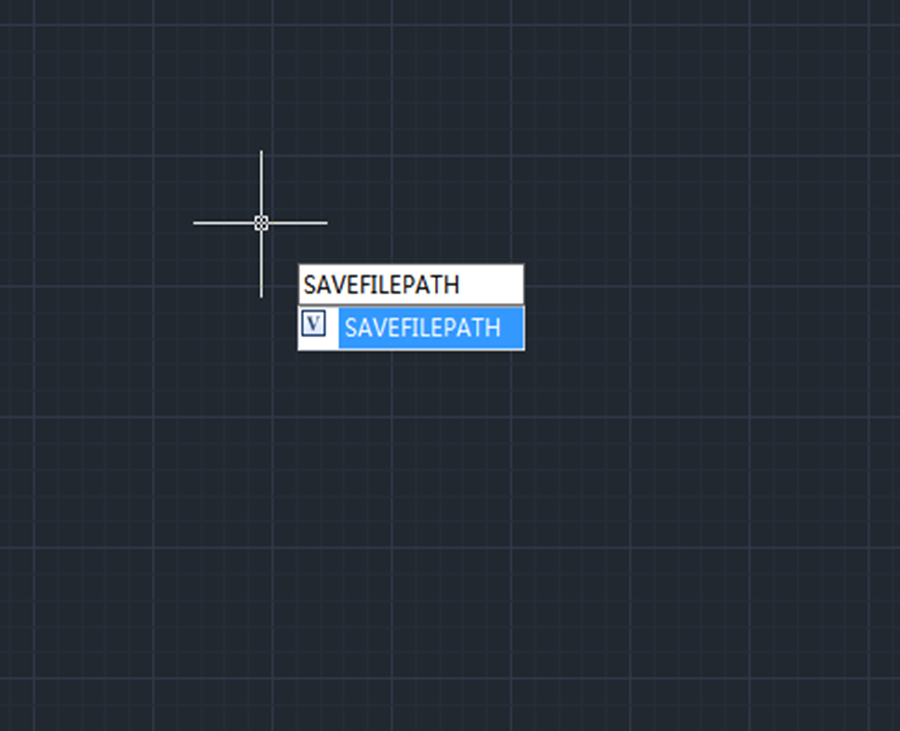
Users can recover unsaved CAD files using the AutoSave feature. In order to use the AutoSave feature, we need to enable it in the settings.

Enhanced VBA in GstarCAD 2023
Now the 64Bit VBA ( Visual Basic for Applications) are supported in the GstarCAD 64bit Platform of GstarCAD 2023.

How to change Scroll zoom speed in CAD?
Do you want to change the rate at which you zoom in or out? Maybe it’s too slow or too fast now?

Units: one of the most commonly used commands
Units command is used to control the precision and display formats for coordinates, distances, and angles. The shortcut key is UN.

How much do you know about Copy command?
Copy command is one of the most commonly used and basic CAD commands. The Copy command is similar to the Move command except that a new object will be created in the Move command.

Small tips about Status bar
How to restore the missing status bar at the bottom of the screen

Beginner level: How to use Boundary command in CAD
Boundary (BO ) command in CAD is used to create regions or a polylines from enclosed areas.







