Enhanced VBA in GstarCAD 2023

  • News
  • January 28, 2023

Now the 64Bit VBA ( Visual Basic for Applications) are supported in the GstarCAD 64bit Platform of GstarCAD 2023.

Users are able to access and use the VBA integrated development environment (VBAIDE) and work with GstarCAD object model.

VBA (Visual Basic for Applications) is a programming environment created by Microsoft that is built into applications to automate operations. Users can drag and drop tools to build a graphical user interface (GUI) and use the programming language to interact with GstarCAD objects.

Two commands:

VBAIDE command launches the AutoCAD Visual Basic for Applications Integrated Development Environment. You can enter the VBAIDE command to access the VBA integrated development environment to create a simple VBA application, create the graphical user interface (GUI), and write code to execute simple commands.

VBAMAN command opens the VBA Manager,

For more info about how to use VBA in GstarCAD 2023, please check this video:


Discover more from Gstarsoft's Blog

Subscribe to get the latest posts sent to your email.

GstarCAD Blog

www.gstarcad.net

Related Posts

  • News
  • November 26, 2026
  • 1583 views
Gstarsoft Showcases a Practical Path from CAD to BIM at BIM World Munich 2026

Gstarsoft Showcases a Practical Path from CAD to BIM at BIM World Munich 2026 Munich, Germany – 25 November 2026 – Gstarsoft is showcasing how architecture, engineering and construction teams can adopt…

Gstarsoft and AppliCAD Launch GstarSolutions Thailand, Deepening Their Partnership in the Thai Market

On September 16, Gstarsoft and its Thai partner AppliCAD jointly hosted GstarSolutions Product Launch Thailand 2026 in Bangkok, officially launching GstarSolutions Thailand and GstarCAD 2027. The event showcased products spanning…

Leave a Reply

Don't Miss out

Gstarsoft Showcases a Practical Path from CAD to BIM at BIM World Munich 2026

  • November 26, 2026
Gstarsoft Showcases a Practical Path from CAD to BIM at BIM World Munich 2026

GstarCAD 2027 Deep Dive: How to Copy a CAD Drawing into Word

  • November 25, 2026
GstarCAD 2027 Deep Dive: How to Copy a CAD Drawing into Word

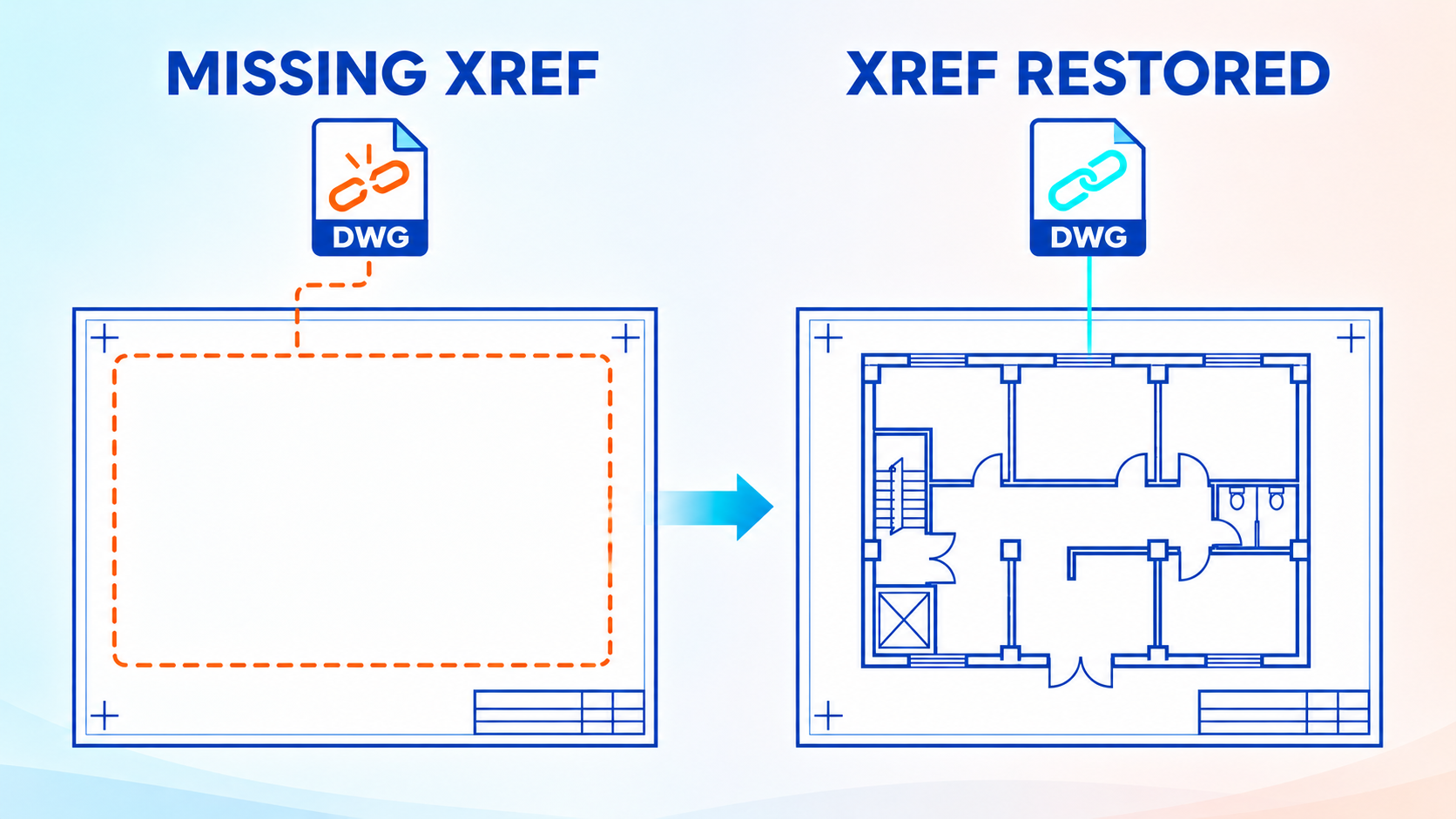
How to Fix Missing Xrefs in a DWG File

  • November 19, 2026
How to Fix Missing Xrefs in a DWG File

Why Is My DWG File So Large and How to Reduce It Safely

  • November 11, 2026
Why Is My DWG File So Large and How to Reduce It Safely

What Is a DXF File? A Practical Guide to CAD Exchange

  • November 4, 2026
What Is a DXF File? A Practical Guide to CAD Exchange

What Is a DWG File? An Easy Guide for CAD Beginners

  • October 30, 2026
What Is a DWG File? An Easy Guide for CAD Beginners

Discover more from Gstarsoft's Blog

Subscribe now to keep reading and get access to the full archive.

Continue reading