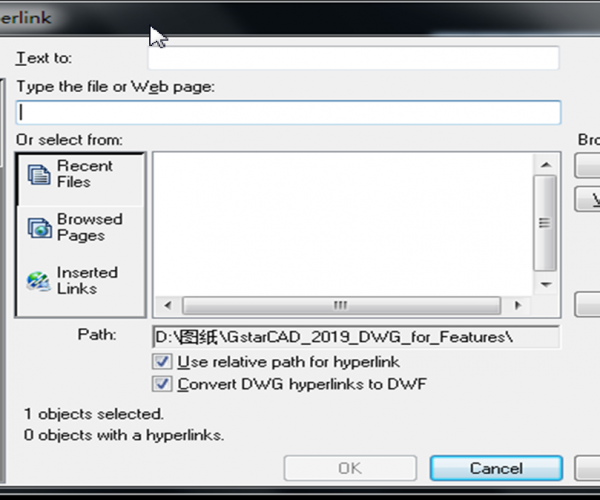
How to reference objects to file/URL in GstarCAD
In GstarCAD it is possible to link an object to another file.
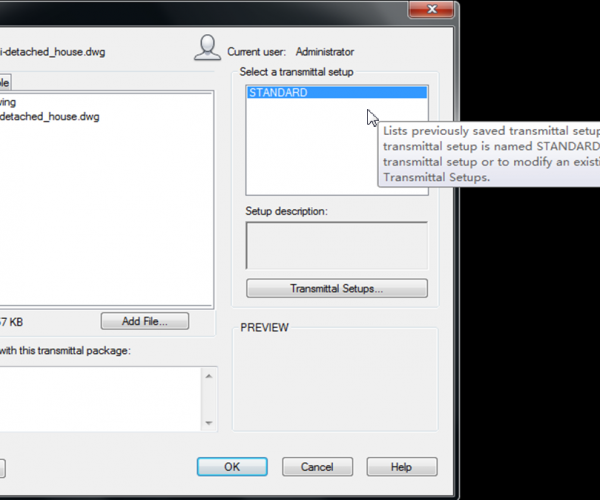
How do I pack my files with eTransmit
Do you often need to send your drawing files to your customers?

How to add descriptions to blocks?
GstarCAD can be used to add descriptions to the block definitions in the drawing.
How to set a previous file version as default
Do you have to work with different drawing versions? Or maybe you mostly have to send your DWG files in older file format? You can set to save the files to…
How to maintain the attributes value when exploding?
Block attributes is a nice tool to have. We can use it to preserve text style and size as annotation block. Drawing title and title block is a good example.…
Overview Convert from PDF to DXF File Format
-As you know, PDF is the standard file format used in document exchange, given its wide compatibility. -The PDF file contains valuable information required for your CAD work.
Compare Similar Objects on Current Drawing
-In this tutorial, we’ll see how to compare similar objects on current drawing. -For example, if you have similar design concepts. -And you want to analyze what are the differences…
Compare Between Two Drawing Files
-Today let’s perform a very useful tool to compare between two drawing files. -For example, if you received a modified drawing from your project team. -But you don’t know what…
Overview Some Methods of Counting Blocks
-There are different ways to count big or small amount of blocks in a current drawing. -If you need to know the total amount of blocks? -You can call the…
Build Data Interrelation between Excel and Drawing Objects
-In this tutorial, let’s see how to create and interrelate an Excel table from drawing objects. -Did you know that you can perform area/length and block quantity calculation with Autoxlstable?







