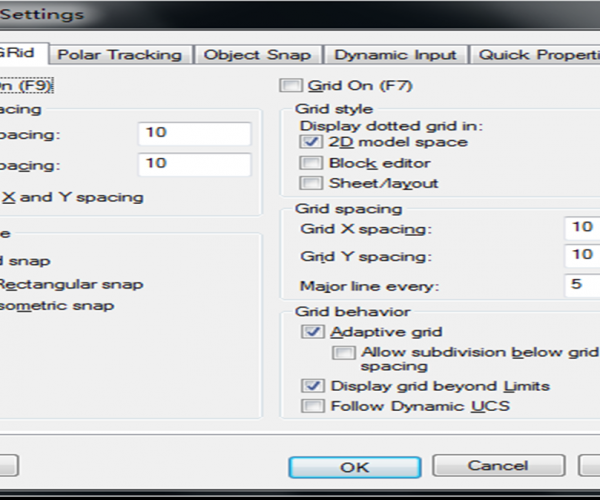
What’s the use of Grids in CAD?
When opening CAD system, the system creates a new empty drawing, we can see in the drawing there are points(in lower version of CAD) or lines(in higher version of CAD) that are equidistant from each other, which is called grids. So what’s the use of grids in CAD.

How to select objects or blocks with shared properties using Select Similar Command?
Sometimes, we need to select all objects or blocks with shared properties in order to delete them or count the number of a certain type of block. GstarCAD provides many ways to select objects in a drawing, among them is the very useful Select Similar Command.
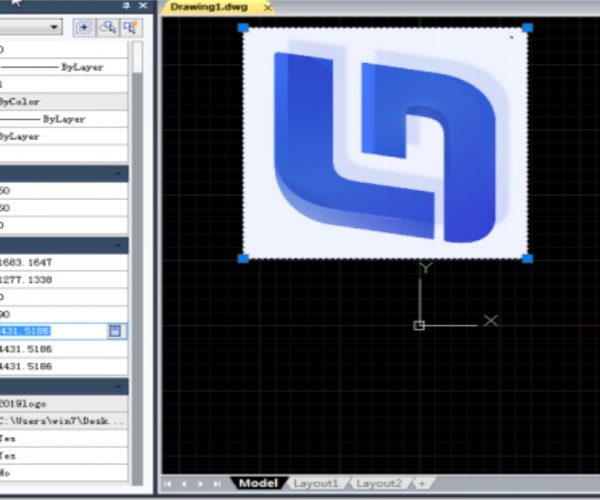
Why I can’t rotate the inserted OLE image?
Inserting image like this has a problem: when we copy the drawing to others, we will have to attach the image file, otherwise, the image won’t show in the drawing that we send to others. That’s why most of the time CAD users prefer to insert an OLE image since the OLE image is saved in the drawing and there is no need to attach the image again.

Why I’m unable to edit by double-clicking the text?
By default, CAD supports operations to select objects before executing the command, so many users are accustomed to operating after selecting the graphics that they are going to edit. But this can be changed. You can execute commands first and then select the graphics to be edited.
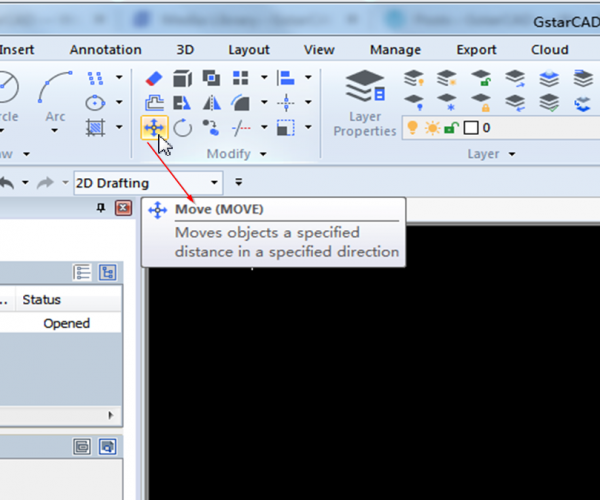
How to move an object using a displacement
How to move an object using a displacement
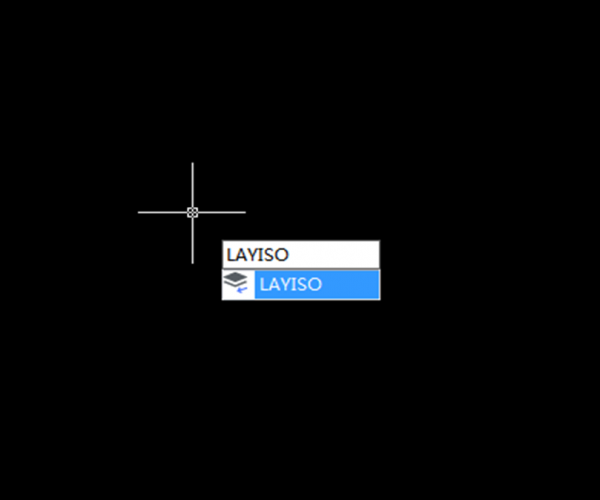
What is Layer Isolate (LAYISO) command? How to use it?
If your drawing is complex with all those layers, then count on LAYISO command to help focus on specific work that needs to be done.
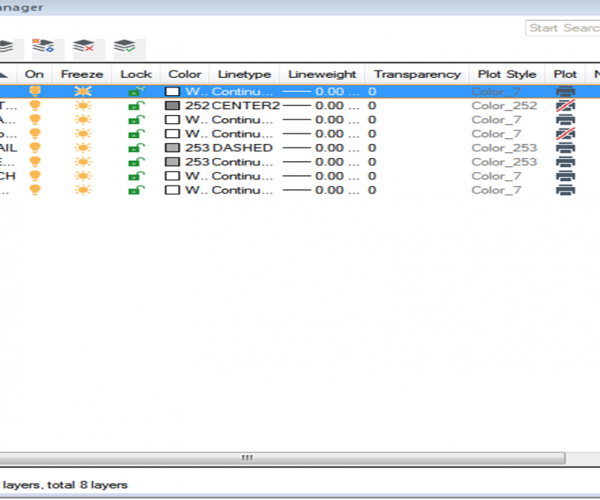
Basics about CAD layers tutorial 2
There are a few concepts about layer that need to be clarified: layer 0, Layer Defpoints, Layer Filter, Layer States Manager,

CAD Mirror Command
The Mirror (MI) command is used to create mirror copies of selected objects and remains one of the least used commands for years.

Basics about CAD layers
CAD users can put different geometric objects on different layers and control the color, linetype, lineweight and other properties by customizing the layer properties. The properties of some CAD objects are set bylayer by default and putting those objects on the specific layers will save you time and there is no need to customize them respectively.

How to create a new layout viewport
Creating a new layout viewport can be done by entering Viewport and then press Enter key or clicking….







%20command?%20How%20to%20use%20it?)


