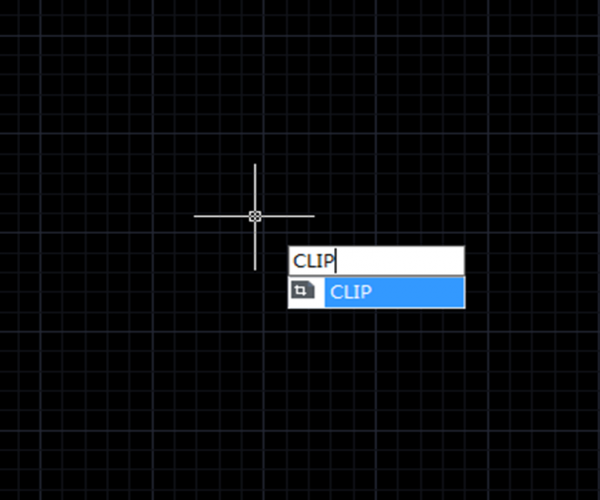
How to clip block, Xref, image or viewport?
CAD system has different clip commands for different objects: to clip image, the command is IMAGECLIP; to clip viewport, the command is VPCLIP; to clip block and Xref, the command is XCLIP.

Why we can’t separately specify the scale value for X, Y and Z axis when inserting some blocks?
When inserting blocks, we can check the Uniform Scale box or uncheck it to separately specify the scale value for X, Y and Z axis, but sometimes, the Uniform Scale is unavailable…

Ways to insert blocks from other drawings to the current drawing
CAD provides many ways to insert blocks, one way is to use I (INSERT). Actually, we don’t have to open another drawing in order to insert the blocks from it.
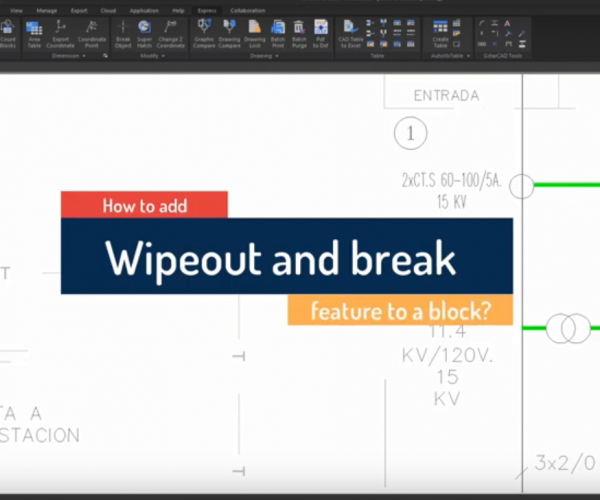
Introduction to GstarCAD Express Tool: Block Break
Working with block references are essential in some industry such electrical schematics, piping, etc.
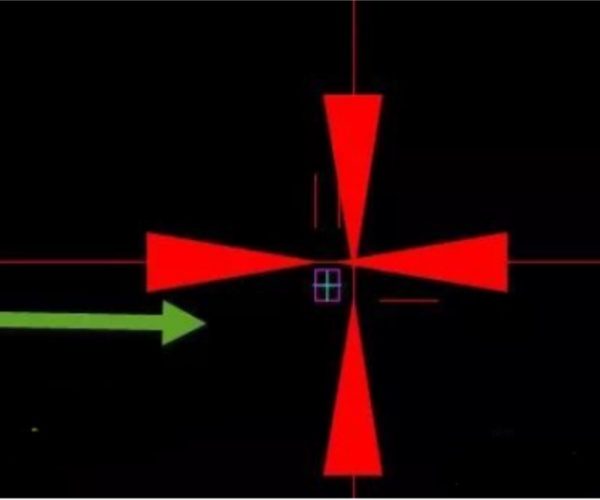
Why dimension arrowhead increases in size after blocks being exploded?
Why dimension arrowhead increases in size after blocks being exploded?
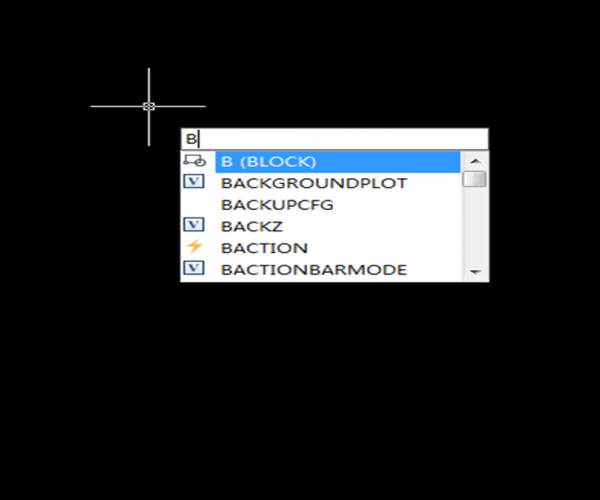
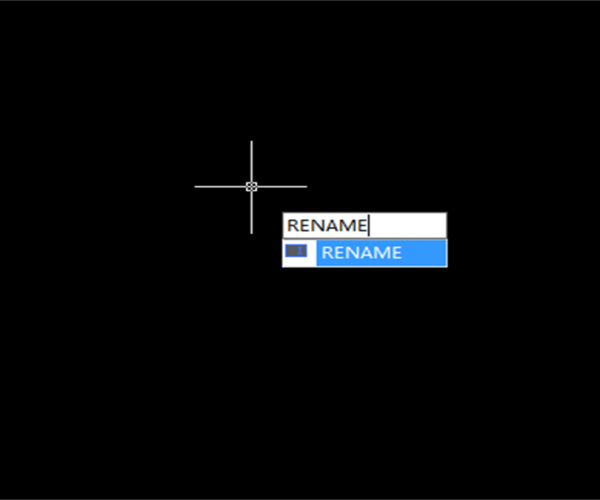
Tips for batch rename blocks in GstarCAD
When faced with tons of drawings and data, we all want to have some kind of useful tool that can deal with them altogether and that’s why people use batch commands and utilities a lot.
What makes CAD drawings unexpectedly increase in size?
Some users have complained about how their drawings increase in size and it’s getting harder to work on their drawings because the copy and paste are not available. But what…


How to block graphics behind blocks? How to easily use Wipeout in CAD?
How to block graphics behind blocks? How to easily use Wipeout in CAD?







