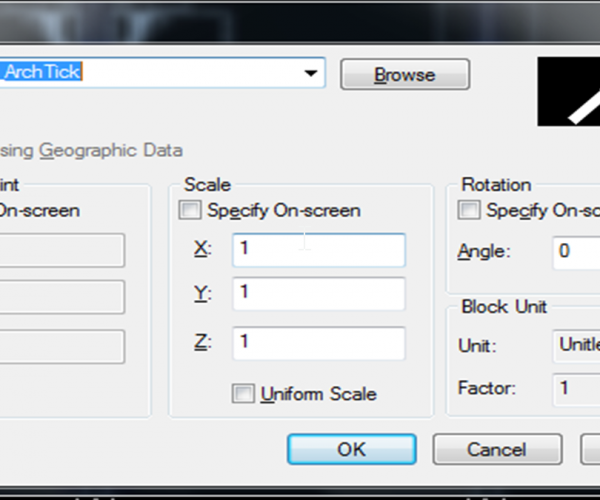
How to modify objects with non-uniform scale
Just using a simple tool. In the drawing below, if you notice blue cloud area, you can see that the columns or pillars do not fit in width with the…
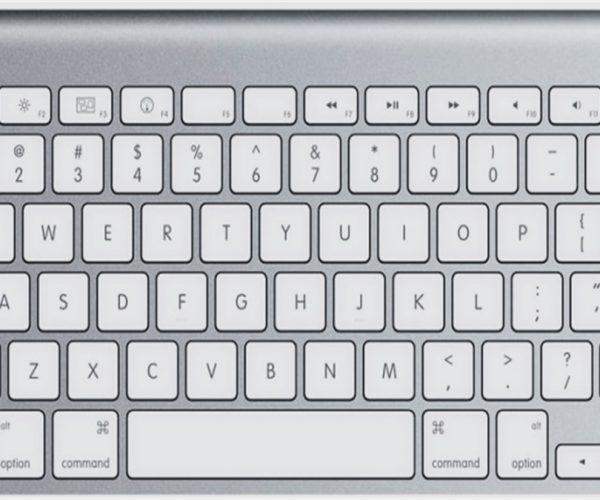
4 SHIFT key combination you might not know
It is great to know that GstarCAD offers a key combination that helps modify basic objects quickly.
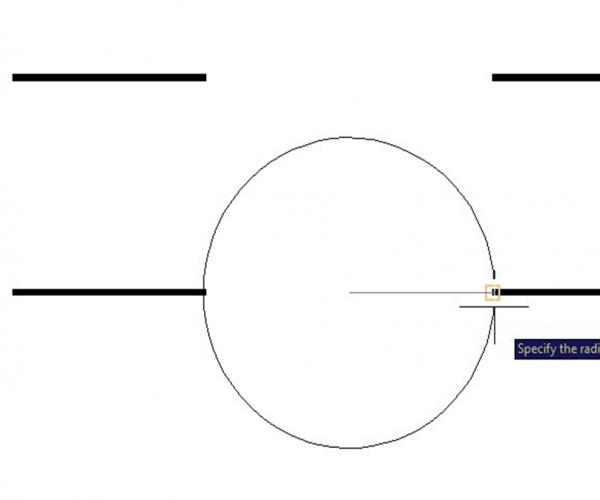
A sample of GstarCAD’s geometry calculator
People often don’t know about GstarCAD’s built in geometry calculator.
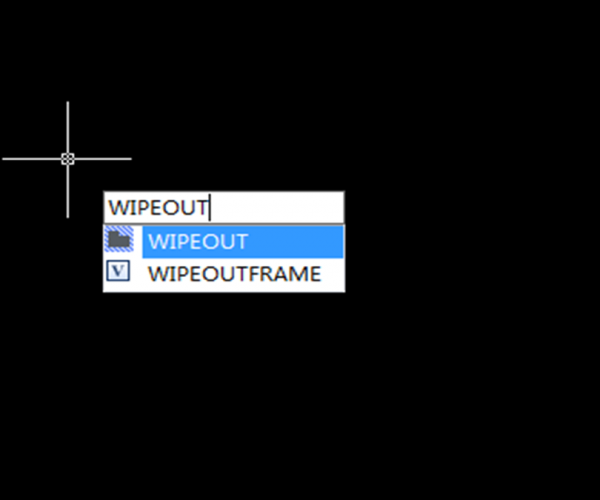
How can I create a circular wipeout
Many CAD users want to create a circular wipeout, as you may or may not know, you cannot create a wipeout using a circle, only a closed pline without any…

3 reasons to like dynamic input
As you know, dynamic input provides a command interface near the cursor to help you keep your focus in the drafting area.

How to rotate multiple texts at once to readable orientation
If you have many texts, mtexts or block attributes in your drawing.
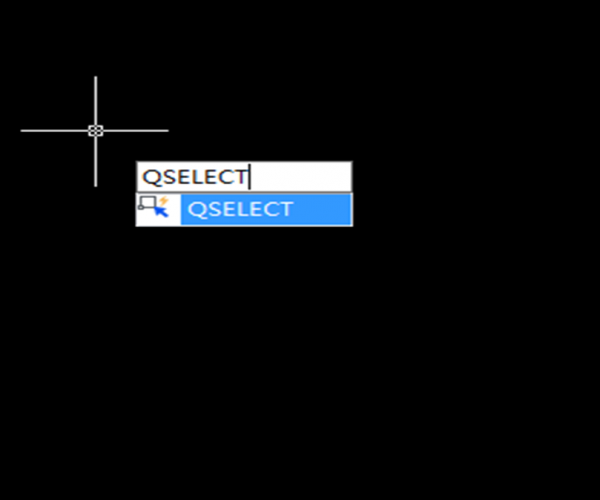
How to select all horizontal or vertical lines in a drawing
If you need to select all horizontal or vertical lines within a drawing, this could be a tedious work.
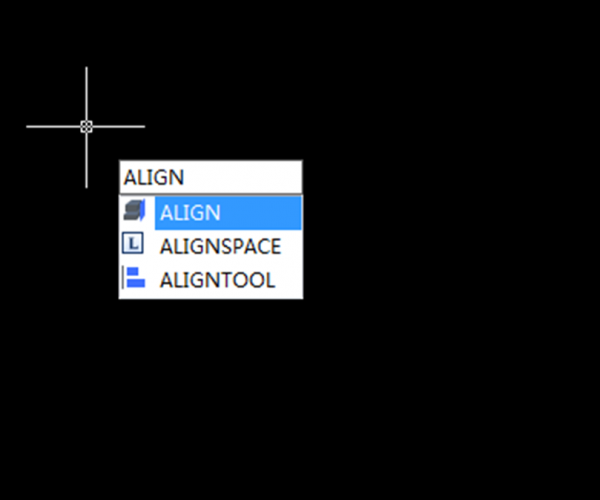
How do I move, rotate, and scale an object at once
ALIGN command is often overlooked by many CAD users. Instead of using move, rotate, and scale commands separately, you can do it at once using this tool.
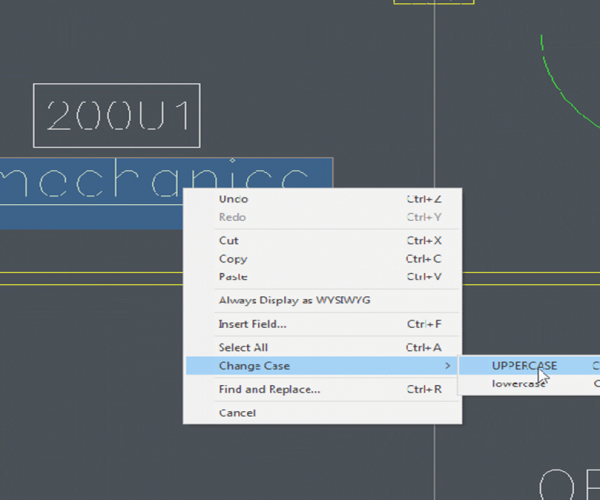
How do I change Mtext to lower or upper case
You might make a mistake and want to change the text case… either to lower case or upper case.

Why my middle mouse wheel zoom is too fast or too slow?
While using the middle mouse wheel to zoom in and zoom out in a drawing, Have you ever felt the middle mouse wheel zoom is too fast or too slow?







