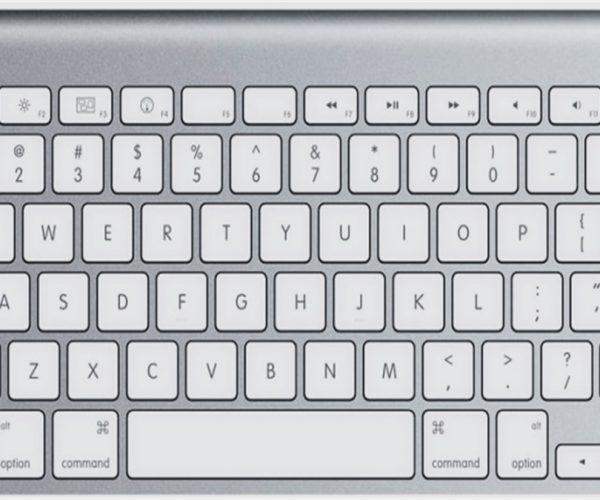
4 SHIFT key combination you might not know

It is great to know that GstarCAD offers a key combination that helps modify basic objects quickly.

Many people don’t realize that using shift combinations can increase their productivity. Here is a little list that might interest you:

1. Hold [shift] + right click.

This shortcut key combination will display context menu for snap overrides really quickly. Try to hold [shift] then right click. Release, then press [E] to activate end point snap.

2. Hold [shift] for temporary ortho mode

Holding this key while you draw, will activate temporary ortho mode. Exactly like when you activate ortho mode by pressing [F8]. But this is just temporary.

3. Holding [shift] while chamfering and filleting

You know what will happen if we hold this shortcut key when we use chamfer or fillet? It will override the distance or radius value, and will use 0 (zero) value! Pretty nice.

4. Holding [shift] while using trim/extend

When we use trim, sometimes we want to extend other objects to the same reference. You don’t have to finish your trim session, and activate extend to do it. Just hold [shift], then trim will be inverted to extend command. This work on the other way when extend command is active, it becomes trim!


Discover more from Gstarsoft's Blog

Subscribe to get the latest posts sent to your email.

GstarCAD Blog

www.gstarcad.net

Related Posts

The Ultimate Guide to GstarCAD Mechanical 2026: The Future of Manufacturing Design

GstarCAD Mechanical 2026 drafting/design software, covers all fields of mechanical design.

How to Calculate CAD Area Quickly?

As a CAD designer, are you frustrated by the cumbersome and error-prone manual CAD area calculation? GstarCAD offers multiple efficient CAD area calculation methods!

Leave a Reply

Don't Miss out

GstarCAD 2026: Is It Time to Look Beyond the AutoCAD Legacy?

  • April 21, 2026
GstarCAD 2026: Is It Time to Look Beyond the AutoCAD Legacy?

Gstarsoft Showcases Integrated CAD + BIM Solutions at BIM World Paris 2026

  • April 3, 2026
Gstarsoft Showcases Integrated CAD + BIM Solutions at BIM World Paris 2026

Boost CAD Productivity with GstarCAD 2026’s XTP Import Feature

  • March 24, 2026
Boost CAD Productivity with GstarCAD 2026’s XTP Import Feature

Case study: How TopenTech Optimized Equipment Diagnostics and Field Productivity with GstarCAD

  • March 9, 2026
Case study: How TopenTech Optimized Equipment Diagnostics and Field Productivity with GstarCAD

The Ultimate Guide to GstarCAD Mechanical 2026: The Future of Manufacturing Design

  • January 30, 2026
The Ultimate Guide to GstarCAD Mechanical 2026: The Future of Manufacturing Design

GstarCAD 2026 DWG Comparison: Boost Design Efficiency

  • January 16, 2026
GstarCAD 2026 DWG Comparison: Boost Design Efficiency

Discover more from Gstarsoft's Blog

Subscribe now to keep reading and get access to the full archive.

Continue reading

Discover more from Gstarsoft's Blog

Subscribe now to keep reading and get access to the full archive.

Continue reading

