How to convert file layers with Layer Translator

– If you ever have received a DWG file from a client which contains a bunch of layers.

-But they don’t match my drawing standard layers.

-To match drawing standard layers between drawings you can use the Layer Translator tool.

-On the manage tab>CAD Standards panel, click the Layer Translator icon.

-Here is a list of layers of the client drawing that you need to convert to.

-Click the “Load” button and search a preferred file you want to load.

-In this part shows up the collection of my standard layers that I want to convert to.

-Click the “Map same” button to match same layer names between drawings.

-Then a list of mapped layers (old & new) will be shown.

-Notice that this layer’s list didn’t match up with the other.

-You can select the layers from the left list to match up with one layer of the right list.

-After that, click “Map” button to add the selected layers to the mapped list.

-When you finish to map all client layers to your drawing standard.

-Click the “Translate” button to see the effect on the client’s drawing.

-Now all the layers have been converted to your custom layer standards.


Discover more from Gstarsoft's Blog

Subscribe to get the latest posts sent to your email.

  • GstarCAD Blog

    www.gstarcad.net

    Related Posts

    GstarCAD 2027 Deep Dive: How to Copy a CAD Drawing into Word

    When a floor plan is ready for review, the conversation often moves beyond CAD. Clients want to see it in a proposal; project managers need it alongside notes and decisions…

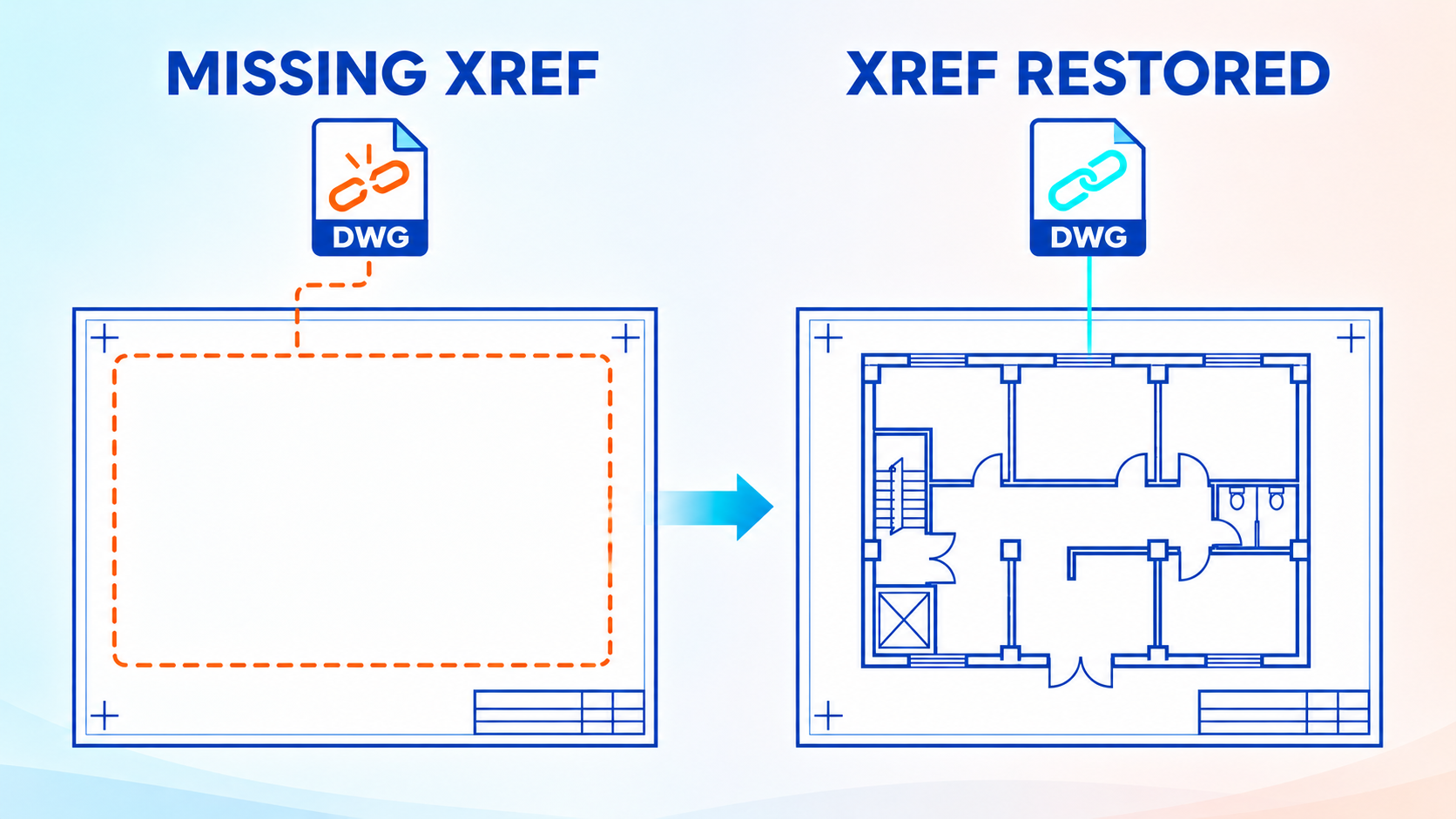
    How to Fix Missing Xrefs in a DWG File

    You open a DWG and the drawing looks strangely empty. The floor plan is there, but the structural grid is gone. Or the title block remains while an entire referenced…

    Leave a Reply

    Don't Miss out

    Gstarsoft Showcases a Practical Path from CAD to BIM at BIM World Munich 2026

    • November 26, 2026
    Gstarsoft Showcases a Practical Path from CAD to BIM at BIM World Munich 2026

    GstarCAD 2027 Deep Dive: How to Copy a CAD Drawing into Word

    • November 25, 2026
    GstarCAD 2027 Deep Dive: How to Copy a CAD Drawing into Word

    How to Fix Missing Xrefs in a DWG File

    • November 19, 2026
    How to Fix Missing Xrefs in a DWG File

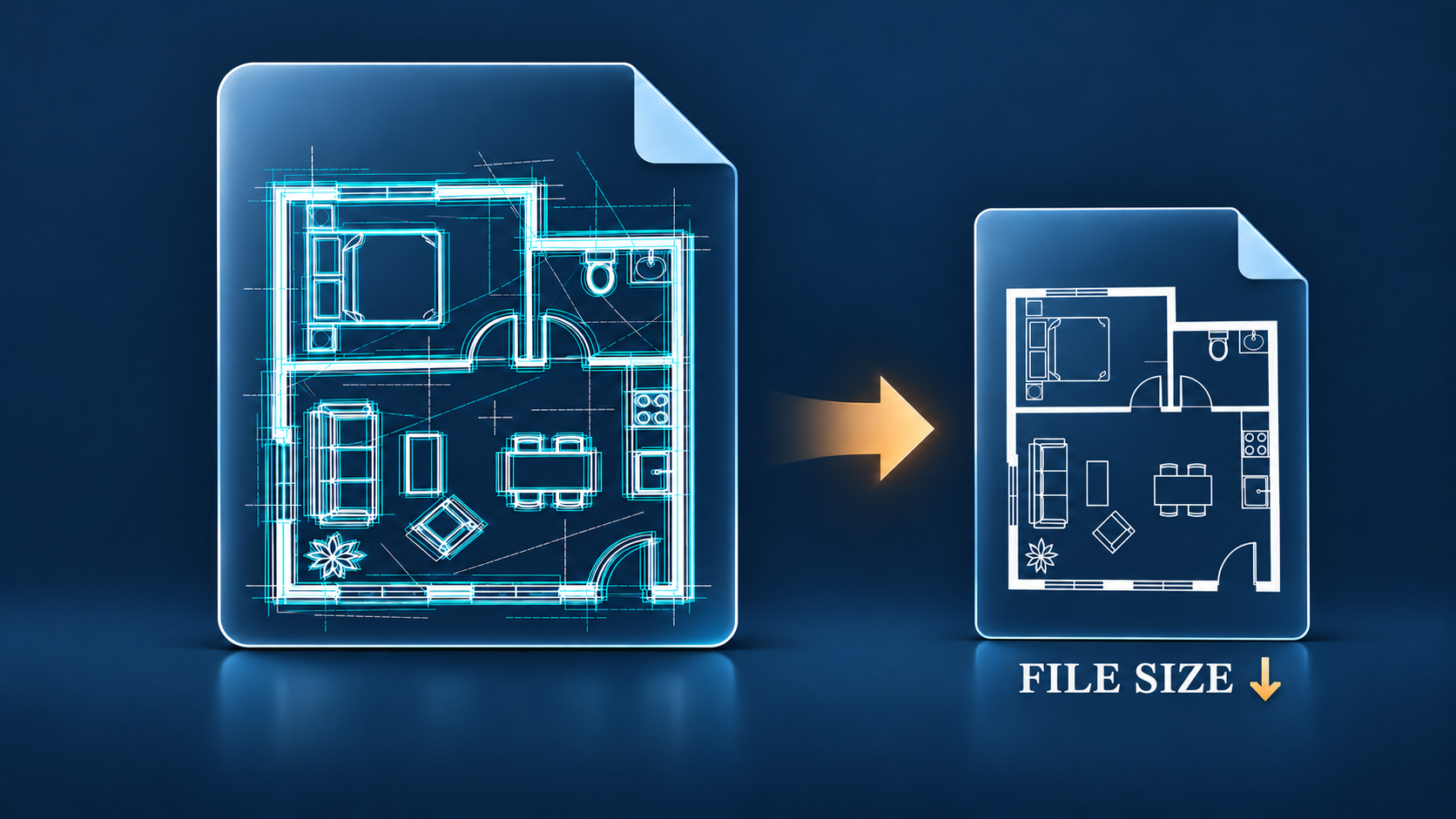
    Why Is My DWG File So Large and How to Reduce It Safely

    • November 11, 2026
    Why Is My DWG File So Large and How to Reduce It Safely

    What Is a DXF File? A Practical Guide to CAD Exchange

    • November 4, 2026
    What Is a DXF File? A Practical Guide to CAD Exchange

    What Is a DWG File? An Easy Guide for CAD Beginners

    • October 30, 2026
    What Is a DWG File? An Easy Guide for CAD Beginners

    Discover more from Gstarsoft's Blog

    Subscribe now to keep reading and get access to the full archive.

    Continue reading