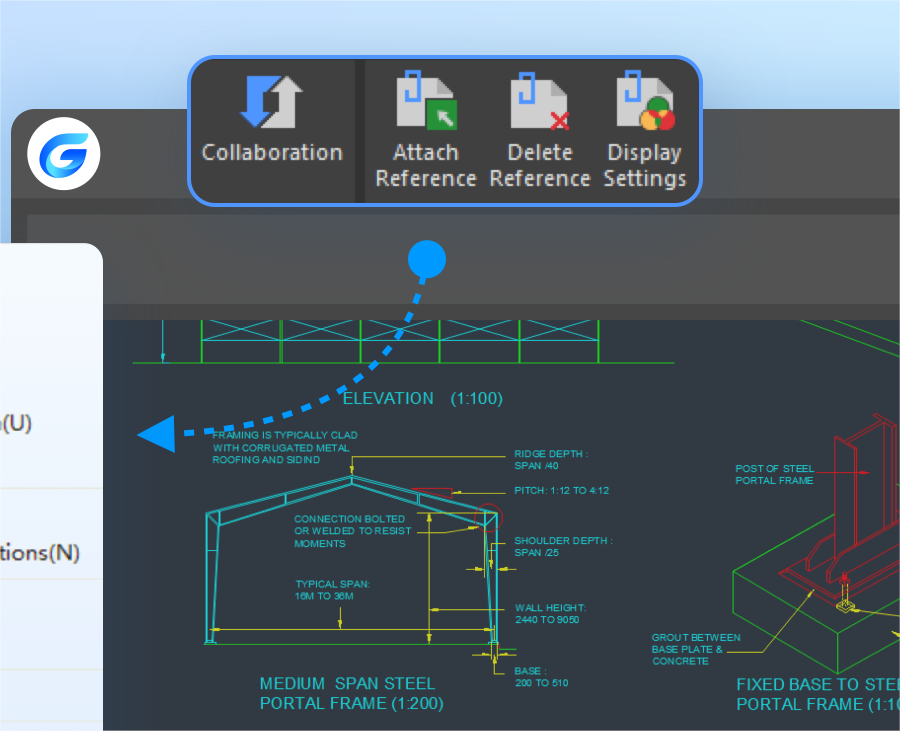
We’re thrilled to announce the release of GstarCAD 365, which is a cross-platform, lightweight and cloud-based CAD solution for collaborative design, real-time communication and much more.
What’s GstarCAD 365
GstarCAD 365 is a cloud-based solution that enables cross-platform and multi-user collaboration, allowing users to view, design, and manage drawings from anywhere. It offers an all-in-one solution for design, engineering, and manufacturing, with features like real-time communication and cloud-based document sharing. The software has been widely adopted across various industries such as engineering, construction, decoration, and manufacturing, etc.

Key features of GstarCAD 365
All-in-one solution
GstarCAD 365 is not only a lightweight and cross-platform drawing viewer that allows users to view, use, manage and review 2D drawings and 3D models across different platforms such as web browser, PC, etc. but also a 2D/3D visualized and cloud-based solution that helps enterprise design efficiently and collaboratively across multiple disciplines, departments, and scenarios.

Collaborative Design that goes to the cloud
Connected to cloud, GstarCAD 365 has taken collaborative design to new heights. Unlike traditional CAD, GstarCAD 365 is cloud-based with its drawings and models in the cloud. Its cloud-based functions such as cloud storage, cloud annotation, real-time communication, data and drawing management have revolutionized design.

Collaboration in real time
With GstarCAD 365, you can easily bring teams together to review drawings at anytime, and from anywhere, communicate in real time, exchange drawings online and keep track of activity history.
What’s more, multiple users can add real-time annotations through voice, picture or text messaging simultaneously

Streamline your workflow
The advanced data and project management system in GstarCAD 365 provides users with efficient approach to drawing management, user management, drawing standards, task overview, managing activity history, etc. ensuring the efficient flow of 2D/3D design data through the entire process from start to finish.

Download and try
GstarCAD 365 is available for web, mobile and PC users, as well as GstarCAD collaboration module users. Please feel free to try and explore more features about GstarCAD 365
https://enweb.gstarcad.net/gstarcad365
If you have any questions, please feel free to email us:
Marketing: info@gstarcad.net
Sales: sales@gstarcad.net
Technical Support: support@gstarcad.net
Discover more from Gstarsoft's Blog
Subscribe to get the latest posts sent to your email.






