
What is Lisp – Unlocking the power of Lisp in GstarCAD
Discover how Lisp, a powerful scripting language, unlocks automation and customization in GstarCAD for enhanced productivity and flexibility.
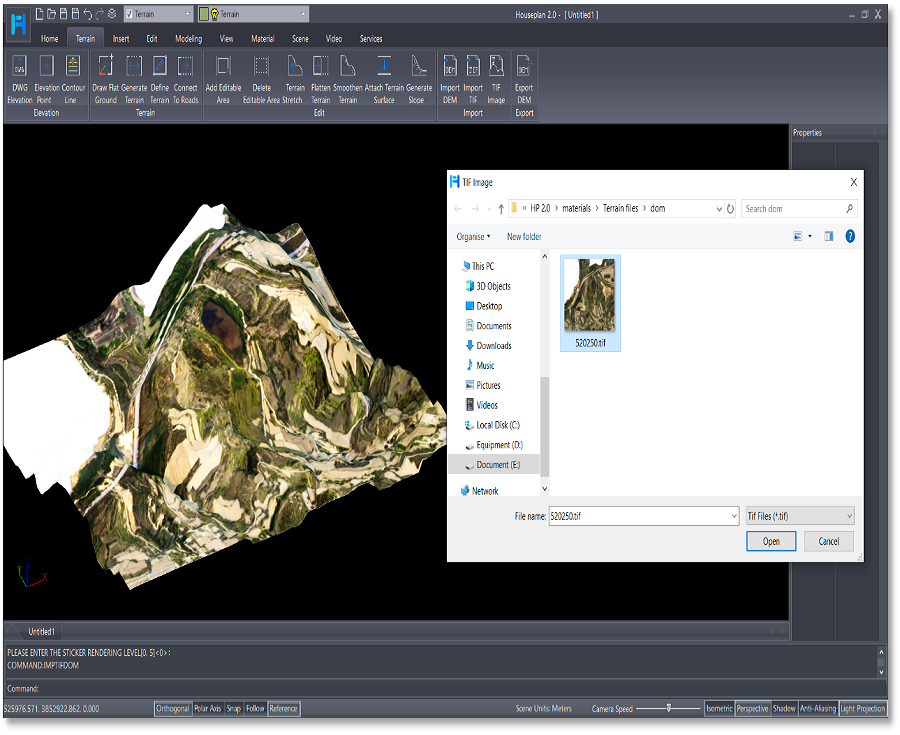
Elevate Your Designs: The Exciting New Terrain Features in Houseplan 2.0
Houseplan 2.0 has taken a significant leap forward with the introduction of its rich Terrain features, making it an even more powerful tool for architects, designers, and builders.

How to run your CAD in full screen?
The Clean Screen feature in CAD software is designed to enhance the user experience by providing a clutter-free workspace.
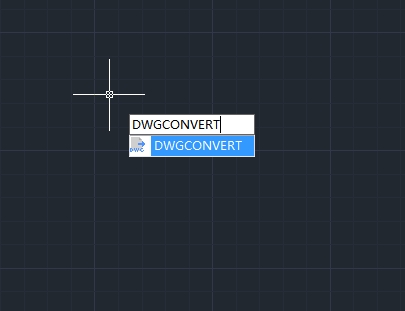
How to convert drawing files to another DWG version?
In the world of CAD (Computer-Aided Design), compatibility between different software versions is crucial for seamless collaboration and workflow efficiency.
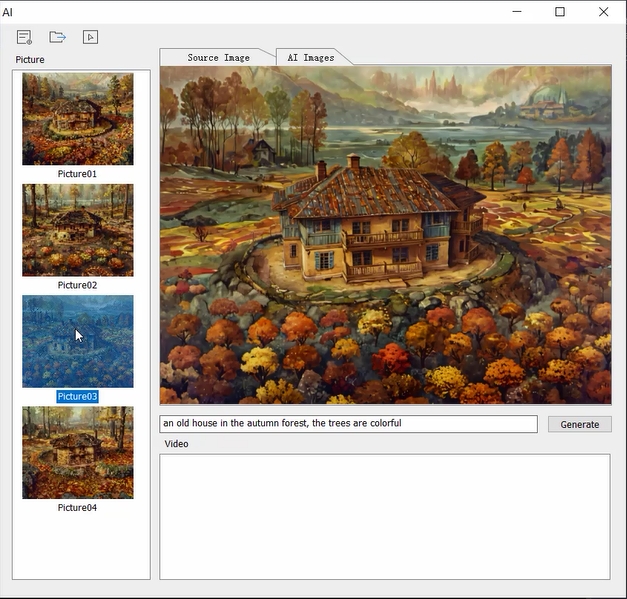
What’s new in Houseplan2.0: AI Effect
In recent years, artificial intelligence (AI) has profoundly influenced various sectors, including architecture, city planning and interior design. Houseplan 2.0 is a prime example of how AI can enhance the design process, streamline workflows, and improve client satisfaction.

How to efficiently manage layers in CAD: Practical tips to boost design productivity
In CAD design, layer management is crucial for ensuring clarity and organization in projects. However, many users often face issues such as layer clutter, inconsistent naming, and improper attribute settings, which can significantly reduce design efficiency.
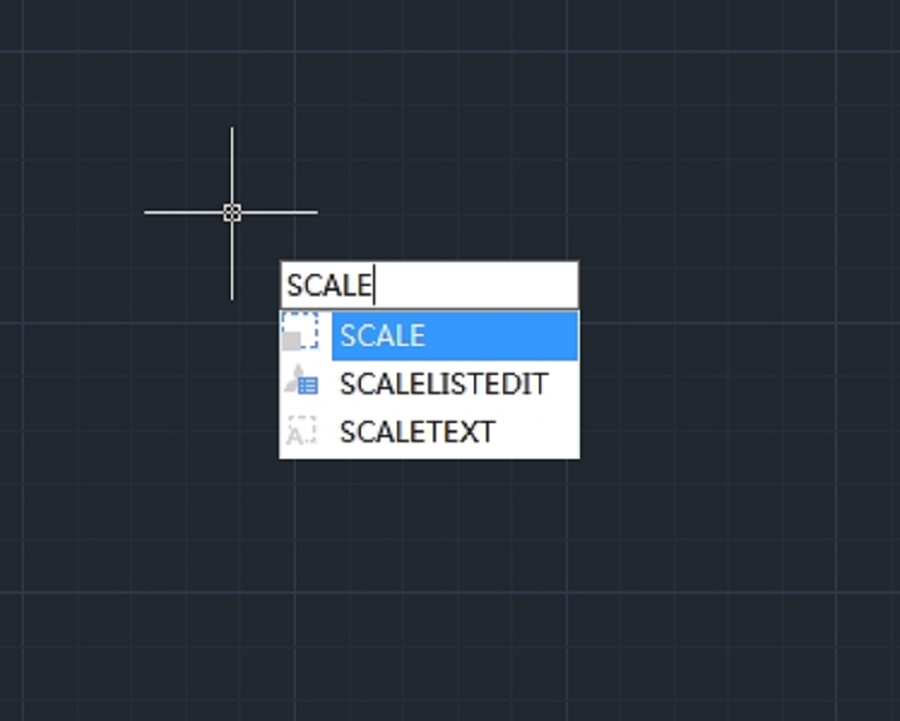
How to resize or rescale a CAD drawing?
Resizing or rescaling a drawing is a fundamental yet essential feature in CAD design.
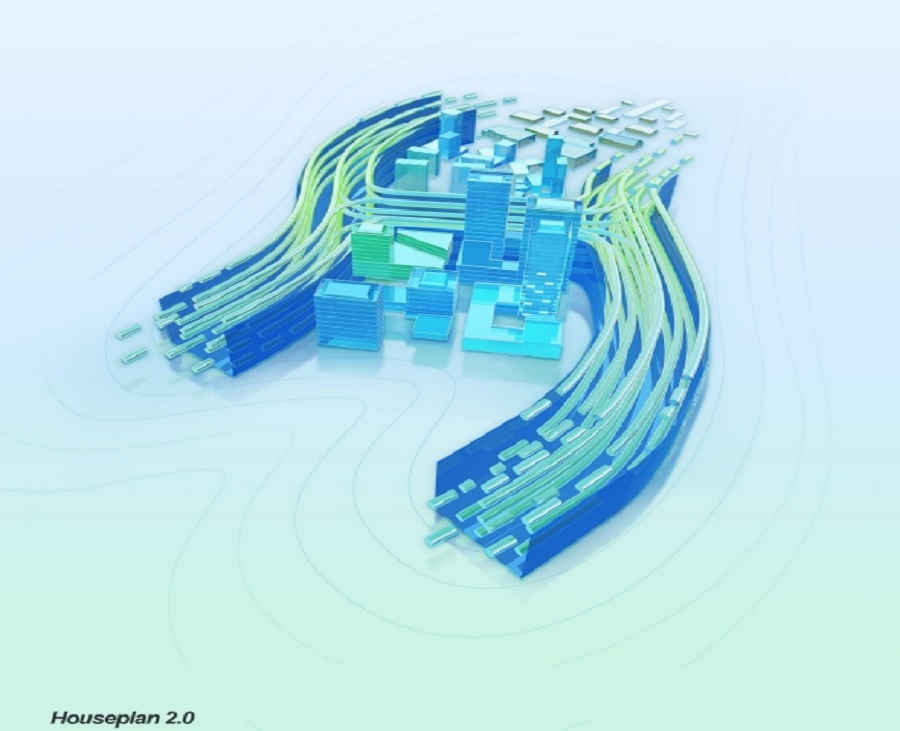
Houseplan 2.0: The Ultimate 3D Design and Visualization Tool
Gstarsoft is excited to announce the launch of Houseplan 2.0, an innovative software designed to revolutionize the world of 3D design and real-time rendering.
Houseplan 2.0 has been released
We are thrilled to announce that Houseplan 2.0 has been released with new features and enhancements.
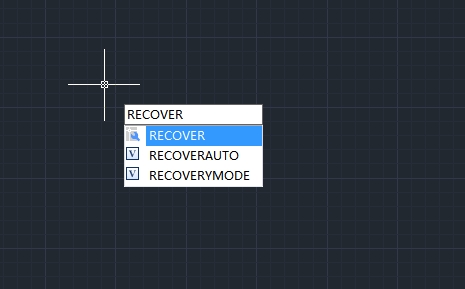
How to recover a damaged file
User can recover some or all of data by reverting to backup file or using commands to find and correct errors if a drawing file is damaged.







