
How to merge layers in GstarCAD with LAYTRANS command
How to merge layers in GstarCAD with LAYTRANS command?

Commonly used command: Recover
The Recover command is used to recover damaged graphic file and re-open it.

Commonly used command: DATAEXTRACTION
The DATAEXTRACTION command is used to extract data from drawings into tables or files.

Commonly used command: LTSCALE
The LTSCALE command is used to change the linetype scale of the whole drawing, which make the drawing be regenerated.

How do you hide objects in CAD with HIDEOBJECTS?
Hiding objects improves our drawing efficiency by cleaning up our drawing space and removing unnecessary part of the drawing.

Useful and easy command: DATALINK
DATALINK is used to link table to data in Microsoft Excel files such as XLS, XLSX or CSV.
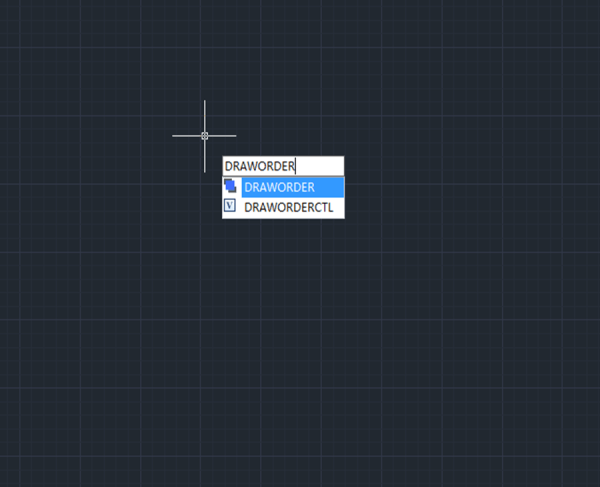
Commonly used command: DRAWORDER
The DRAWORDER command is used to change the drawing order of images or other objects.

How to make dimension text bigger or smaller in CAD?
Have you ever encounter the problem that the dimension line contain very big or small information about the dimension, actually, we can increase or decrease the height using Dimension Style.
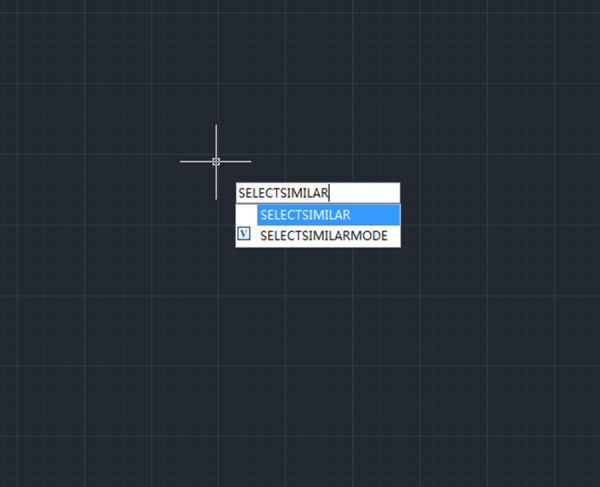
How to select similar objects?
The QSELECT command is used to create selection sets according to filter conditions. We can filter by the object type and property.
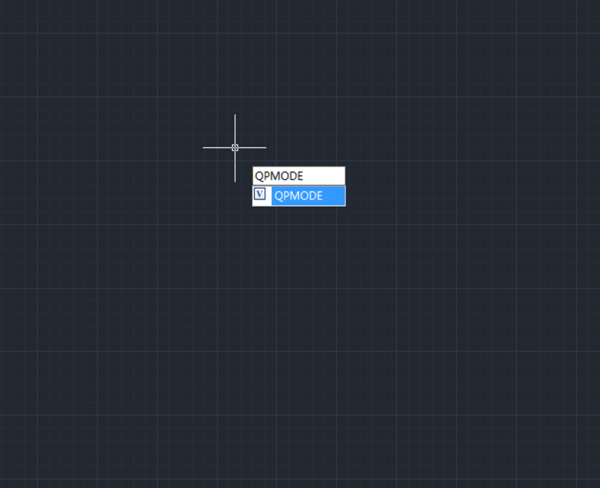
What is Quick Property in CAD and how to use it?
GstarCAD has provided Quick Property palette allowing users to focus on the object properties they prefer to save the limited drawing space.







