
CAD Mirror Command
The Mirror (MI) command is used to create mirror copies of selected objects and remains one of the least used commands for years.

Basics about CAD layers
CAD users can put different geometric objects on different layers and control the color, linetype, lineweight and other properties by customizing the layer properties. The properties of some CAD objects are set bylayer by default and putting those objects on the specific layers will save you time and there is no need to customize them respectively.

How to create a new layout viewport
Creating a new layout viewport can be done by entering Viewport and then press Enter key or clicking….
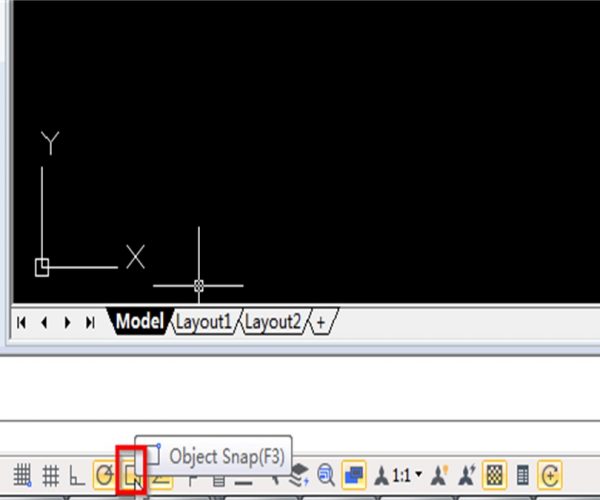
Tips for Object Snap in CAD
The Object Snap in CAD can help us draw or locate other graphics based on some characteristic points such as endpoint, midpoint, center of circle and intersection point. Object Snap is the most frequently used drawing tools in CAD and this post will talk about the FAQ and basic tips for Object Snap.

How to deal with drawings encrypted with MINSERT block?
How to deal with drawings encrypted with MINSERT block?

What’s the difference between dynamic input and command line input of coordinates in CAD?
Dynamic input allows us to focus on the drawing without having to look at the command line and therefore improves our drawing efficiency. So what’s the exact difference of dynamic input and command line input.
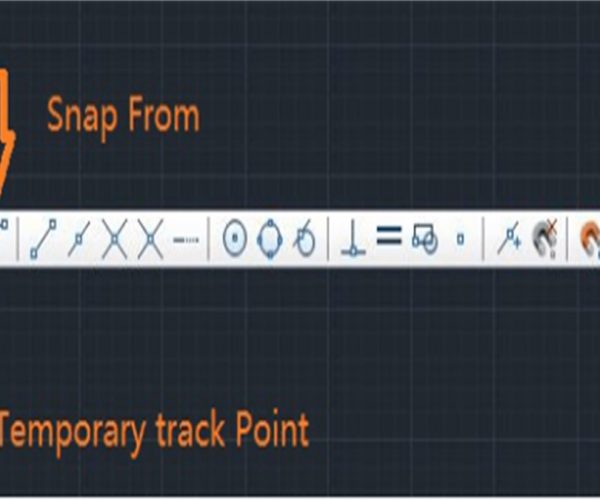
How to set the Object Snap Tracking? How many options are in the Object Snap Tracking?
Object Snap Tracking is among the most import drawing aids. It can precisely locate objects and users can use the cursor to precisely locate destination points such as the center, endpoint geometric center and perpendicular.
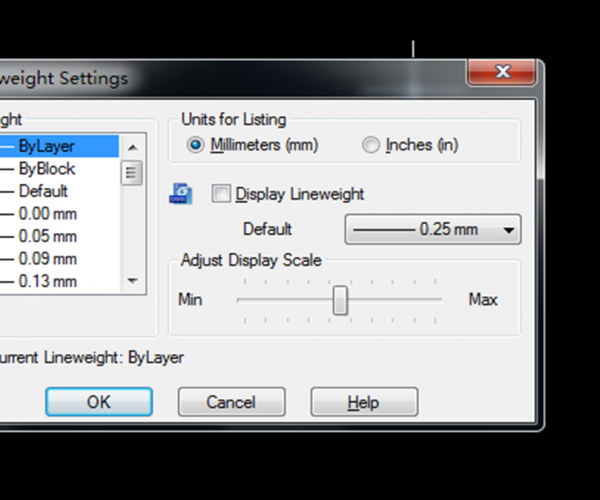
What’s the line weight used for? Can we skip line weight when drawing?
Line weight is a very basic concept in CAD, we can set it through layers or by selecting the object. The main function is to control the line weight effect of the graphics when plotting.

Tips for SHIFT in CAD
SHIFT has many uses in CAD, here are some tips and tricks for SHIFT in CAD to improve your efficiency.
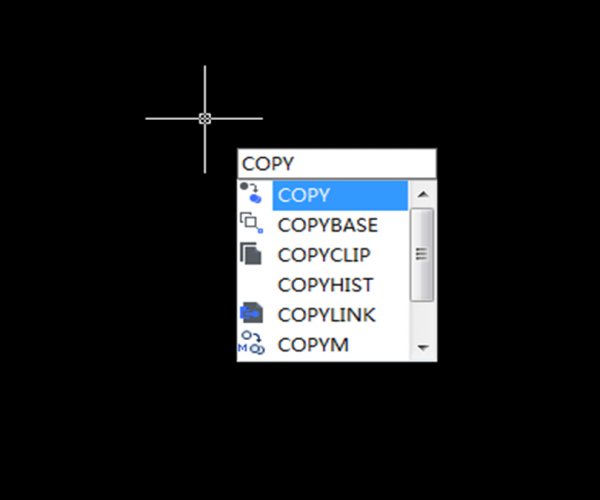
Tips for COPY command in CAD
There are lots of commands in the Modify bar, you may think that COPY command is one of the most easy-to-use commands, but this may not be the case for some newbies, so the following tutorials are for the newbies as how to better use the COPY command.







