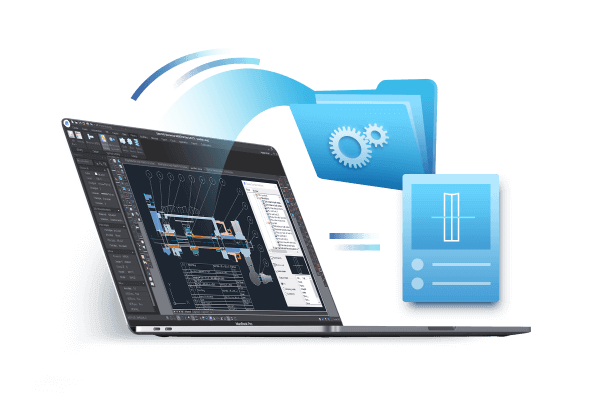
CAD file and CAD file format are very basic yet important concepts when working with CAD software.
What are CAD files?
CAD (Computer-aided design) files are digital files used to store 2D or 3D CAD design data. They are created by CAD software programs and can be imported to or exported from a different but compatible CAD software program.
What are CAD file formats?
CAD file formats are CAD file types with different file extensions. Just like common image file formats include different file types with different extensions such as JPEG, PNG, GIF, etc, major CAD file formats include DWG, DXF, DGN, etc., and different CAD file formats have pros and cons in terms of storing CAD drawings or CAD models.

Import & Export CAD files
GstarCAD supports the following data format.
Import: WMF, SAT, DGN, DWF, 3DS
Export: DWF, DWFX, WMF, SAT, STL, EPS, DXX, BMP.
How to import your CAD files to other formats
GstarCAD supports major file formats, and users can import data from other file formats into the current drawing,

How to export your CAD files to other formats
GstarCAD supports major file formats that are also supported by other mainstream CAD software programs,

Download CAD software and explore Import & Export Feature
Types of commonly used CAD File Extensions
GstarCAD is completely compatible with major CAD software in data format, supporting the latest DWG/DXF TM.

.DWG file
DWG file is a file format that is closely related to CAD (computer-aided design) software. The name of DWG is from the word drawing and DWG files can house both 2D and 3D graphics.
.DXF file
DXF is short for Drawing Exchange Format, which is a CAD data file format designed for sharing drawing data across CAD software programs.
How to open a CAD file
Using CAD software
CAD software can be used to create, open, view, and plot CAD files. If you need not only to open a CAD file but also edit it and export or publish it, then a CAD software program is what you’re looking for.
GstarCAD 2024 brings enhanced functionality to the mechanical and architecture industries by supporting STEP and IGES format files, which enables the convenient exchange of 3D CAD data between different software platforms.
Using Viewer program
You don’t have to own CAD software to open and view a CAD file such as DWG files, a viewer program such as DWG FastView can just do that.








