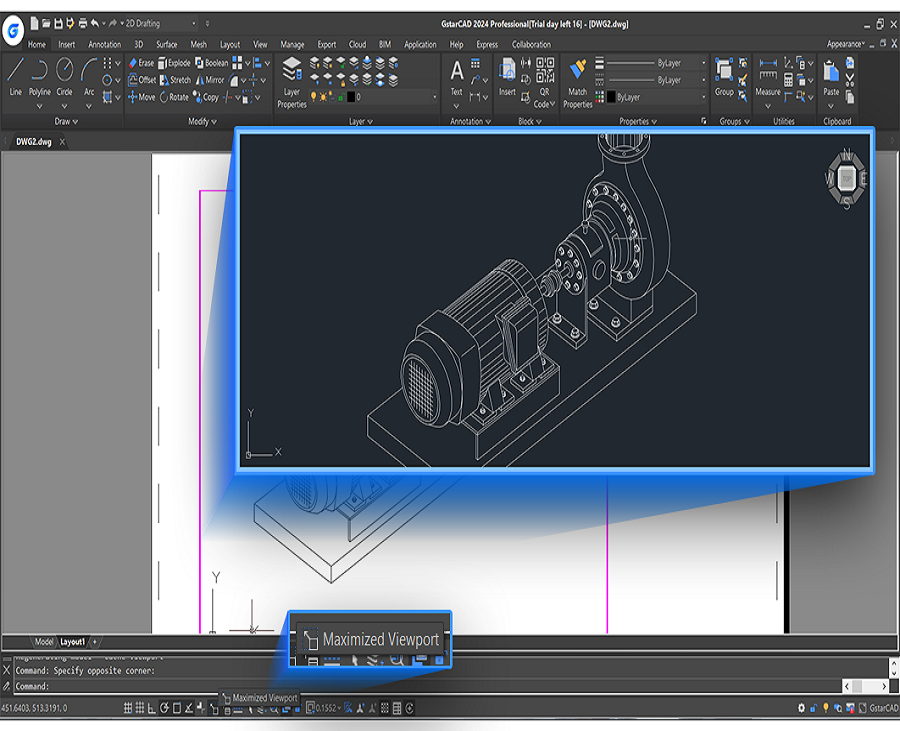
There are different CAD software programs at varying prices and are capable of a wide range of projects, small or big.
What is CAD
CAD stands for Computer-Aided Design, which involves the use of computer software programs to aid in the design process. There are different kinds of CAD software programs. Some are general-purpose while some are more industry-specific for users in the fields of architecture, construction, mechanical, civil engineering, automotive and aerospace engineering, etc.
What are the applications of CAD?
There is so much you can do with CAD software, ranging from building small projects creating floor plans, and creating drawings of mechanical parts to shipbuilding, yacht design, electrical, and automotive engineering projects, manufacturing, and architectural drawings.

Mechanical engineering and design
CAD software can be used by mechanical design engineers to create mechanical components, parts, etc.

GstarCAD has provided specialized CAD software GstarCAD Mechanical 2023 to streamline the entire mechanical process with a toolset. It covers all fields of mechanical design such as manufacturing, and helps users complete design tasks quickly.

Download GstarCAD Mechanical software

Architectural design and construction
CAD software is commonly used by architects, construction companies, etc. to increase the productivity of CAD designers.
GstarCAD Architecture is professional CAD software for architectural and construction design. It uses associative and parametric building components to create construction plan drawings based on custom object technologies.

Download GstarCAD Architecture and get the free trial

CAD application
Besides industry-specific CAD software, users can download many CAD plug-ins can work on CAD software to be more specialized for a wide range of industries. The following are some of the plug-ins supported by GstarCAD.
* Spatial Manager for GstarCAD
Spatial Manager for GstarCAD is a lightweight and powerful GstarCAD plug-in designed for GstarCAD users to deal with spatial data in a simple, efficient, and cost-effective way.
* e-CAD Steel
e-CAD Steel is a multi-platform and multi-language add-on for popular CAD products. It provides flexible drawings of many types of standard steel elements in the following view options: 2D cross-sectional profiles, 2D views (top, bottom, or right), and fully three-dimensional models.
* TcpMDT
TcpMDT for GstarCAD helps CAD users develop new surveying and civil engineering projects in a CAD environment.
Discover more from Gstarsoft's Blog
Subscribe to get the latest posts sent to your email.