
Discover BIM Support in GstarCAD 2025
Building Information Modeling (BIM) is transforming architecture and engineering by enhancing efficiency and collaboration. GstarCAD 2025 offers robust BIM support features that empower designers and engineers.

How to enable or disable hardware acceleration in CAD
GstarCAD 2025 now includes Hardware Acceleration, which uses the powerful graphics processing capabilities of the GPU to help the CPU handle tasks more efficiently. This update greatly improves the quality of graphic display and speeds up your work, enhancing the overall performance of the software.

System requirements for GstarCAD for Linux
The Linux version of GstarCAD is built on the same core as the Windows version, ensuring a seamless experience with comprehensive features and user interface.

How to make a 3D CAD model in GstarCAD
GstarCAD is lightweight CAD software program that provides 2D design and drafting tools as well as 3D modeling.

GstarCAD 2025 supports 3Dconnexion SpaceMouse & CadMouse
We are excited to announce that GstarCAD 2025 now supports SpaceMouse® and CadMouse®, 3Dconnexion’s high-end 3D mouse devices designed for CAD professionals.
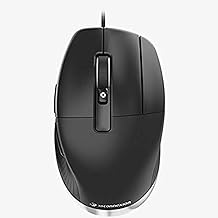
How to choose and use a 3D CAD mouse?
A CAD mouse is a specialized input device designed to enhance the efficiency and precision of computer-aided design work.

Spatial Manager 9 for GstarCAD 2025 is available
We’re excited to announce that the recently released version 9.1.3 of Spatial Manager is now available with GstarCAD 2025.
SPCAD for GstarCAD 2025 is available
We’re thrilled to announce that the latest version of GstarCAD 2025 works on SPCAD, a powerful CAD plugin that makes your CAD workflow quick, efficient, and convenient.
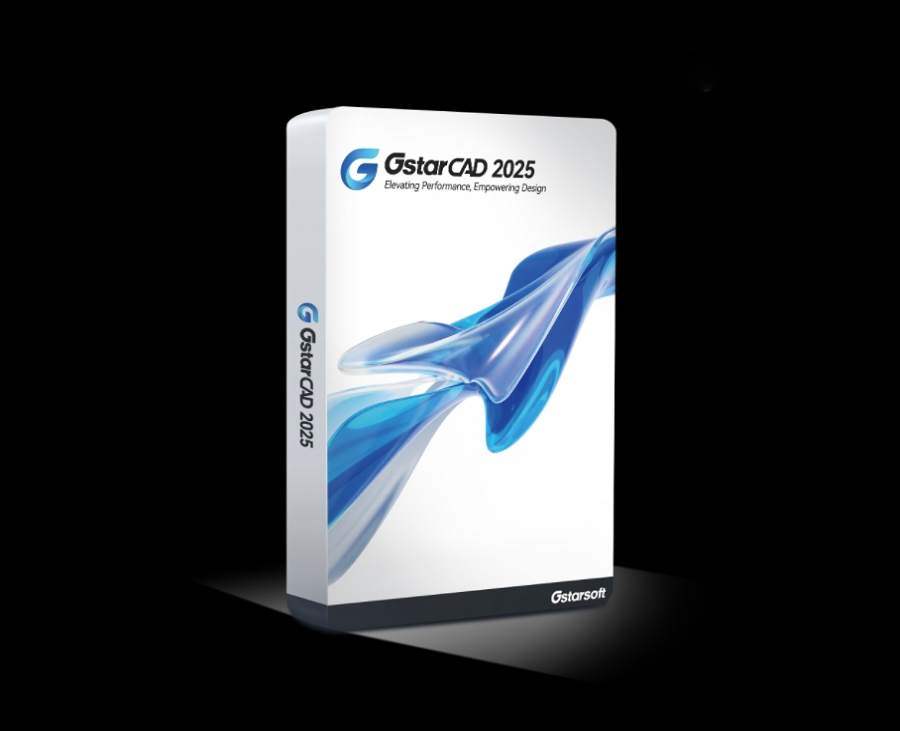
GstarCAD 2025 is released
We’re pleased to announce that GstarCAD 2025 official version has been released with new features and enhancements that improve user experience, software performance, and boost design efficiency.







