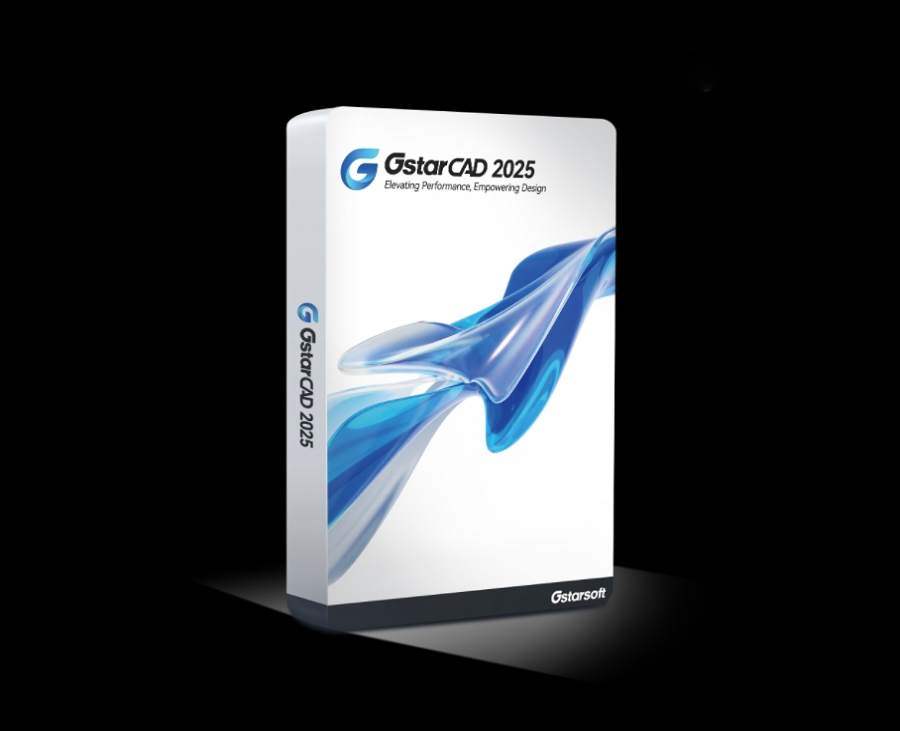
We’re pleased to announce that GstarCAD 2025 official version has been released with new features and enhancements that improve user experience, software performance, and boost design efficiency.
Enhancements that take your design to new heights
Elevated Performance
GstarCAD 2025 gives enhanced user experience, compatibility, customization and automation. Incremental Save is introduced in GstarCAD 2025, significantly boosting SAVEAS and QSAVE speed, as well as drawing opening speed. TRIM and EXTEND command performance on complex drawings is improved by 69%, and HATCH display precision is also enhanced, eliminating excess lines in gradient and transparent hatch, ensuring a more efficient workflow.

Dimensions Made Easy
Dimensions are commonly used in CAD drawings, which makes it inconvenient for users to switch between different commands. Now with GstarCAD 2025, you don’t have to do that any more, you can simply execute the DIM command, move the cursor over objects to preview dimensions and then click the confirm the placement of dimensions.

Lasso Selection
Lasso selection allows you to create an irregularly shaped window or crossing selection set, which is beneficial when selecting objects in complex drawings. Window Selection has also been optimized by adding Fence, Window Polygon and Crossing Polygon options.

Enhanced PASTESPEC command
The PASTESPEC command is used to paste objects from clipboard to the current drawing and control data formats. After copying data from an Excel worksheet to the clipboard, you can execute the PASTESPEC command and select ‘Paste Link’ to paste the Excel data as ‘DWG Entities’. After the insertion, you can modify the table. What’s more, a data link is created automatically and the link can be updated using DATALINKUPDATE command.

Manage your license efficiently
GstarCAD 2025 provides users with an enhanced system to manage their license safely and efficiently. Users will be notified of any available upgrades for USB standalone dongle or subscription expiration beforehand. Number of real -time users is also displayed for GstarCAD Network License Manager.

What’s New In GstarCAD 2025?
GstarCAD 2025 has included some exciting new features that boost efficiency and improve user experiences, including Hardware Acceleration, Parametric Constraints, BIM Data Editing, 3D Mouse Device Adaption, Voice Annotation, Break at Point, DWGUNITS, Application Manager, API, etc.
Parametric Constraints
GstarCAD 2025 introduces Parametric Constraints, focusing exclusively on geometric constraints this year. Geometric constraints manage how objects relate to others, enabling automatic adjustments to other objects when changes are made, ensuring design precision and efficiency.

BIM data Editing
BIM data can be edited directly from GstarCAD 2025, which significantly enhances drawing efficiency and streamlines workflow.

3D Mouse Device Adaption
GstarCAD 2025 supports the SpaceMouse and CadMouse by 3Dconnexion. You can manipulate 2D views and 3D perspectives using the controller’s joystick, switch views and execute commands using the mouse’s shortcut keys, and you can also customize the mouse button configurations within the driver software for these devices.

Voice Annotation
GstarCAD 2025 supports voice annotations now. You can easily create, record, play, and manage voice annotations through the Voice Manager panel.

API for better customization
GstarCAD offers robust APIs for software developers to migrate and build applications on GstarCAD. GstarCAD 2025 now supports Python and offers more than 790 commonly-used Python interfaces.

Try GstarCAD 2025 for free
GstarCAD 2025 is now available for download, please feel free to download and try out https://www.gstarcad.net/cad/
If you have any questions, please feel free to email us:
Marketing: info@gstarcad.net
Sales: sales@gstarcad.net
Technical Support: support@gstarcad.net
Discover more from Gstarsoft's Blog
Subscribe to get the latest posts sent to your email.








