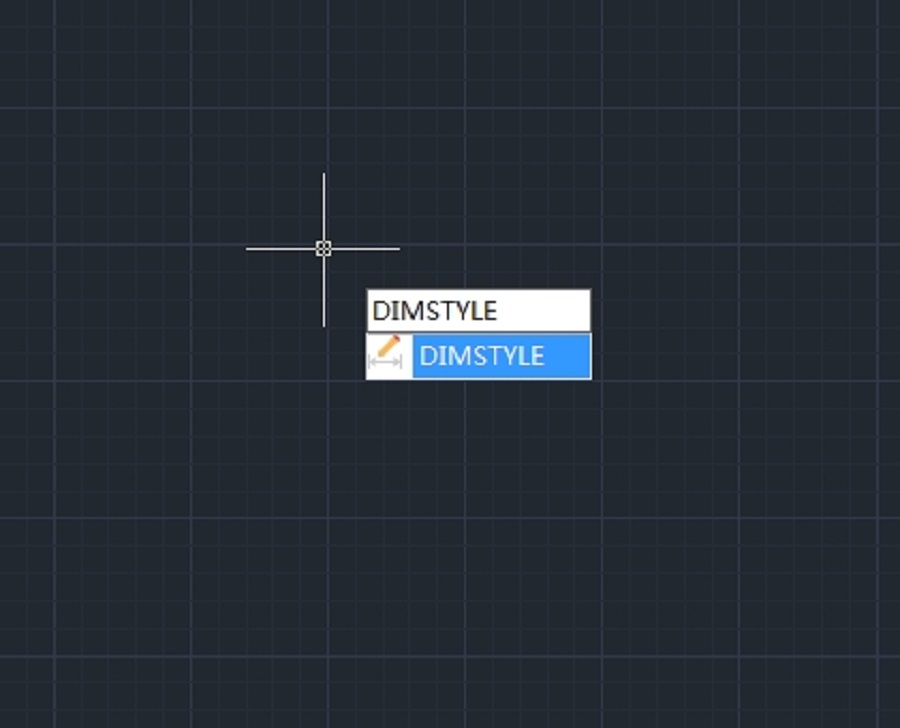
How to change the text height of a dimension in CAD
How to change the text height of a dimension in CAD

How to change imperial dimensions to metric dimensions?
Sometimes we need to change the dimension units from imperial to metric. For example, the dimensions are currently displayed in inches and we want them to display in meters. This can be done using DIMSTYLE.

How to compare two different dimension styles?
From the Dimension Style Manager, we can not only compare the difference between selected dimension style and the current text style, but also two different dimension styles.
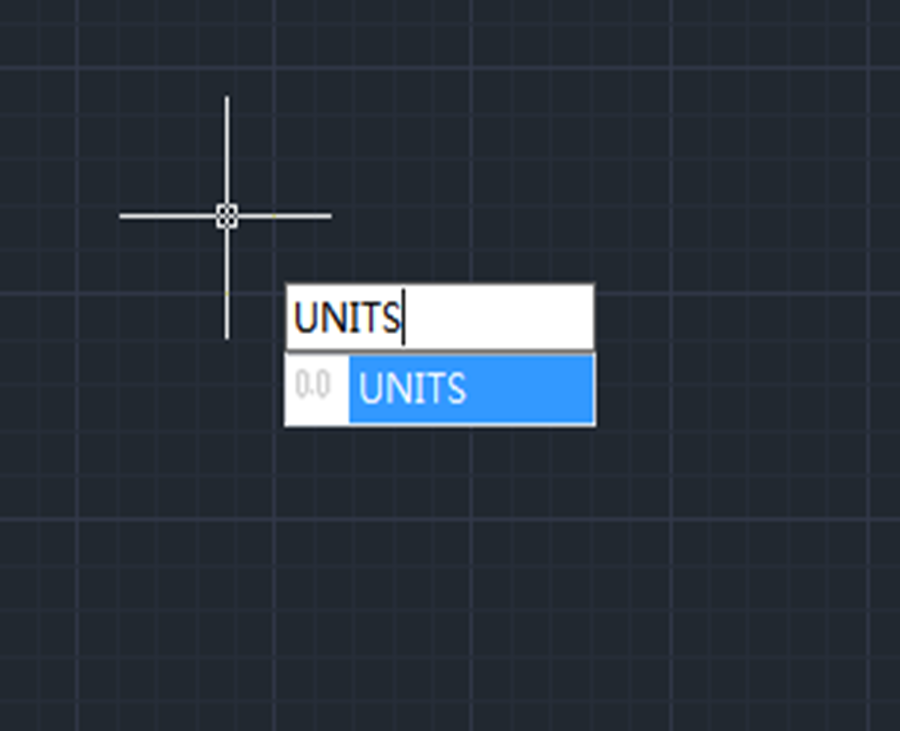
How to add units to dimension in CAD?
To add units to dimension in CAD, we need to do settings in the “Dimension Style Manager ”

About Dimassoc System Variable in CAD
The DIMASSOC system variable is used to control the association of dimension objects and whether dimensions are exploded.

How to change the placement of an arc symbol in Arc length dimension ?
An arc symbol can be displayed either above or preceding the dimension text. Of course, we can choose not to display the arc symbol.

How Dimensions are enhanced in GstarCAD 2022 ?
Enhanced dimensions in GstarCAD 2022

How to stretch a group of Dimensions with GstarCAD 2022 ?
GstarCAD 2022 has introduced a method to stretch a group of dimensions by adding “Stretch Dimension Group” option to the context menu options.

How to make dimension text bigger or smaller in CAD?
Have you ever encounter the problem that the dimension line contain very big or small information about the dimension, actually, we can increase or decrease the height using Dimension Style.

Troubleshooting: Why dimension and real size are different ?
Why the dimension is different from real size?







