How to customize command shortcuts in CAD software?
Step-by-Step Guide to Customize Command Shortcuts in CAD software
How to customize user interface in your CAD
The user interface provides users with all the tools needed for design. Users can increase productivity and streamline workflow with customized user interface.

Enhanced CUI (Customize User Interface) Editor in GstarCAD 2023
“Ribbon control elements” and “Toolbar control elements” items are added to the category drop-down of the command list pane of the CUI editor, which you can select to filter and add elements quickly.

How to define commands in CUI?
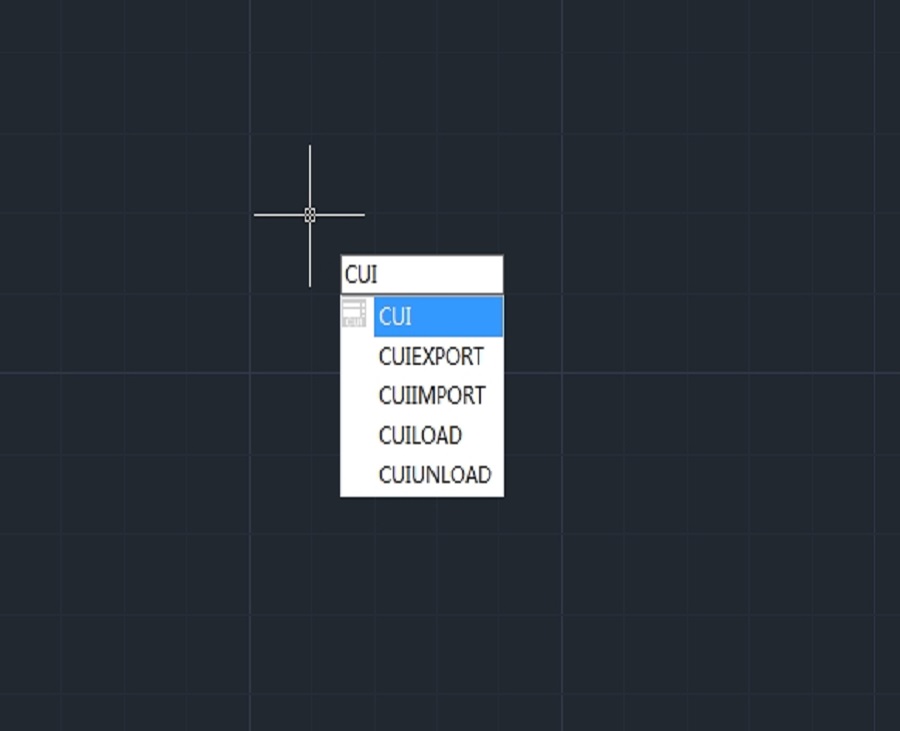
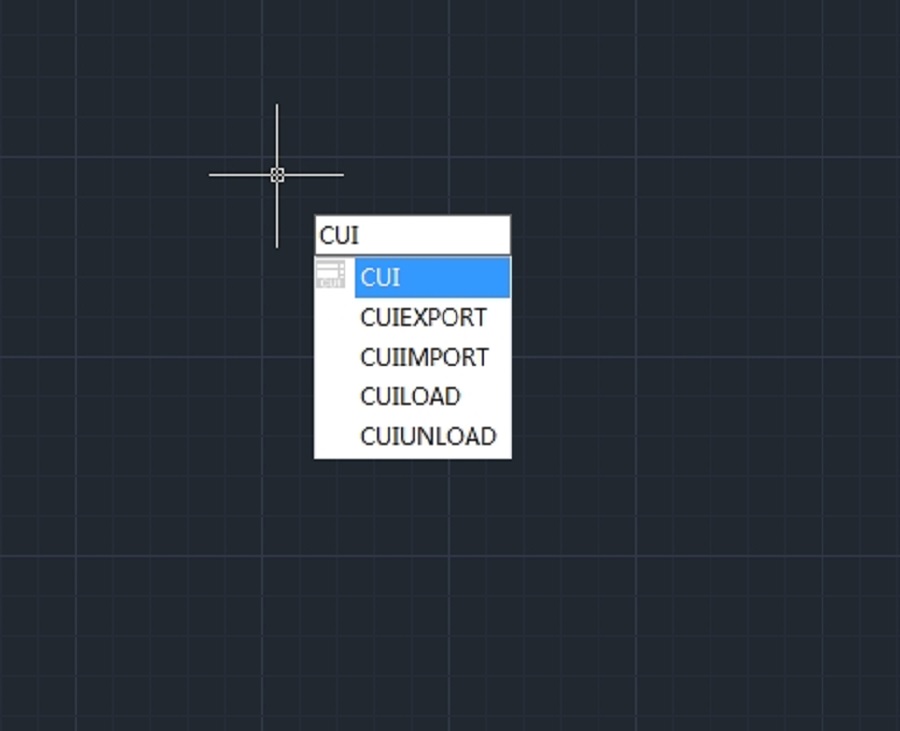
Enter CUI, press Enter key to open the Customize User Interface dialog box, right-click on a random command from Command List, and select New command






%20Editor%20in%20GstarCAD%202023)
