
How to modify and save settings?
The default background color is black, let’s try to add a white background color to the settings.
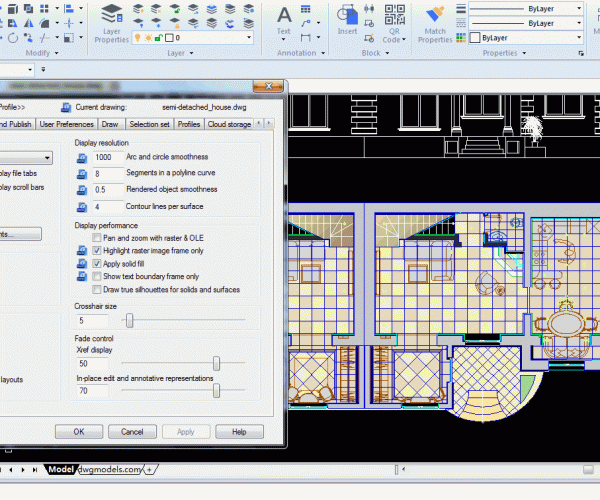
How to change the background color in CAD ?
By default the background color in drawing area is black, but with only a few clicks, we can change it to your preferred color.






