How to use GstarCAD Layer walk

Have you ever get confused which created objects are on which layer?

When you work with layer standard, you may have dozens or even hundreds of layers in your drawing. Finding which one sets to wrong layer can be a tedious work. Here is a tip: Type LAYWALK command to activate this tool. Alternatively, you can access it from menu: Format> Layer Tools> Layer Walk. Or access it from your ribbon: home tab>layers panel> layer walk.

With this tool, you can quickly check if your objects are placed correctly in their layer. You can turn off restore on exit if you find the one placed in wrong layer and move it.

Hold a layer

You can show multiple layers by pressing ctrl key then make the selection. Or, if you don’t like pressing ctrl, you can right click then select hold selection from context menu.

Create layer states

Another interesting thing it can make is layer state. Creating layer state may be a bit tedious, but it is easy using layer walk! Simply select all layers you want to turn on. It should be easy because it’s fast and you can quickly see the changes on your screen. Now right click, then select save layer state from context menu. Type the layer state name, then you’re done! Very easy, right?


Discover more from Gstarsoft's Blog

Subscribe to get the latest posts sent to your email.

  • GstarCAD Blog

    www.gstarcad.net

    Related Posts

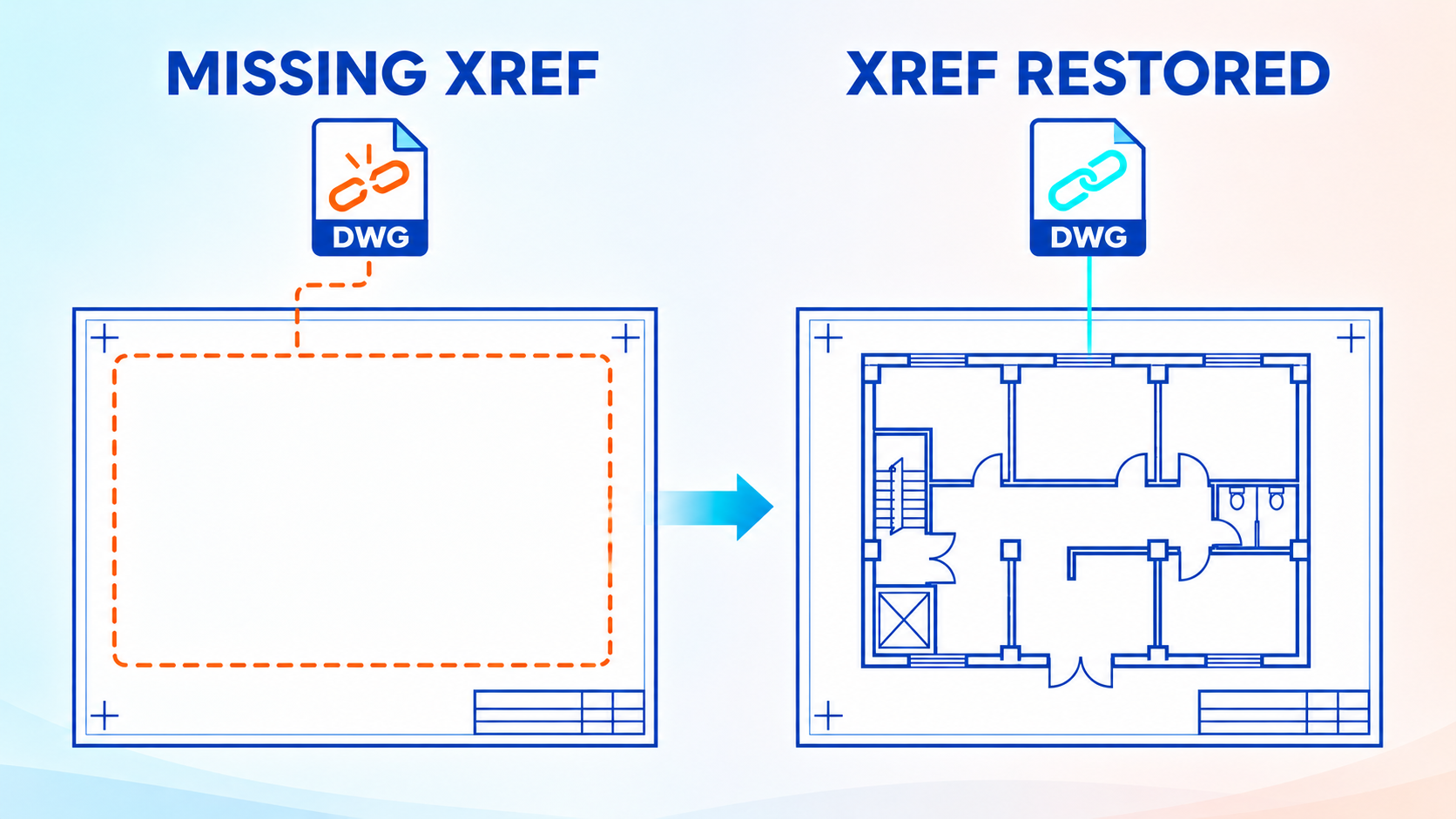
    How to Fix Missing Xrefs in a DWG File

    You open a DWG and the drawing looks strangely empty. The floor plan is there, but the structural grid is gone. Or the title block remains while an entire referenced…

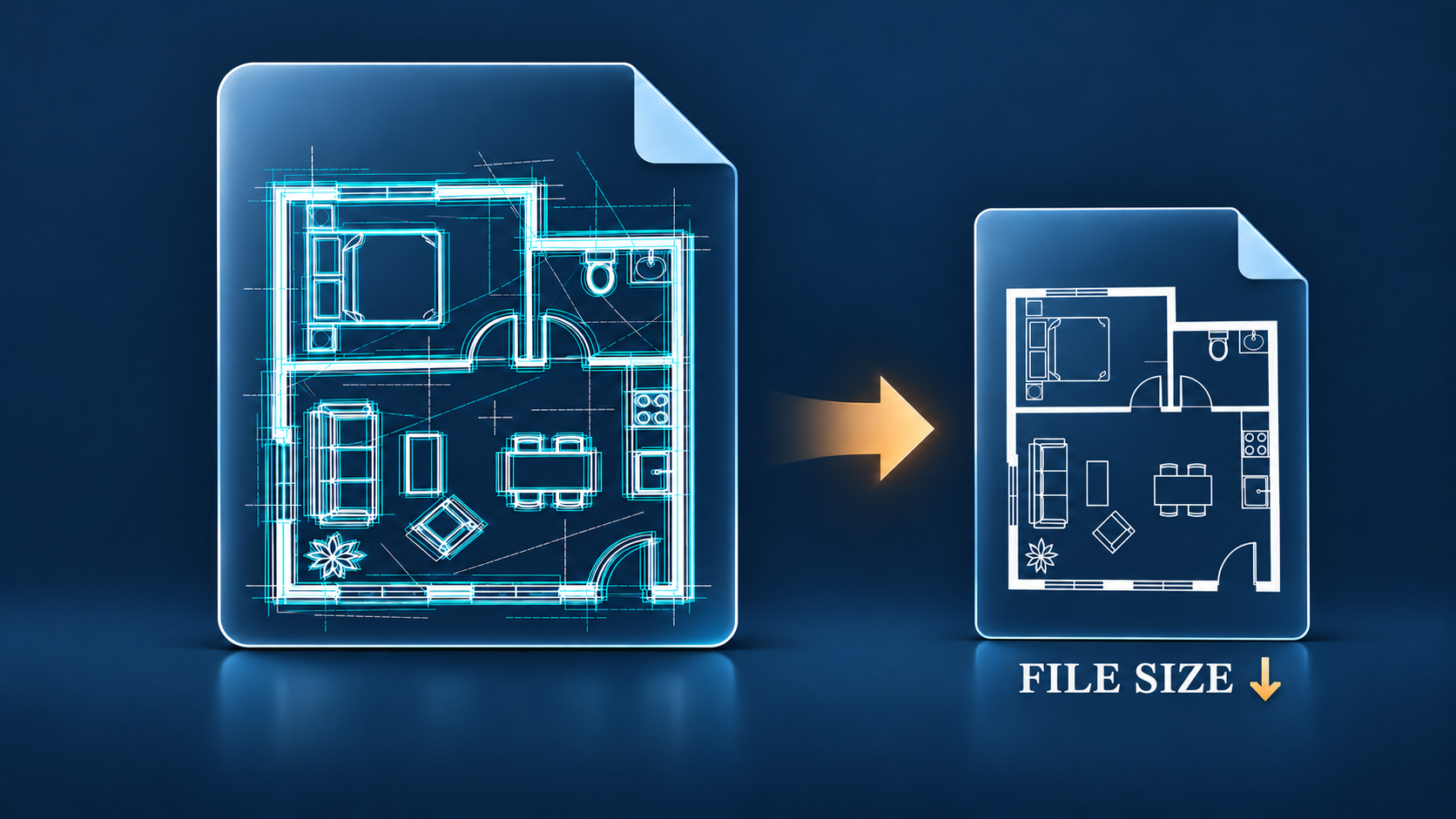
    Why Is My DWG File So Large and How to Reduce It Safely

    A DWG file can grow far beyond what its visible geometry seems to justify. Common causes include unused definitions, duplicate objects, imported content, empty text, zero-length geometry, registered application data,…

    Leave a Reply

    Don't Miss out

    How to Fix Missing Xrefs in a DWG File

    • November 19, 2026
    How to Fix Missing Xrefs in a DWG File

    Why Is My DWG File So Large and How to Reduce It Safely

    • November 11, 2026
    Why Is My DWG File So Large and How to Reduce It Safely

    What Is a DXF File? A Practical Guide to CAD Exchange

    • November 4, 2026
    What Is a DXF File? A Practical Guide to CAD Exchange

    What Is a DWG File? An Easy Guide for CAD Beginners

    • October 30, 2026
    What Is a DWG File? An Easy Guide for CAD Beginners

    What’s New in GstarRender: AI Architectural Visualization from Concept to Video

    • October 29, 2026
    What’s New in GstarRender: AI Architectural Visualization from Concept to Video

    GstarCAD Deep Dive: What’s New in Batch Plotting for 2027?

    • October 20, 2026
    GstarCAD Deep Dive: What’s New in Batch Plotting for 2027?

    Discover more from Gstarsoft's Blog

    Subscribe now to keep reading and get access to the full archive.

    Continue reading