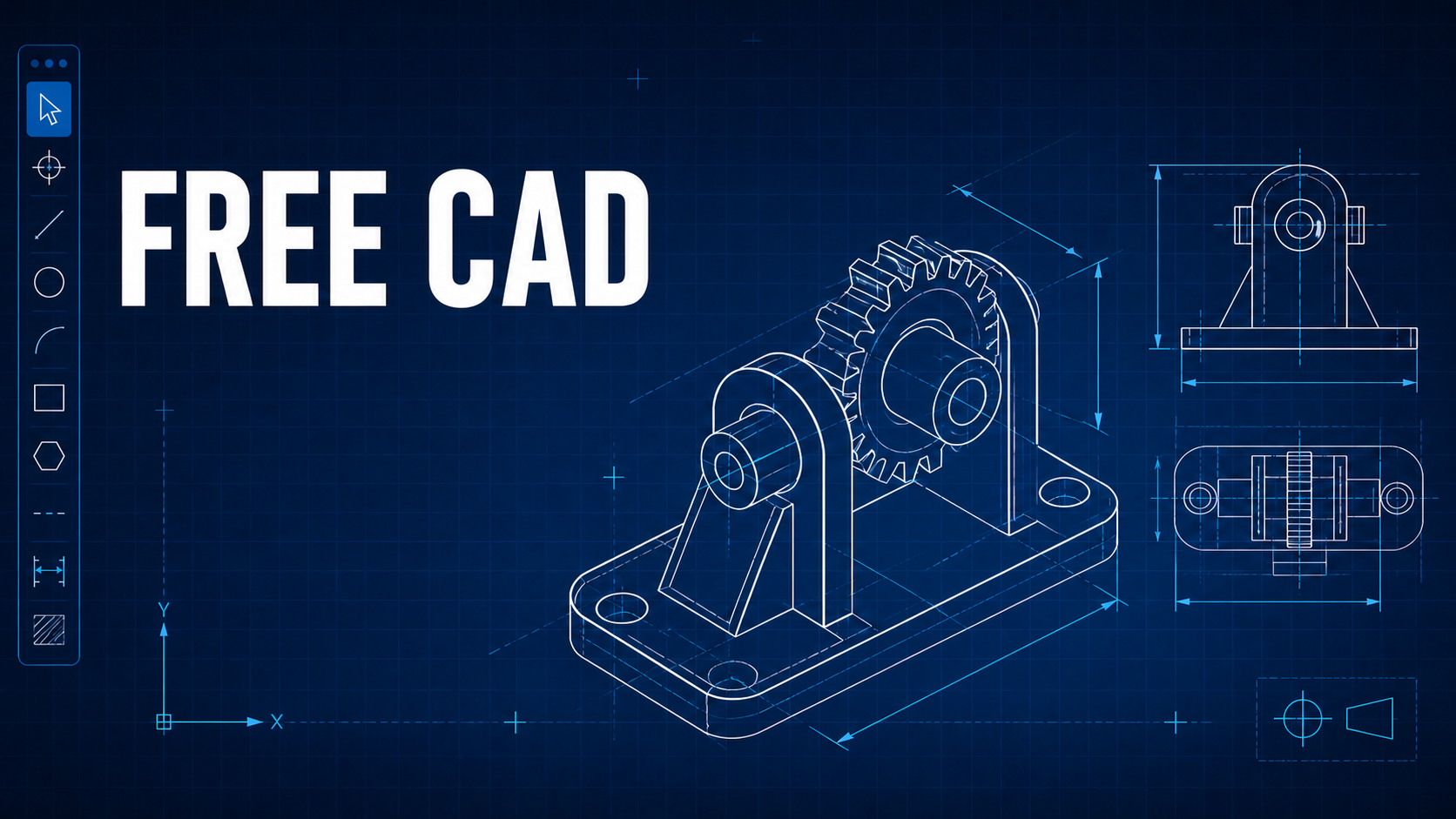
GstarCAD 2021 Beta version has been released with many new features including powerful 3D functionality as well as significant improvements.
New features added
* 3D COMMANDS
GstarCAD 2021 has greatly optimized its 3D functionality with a series of new commands added.
POLYSOLID
Designers can use this command to create 3D solid in the shape of a wall directly or by selecting existing polylines. A polysolid is drawn the same ways as a polyline, which is created with continuous straight and curved segments.

CONVTOMESH / CONVTOSOLID / CONVTOSURFACE / CONVTONURBS
GstarCAD 2021 has added 3D convert commands that convert eligible objects into mesh, 3D solid, 3D surface, etc.


* Import, Export and Migrate User Custom Settings
GstarCAD 2021 supports the import and export of user custom settings, and preferred custom settings such as user profile, CUI, linetype, and hatches can be easily migrated from earlier versions to GstarCAD 2021.
* POINT CLOUD
With the POINT CLOUD, users can insert point cloud reference, and apply object color and RGB scan colors to display point cloud data.

* QUICK MEASURE
GstarCAD 2021 supports a new quick measure features with RAPIDDIST command, which measures distance and angle between 2D objects along X and Y axis very rapidly, all you need to do is moving your cursor.

Significant improvements
Significant improvements have been made to lighten workload and streamline design process.
* TOOL PALETTE
The Tool Palette now allows users to add a tool based on an existing hatch pattern. We can drag and drop a hatch object with specified scales into the Tool Palette.

* Mtext Editor
GstarCAD 2021 has improved Mtext Editor that allows users to number the text and add superscript and subscript to the selected text.

Try it for free !
Download the Beta version to try more new features and improvements ! https://www.gstarcad.net/cad2021
If you have any question, please feel free to contact us:
Marketing : info@gstarcad.net
Sales : sales@gstarcad.net
Technical Support : support@gstarcad.net
Discover more from Gstarsoft's Blog
Subscribe to get the latest posts sent to your email.