
Case study: How TopenTech Optimized Equipment Diagnostics and Field Productivity with GstarCAD
Introduction: Bridging the Gap Between Engineering and Diagnostics For TopenTech Co., Ltd., success is measured by the precision of their diagnostics and the efficiency of their field operations. Specializing in…

Top 10 best floorplan design software in 2026 (2D&3D)
Are you searching for the best floor plan design software to bring your space ideas to life? Before diving into the top tools, let’s clarify what a floor plan is…

How GstarCAD Empowers the Communications Industry: Tailored Solutions
As the communication industry evolves at a rapid pace today, precision, efficiency, and seamless collaboration have become non-negotiable for driving project success. For years, generic tools have struggled to meet…
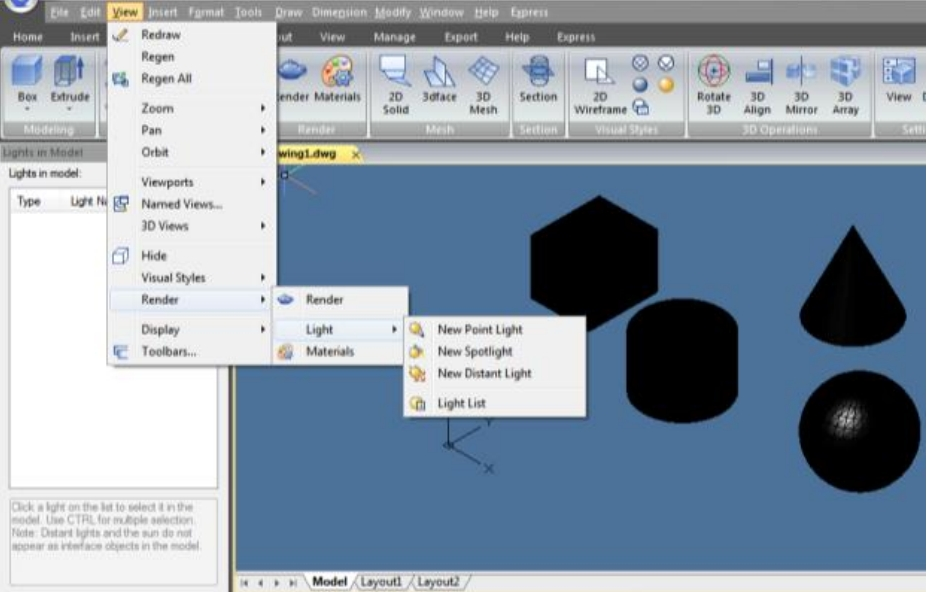
How to do simple rendering in CAD
This article covers simple rendering techniques in GstarCAD. You’ll learn how to enhance your designs visually, whether you’re a beginner or an experienced user.
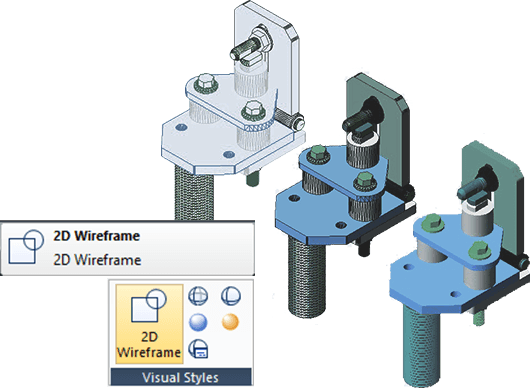
How to deal with 3D objects in GstarCAD
Handling 3D objects is essential in modern design. GstarCAD provides various tools to manage 3D models. This article will outline key methods for working with 3D objects in GstarCAD, helping users leverage its capabilities for more complex designs.
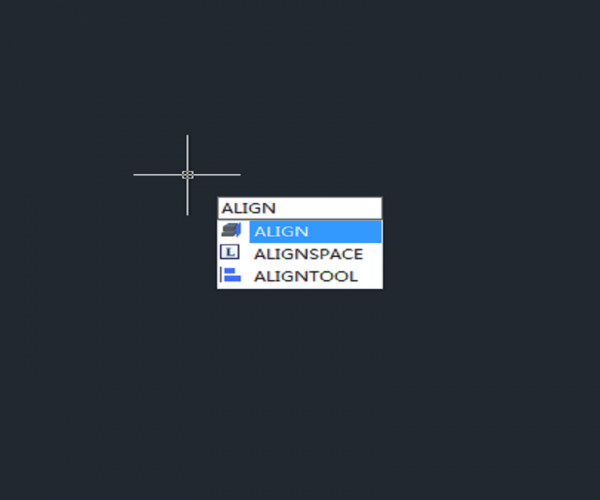
What is Align command and how to align two objects with Align command?
There is more than one way to align two objects, Align command is only one convenient way to do it.
The Align command can not only be used in 3D modeling but also in 2D drawing.

How to select two objects of different types with Quick Select and Filter
The Quick Select is a very useful tool, but can we use it to select two types of objects when it only supports the selection of one object type? The answer is to use it twice.

How to add layers and dimension styles from other drawings to the current drawings?
How to add layers and dimension styles from other drawings to the current drawings?
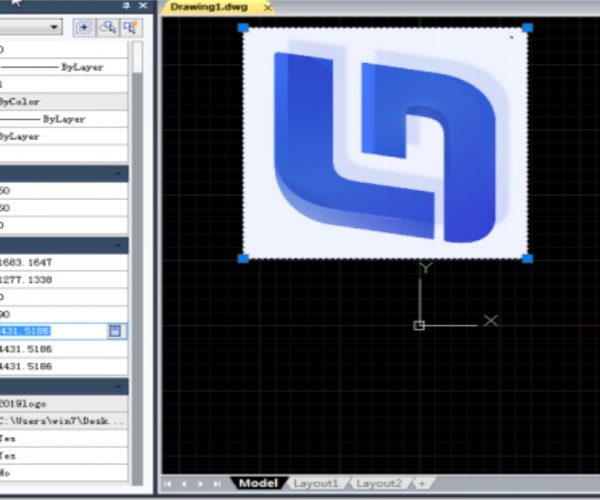
Why I can’t rotate the inserted OLE image?
Inserting image like this has a problem: when we copy the drawing to others, we will have to attach the image file, otherwise, the image won’t show in the drawing that we send to others. That’s why most of the time CAD users prefer to insert an OLE image since the OLE image is saved in the drawing and there is no need to attach the image again.

How to add transparency to graphics objects?
In lower version of CAD, when graphics objects cover each other, we’ll need to set sequence for them and make text, dimension and some graphics objects show on top and make other objects show in the bottom. Higher version of CAD provides transparency settings, so we can add transparency to graphics objects when they cover each other and we can see through the intersection part.






)


