
How to merge several layouts into one with GstarCAD 2023
The Layoutmerge command in GstarCAD 2023 merges specific layouts into a single layout.

How to see all the layout tabs at once with GstarCAD 2023
If you have problem with too many layouts in your drawing and have to inconveniently switch between them? Now, there is a better way to see all the layout tabs at once in GstarCAD 2023.
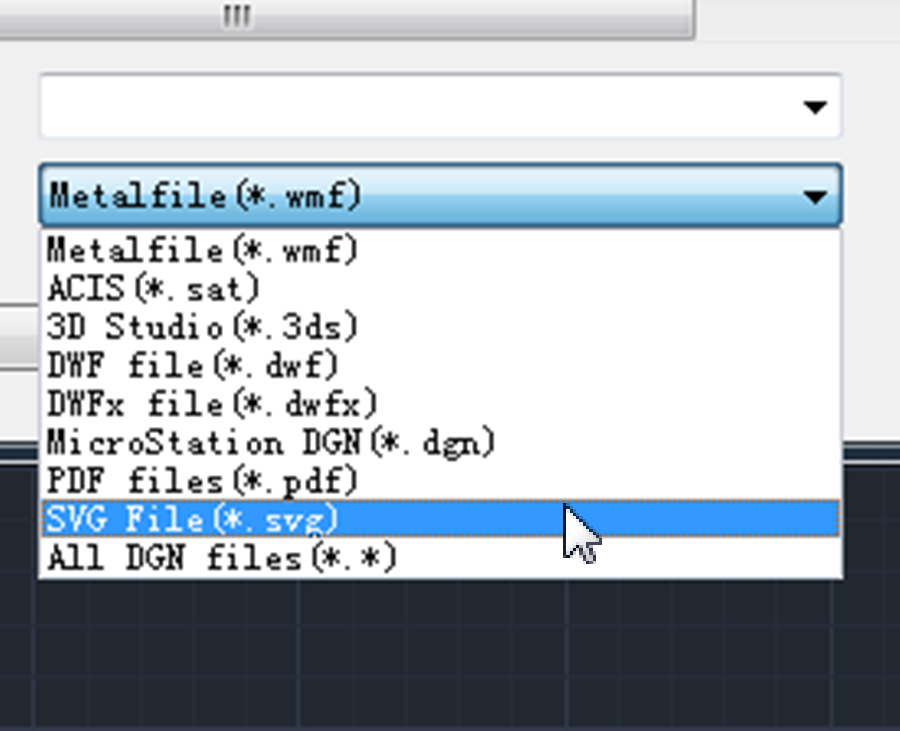
Now you can import & export SVG file in GstarCAD 2023
In GstarCAD 2023, SVG (Scalable Vector Graphics) files are available to be imported and exported.
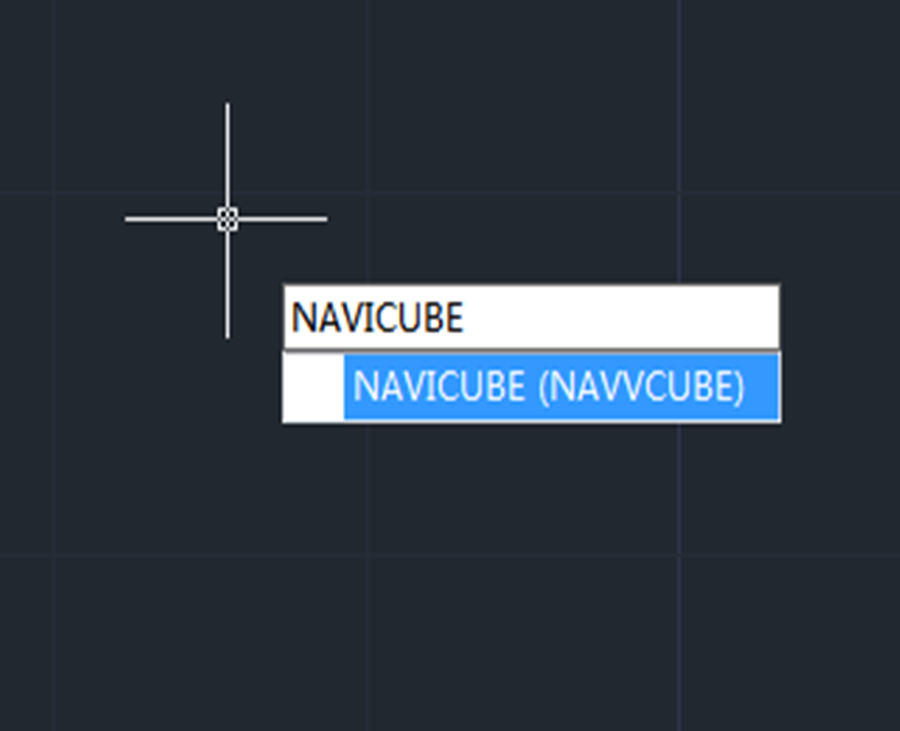
How to use the Navigation tool in GstarCAD 2023
Navigation Tool is a new tool that is clickable and draggable in 2D model space or 3D. Users can easily switch between standard and isometric views and switch to one of preset views by clicking or dragging the NaviCube, roll the current view, or change to the Home view of the model, it can be used to increase design efficiency.

Enhanced Palettes in GstarCAD 2023
GstarCAD 2023 has enhanced palettes that greatly improves drawing efficiency and user experience.
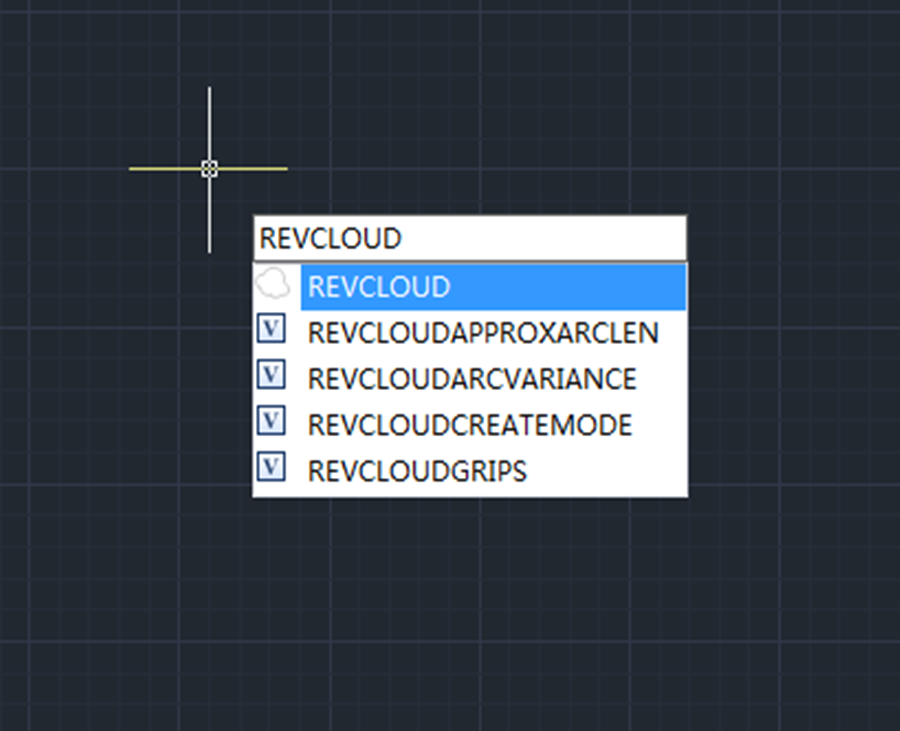
Enhanced Revcloud in GstarCAD 2023
Revision Cloud consists of a series of arcs to quickly and easily highlight parts of a drawing that has been modified or revised, the revision cloud gets its name because of its cloud shape form.
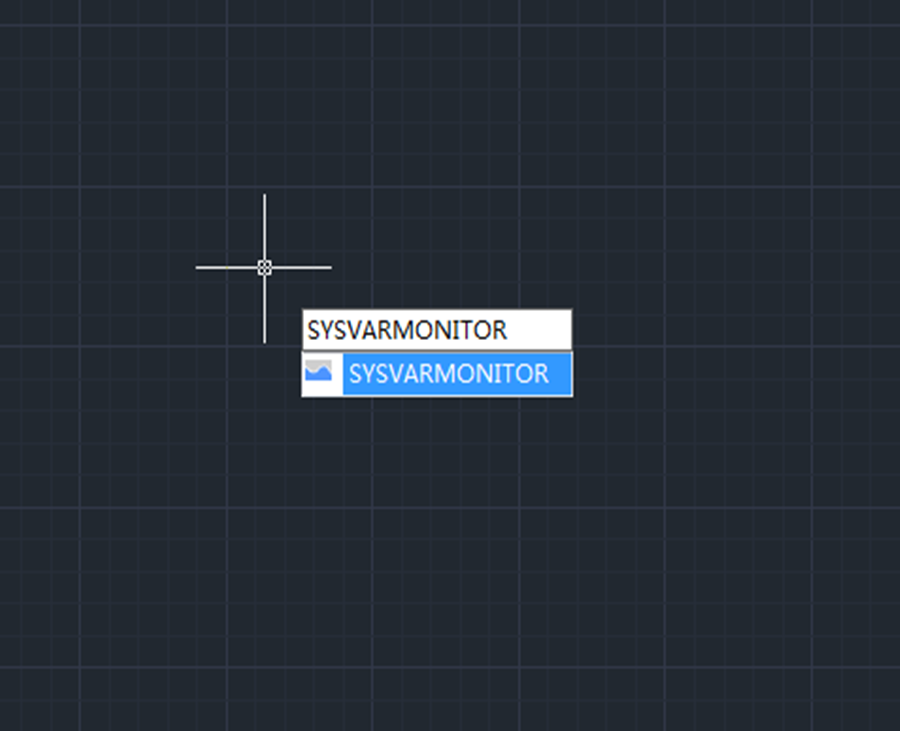
Monitor your system variables with GstarCAD 2023
System variables play a very important role in CAD drafting for they control how certain commands work or the appearance of the user interface. Therefore we can change the value of a system variable to change the behavior of commands.
GstarCAD 2023 Beta Version is available
The Beta version of GstarCAD 2023 has just been released, please feel free to download and try for free. Let’s explore the enhancements and newest features in GstarCAD 2023.

5 Reasons to choose GstarCAD Mechanical 2022
5 Reasons to choose GstarCAD Mechanical 2022








