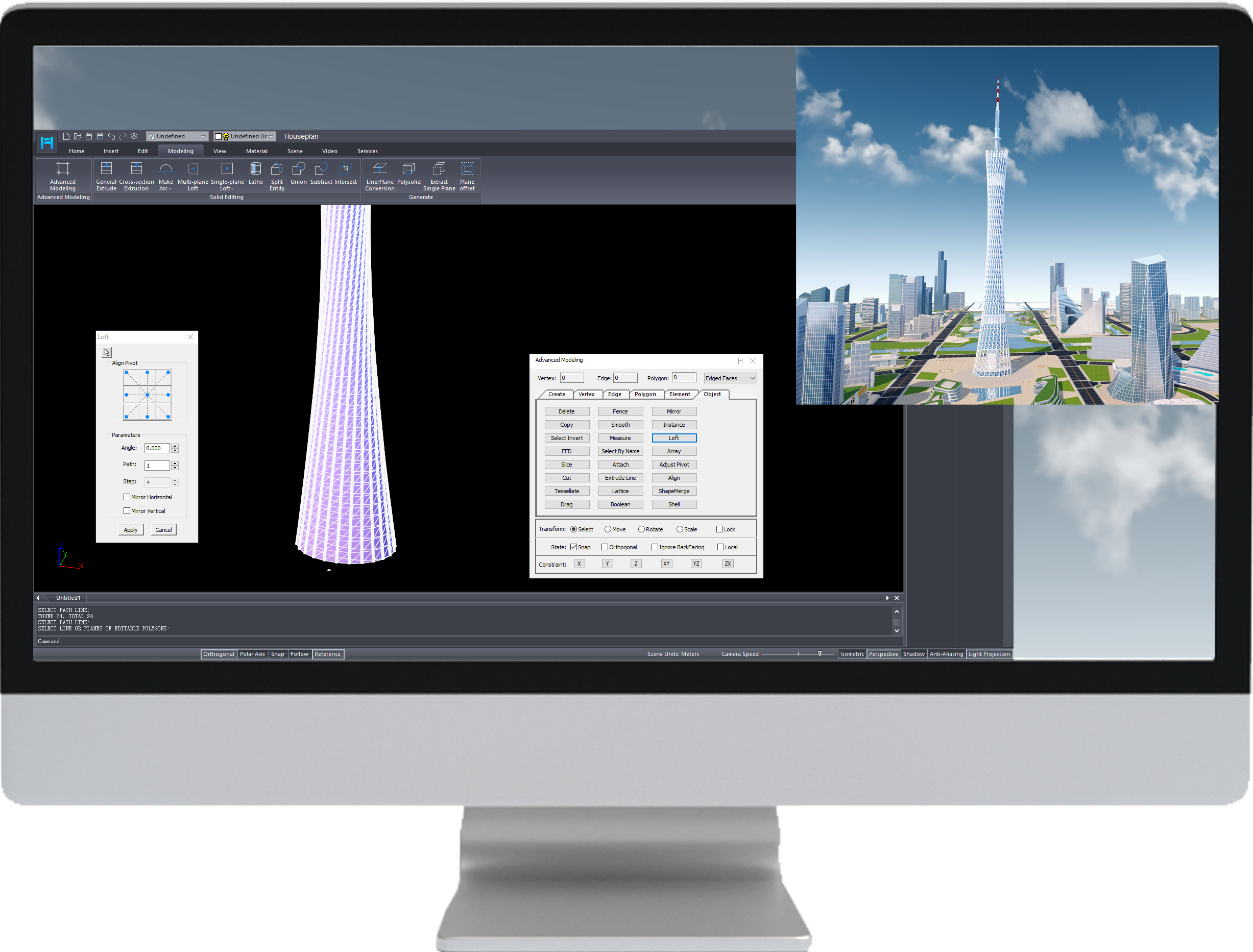
Looking for the best 2D CAD software for Windows 10 to work the way you want? Let’s explore more about free 2d cad software for Windows 10.
What is CAD software and 2D CAD software?
CAD (Computer-Aided Design) is a software program that is widely used by architects, mechanics, engineers, designers, manufacturers, etc. to create 2D drawings and 3D models.
2D CAD software is CAD software designed to create accurate 2D drawings and plans in a fast and productive way, and it has advantages over 3D CAD software.
Reasons you should use 2D CAD software for Windows?
There are 2D CAD software programs run on different computer operating systems such as Mac, Windows, and Linux. Compared with other operating systems, Windows works differently and has some advantages over others.

* User-friendly
Since there are many Windows users on the market, Windows PCs have more software programs available, including 2D CAD software, so users can find the best 2D CAD software for their projects.
* Easy-to-use
Windows operating system has been around for a long time and the system is stable and compatible with many software programs and hardware. Besides, it is very easy for users to customize themes and settings.
* Cost-effective
One of the advantages of Windows PC is cost-effective. 2D CAD software for Windows helps users stay efficient and productive with familiar and intuitive tools and stability.
Best free 2d cad software for Windows 10
GstarCAD (Free 30-day trial)
GstarCAD is a popular 2D CAD software program for producing drawings for a wide range of industries such as building, electronics, etc. GstarCAD runs on Windows 10 and other Windows versions, so if you are looking for 2d cad software for Windows 10, then you should definitely consider it. It is not only stable and lightweight but also has minimal system requirements for computers without compromising quality and users’ experience.
The latest version GstarCAD 2024 has been released with significant enhancements, new features innovative tools. GstarCAD provides a 30-day free trial without functionality limitations and no credit card is required to access the free trial period.
Download 2D CAD for Windows now!
Discover more from Gstarsoft's Blog
Subscribe to get the latest posts sent to your email.






