
Why there is no preview for my drawing commands?
The DRAGMODE system variable is used to control the preview effect when dragging objects with cursor or drawing.

The Overkill Command
The OVERKILL command, which is used to delete duplicate objects, removes duplicate or overlapping lines, arcs, polylines, etc.
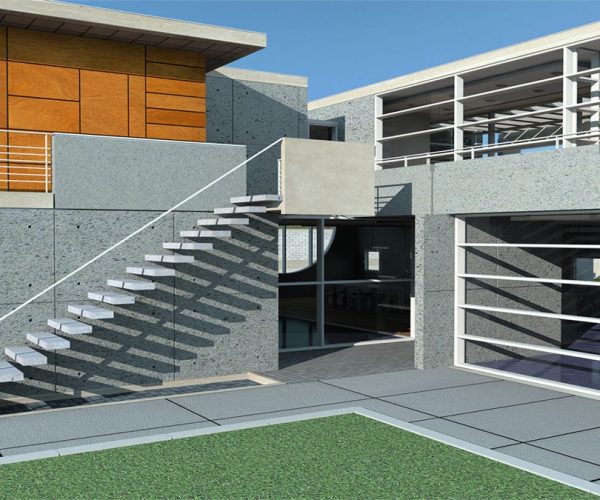
Artisan rendering available in GstarCAD 2020
Good news for all those designers who want the best rendering effect, as well as the innovative features and outstanding functionality of GstarCAD 2020. Artisan is now supported in GstarCAD 2020.
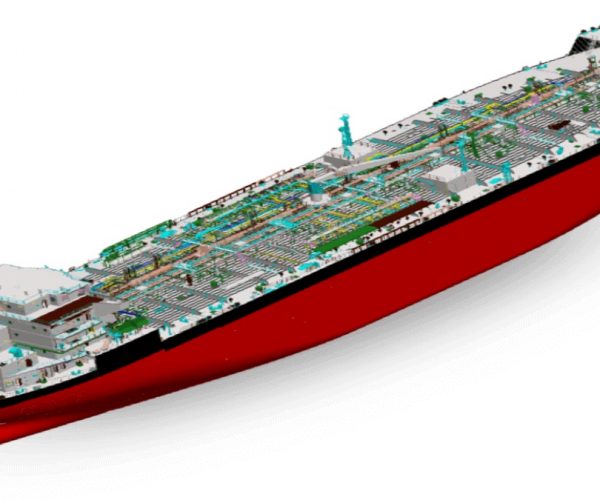
3D FastView 2020 available now
We are very glad to announce that the long-waited 3D FastView 2020 is available now for download and purchase.
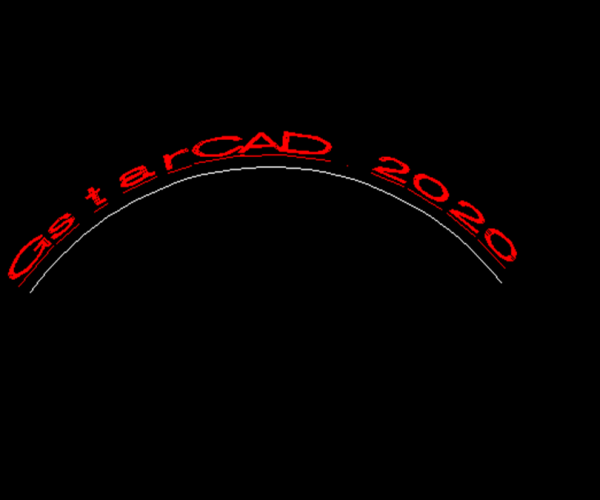
Can we create Arc-Aligned text with GstarCAD?
With GstarCAD, we can not only create single line and multiline text object, but also arc-aligned text with ARCTEXT Command.
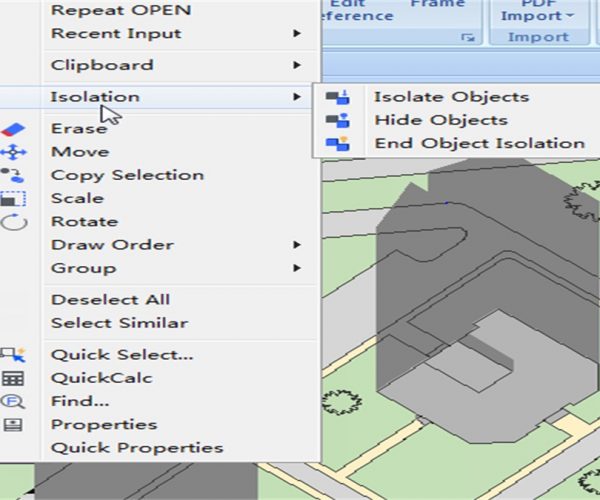
How to hide and isolate selected objects?
Hiding an object is to make it invisible, and isolating an object is similar to layer isolation, which is to temporarily hide all objects except the selected ones.

Good News: release of GstarCAD Mechanical 2020
GstarCAD Mechanical 2020 has been released with many new features and improvements that greatly improve the productivity of all areas including manufacturing, design, software re-engineering, etc.
What’s the difference between Attachment and Overlay when attaching external Reference?
If we choose Attachment type, then any xref that’s inserted into our drawing will carry through to the next one drawing when we xref your drawing into another drawing.

Named-user subscription VS Flexible licensing
GstarCAD can work with or without internet connection and is available in perpetual license, subscriptions, network license, etc. Whether you are an individual users or company users, you can always find a plan for you.
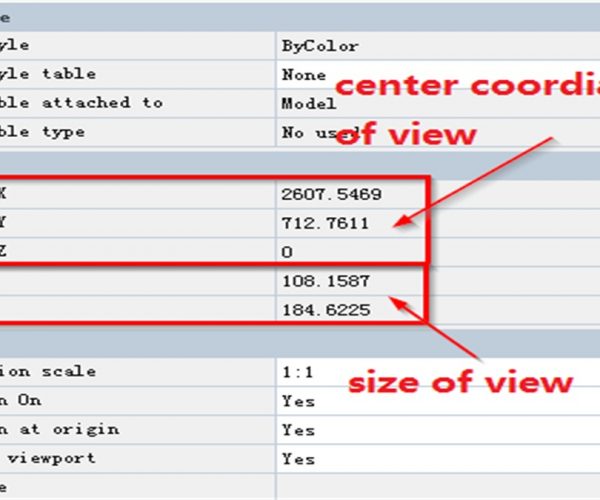
Functions of CAD Properties Panel
The Property Panel is a useful tool in CAD program, then how does it usually help us in different ways?







