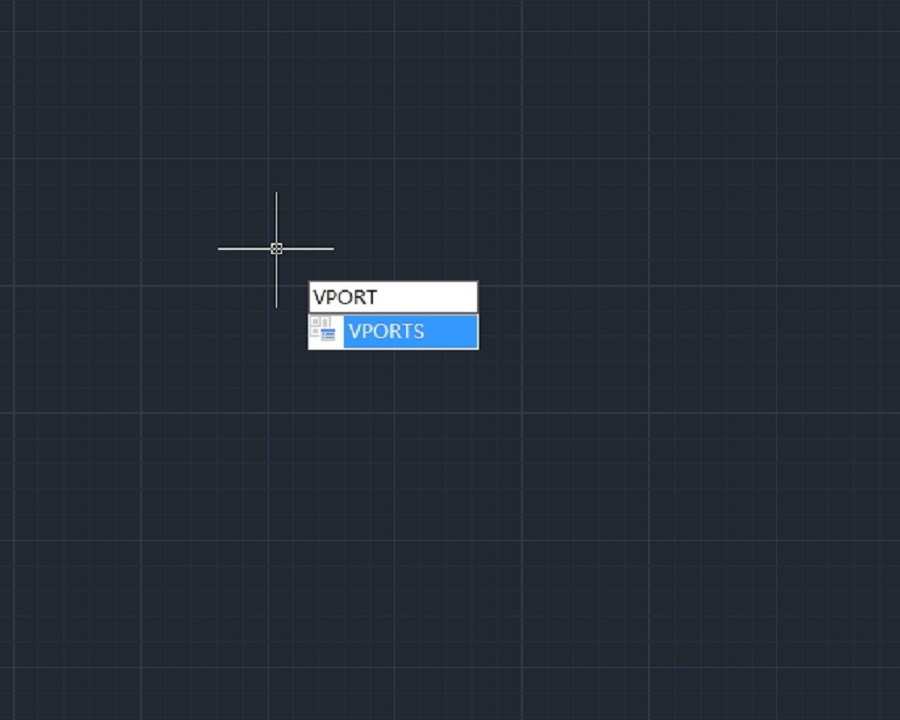
What to do with duplicate or overlapping objects in a drawing? Try Overkill command

Sometimes there would be completely duplicate or overlapping objects such as lines, arcs, polylines, etc.

This not only increases the data the CAD system has to deal with, but also negatively impact the creating and editing of an object, so you’d better get rid of the duplicate or overlapping objects with Overkill command. Overkill command also combines those that are partially overlapping or contiguous.
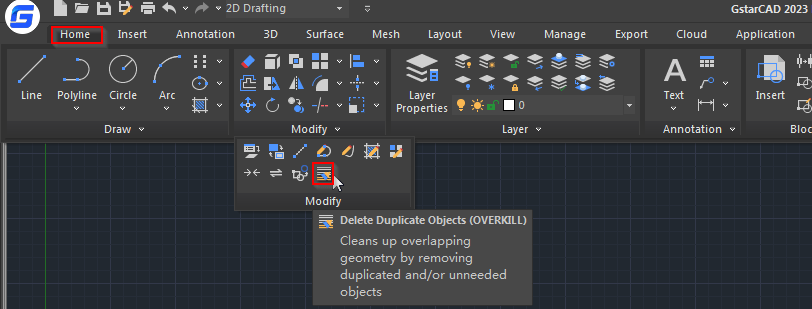
After executing the command, you’re prompted to select an object,

Then the following Overkill dialog box will pop up,

In removing or combining objects, only objects that have shared properties will be combined, but you can choose to ignore color, layers, linetype, etc. and remove or combine overlapping objects that are of different colors or layers.

The following are examples of using it to remove duplicate objects:

  1. remove duplicate objects

When there are two or more overlapping objects, we normally keep one and delete the other,

2. Remove duplicate arcs

3. remove duplicate section of polylines

When a line, arc polyline has overlapping section with other polylines, the CAD system will remove the overlapping section.

When polyline overlaps with another polyline, the CAD system will also remove the overlapping section.

GstarCAD Blog

www.gstarcad.net

Related Posts

How to work with raster images in CAD?

A raster image in CAD (Computer-Aided Design) refers to a type of digital image that is composed of a grid of individual pixels, each with its own color value.

How to work with multiple views of a single drawing?

GstarCAD supports opening and working with several views of the same drawing simultaneously.

Leave a Reply

Don't Miss out

Gstarsoft Showcases Integrated CAD + BIM Solutions at BIM World Paris 2026

  • April 3, 2026
Gstarsoft Showcases Integrated CAD + BIM Solutions at BIM World Paris 2026

Boost CAD Productivity with GstarCAD 2026’s XTP Import Feature

  • March 24, 2026
Boost CAD Productivity with GstarCAD 2026’s XTP Import Feature

Case study: How TopenTech Optimized Equipment Diagnostics and Field Productivity with GstarCAD

  • March 9, 2026
Case study: How TopenTech Optimized Equipment Diagnostics and Field Productivity with GstarCAD

The Ultimate Guide to GstarCAD Mechanical 2026: The Future of Manufacturing Design

  • January 30, 2026
The Ultimate Guide to GstarCAD Mechanical 2026: The Future of Manufacturing Design

GstarCAD 2026 DWG Comparison: Boost Design Efficiency

  • January 16, 2026
GstarCAD 2026 DWG Comparison: Boost Design Efficiency

How to Calculate CAD Area Quickly?

  • December 25, 2025
How to Calculate CAD Area Quickly?

Discover more from Gstarsoft's Blog

Subscribe now to keep reading and get access to the full archive.

Continue reading