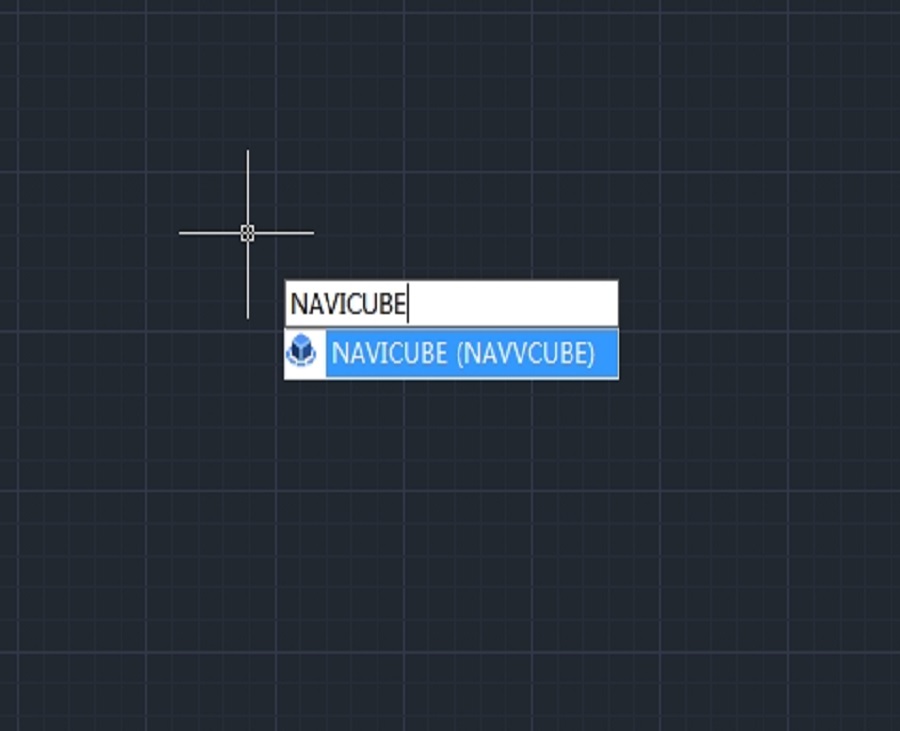
How to use NAVICUBE in GstarCAD
The Navicube in GstarCAD is a navigation tool that enhances the user experience by providing an intuitive way to navigate through 3D models and drawings.

Troubleshooting: How to turn off NaviCube in GstarCAD
NaviCube is a very useful navigation tool that allows users to easily switch between standard and isometric views and switch to one of preset views by clicking or dragging the NaviCube, roll the current view, or change to the Home view of the model.
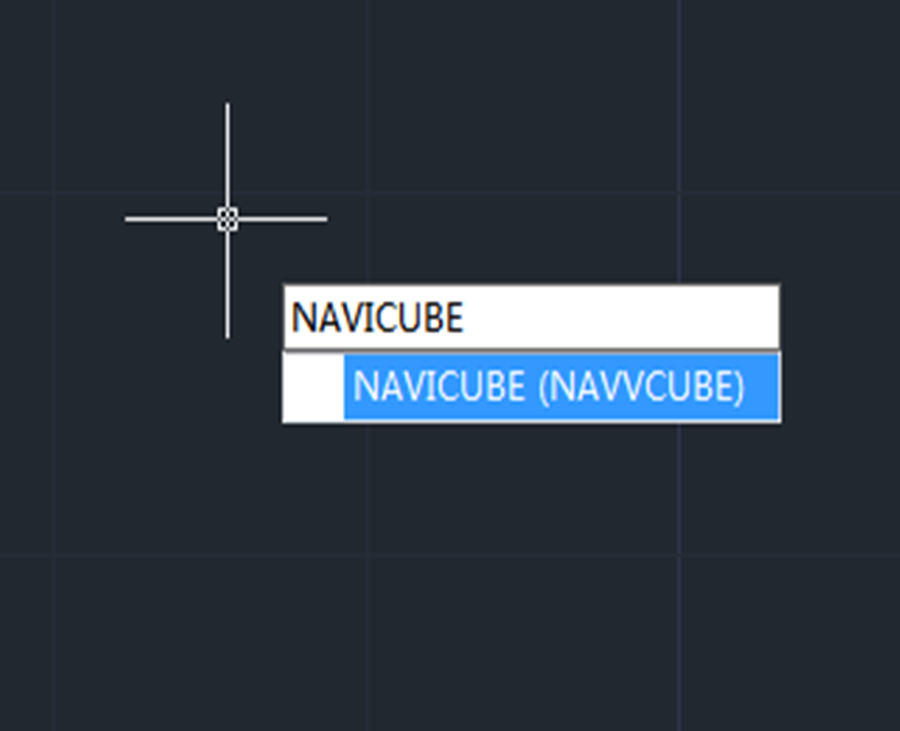
How to use the Navigation tool in GstarCAD 2023
Navigation Tool is a new tool that is clickable and draggable in 2D model space or 3D. Users can easily switch between standard and isometric views and switch to one of preset views by clicking or dragging the NaviCube, roll the current view, or change to the Home view of the model, it can be used to increase design efficiency.







