
How to reset settings to default in GstarCAD 2023
One of the new features in GstarCAD 2023 is to reset GstarCAD settings to default with just one click.
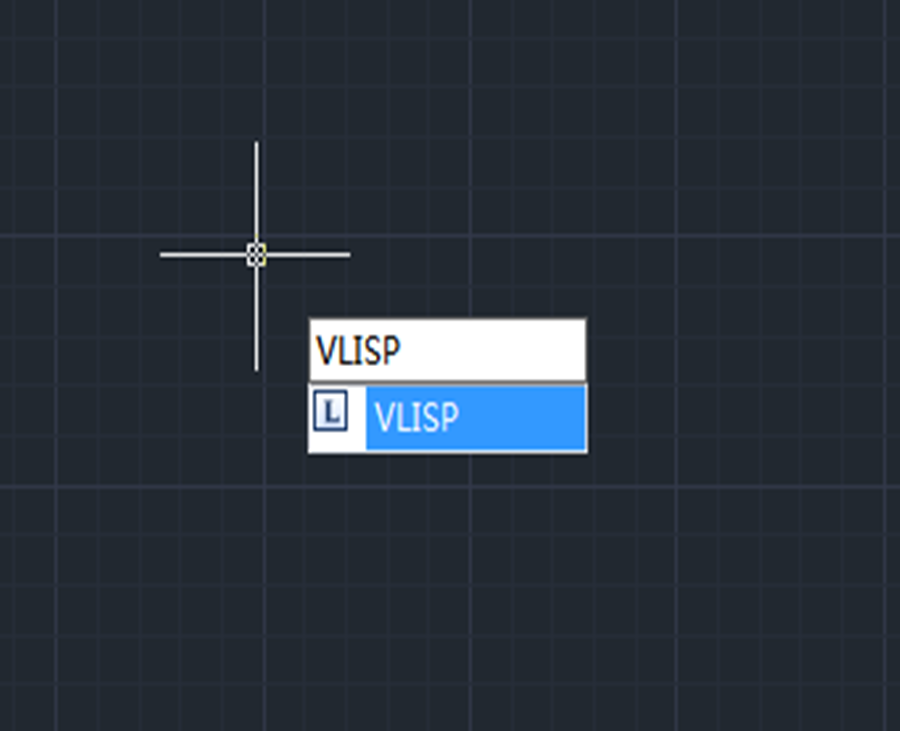
How to debug lisp programs in GstarCAD 2023
After executing the Visual LISP editor, the CAD system will launch the Visual Studio Code as the Lisp Debugger in GstarCAD 2023, and users are able to edit and debug Lisp programs very conveniently.
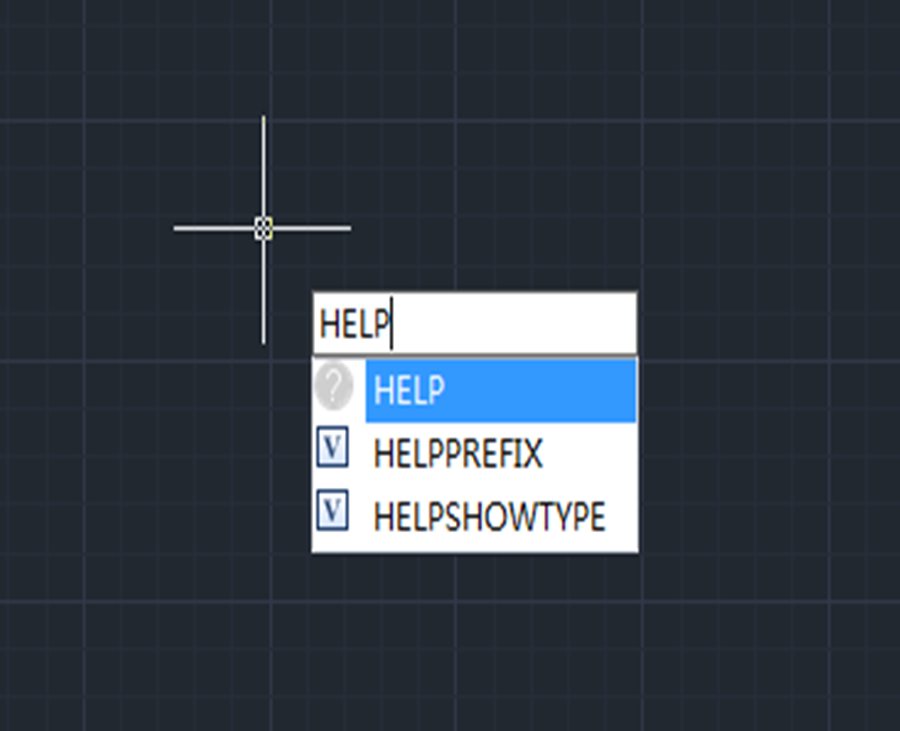
Enhanced User Experience with Online Help in GstarCAD 2023
Online Help is available in GstarCAD 2023 and provides regularly updated information.
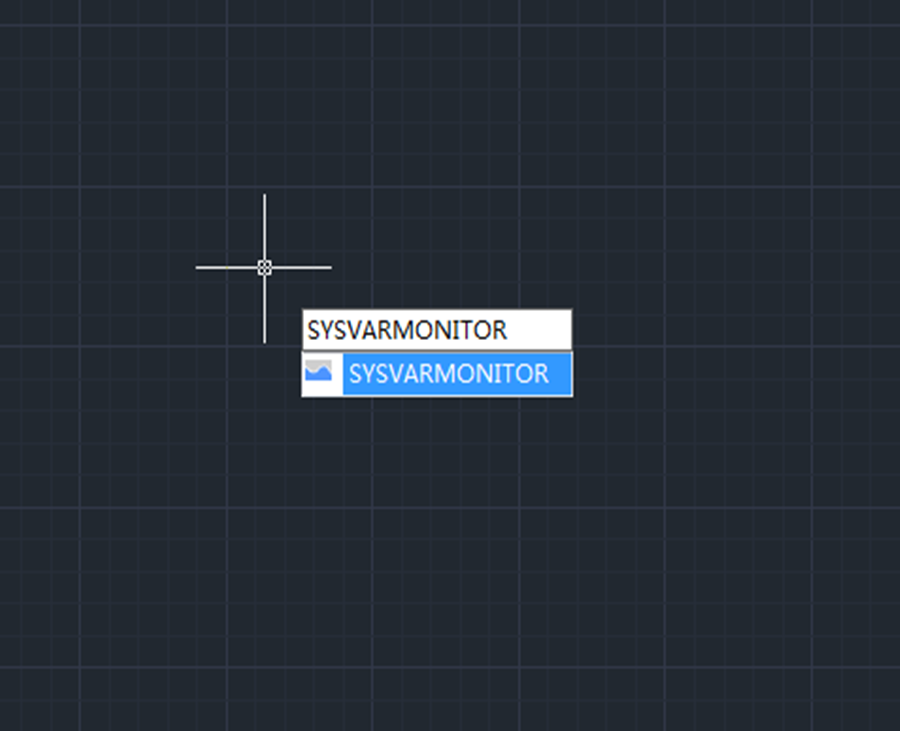
Monitor your system variables with GstarCAD 2023
System variables play a very important role in CAD drafting for they control how certain commands work or the appearance of the user interface. Therefore we can change the value of a system variable to change the behavior of commands.

GstarCAD 2023 Beta Version is available
The Beta version of GstarCAD 2023 has just been released, please feel free to download and try for free. Let’s explore the enhancements and newest features in GstarCAD 2023.







