
GstarCAD 2026 DWG Comparison: Boost Design Efficiency
GstarCAD 2026 has introduced a new DWG Compare tool designed to eliminate the manual effort of identifying revisions between drawing versions. By using the COMPARE command, the software automatically highlights additions in red, deletions in green, and identical elements in gray using revision clouds. This feature streamlines the proofreading process for architects and engineers, allowing for instant visual verification of changes across any DWG file.

DWG vs DXF: Choosing the Right CAD Format
In the field of Computer-Aided Design (CAD), DWG and DXF are two of the most widely used file formats. Both store geometric entity information and support layer-based organization of drawing…
How to convert a PDF to a DWG/DXF?
The PDF to DXF feature allows users to convert PDF files to .dxf files directly in GstarCAD.
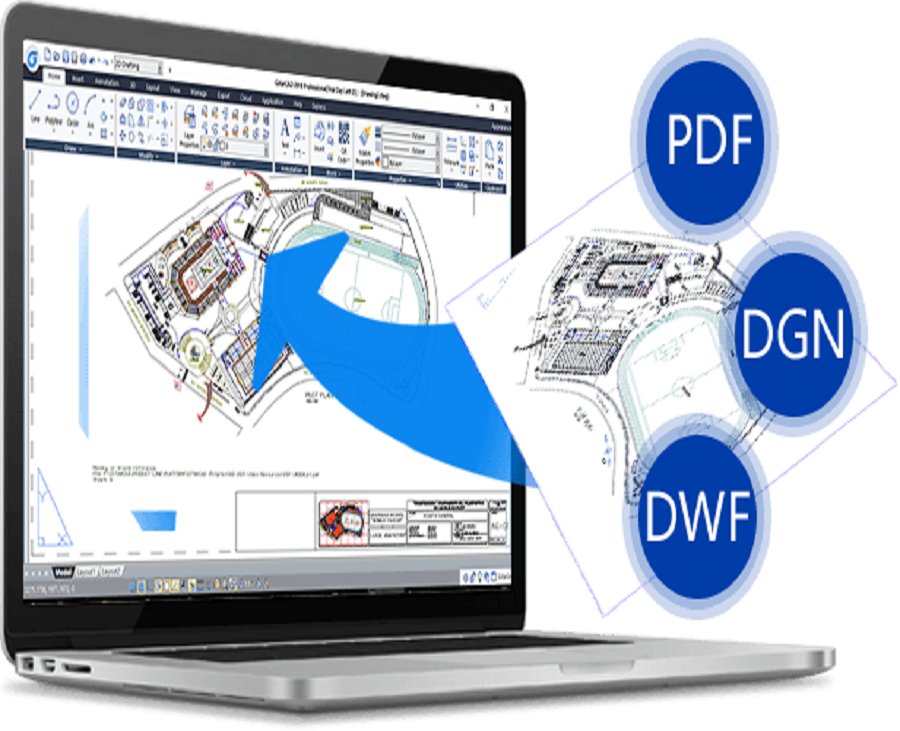
How to convert CAD files
2D CAD files are those CAD files that contain 2D CAD data and objects that are created by 2D CAD drawing software while 3D CAD files are 3D models created using 3D CAD software.






